

Package Exports
- @cmdop/node
Readme
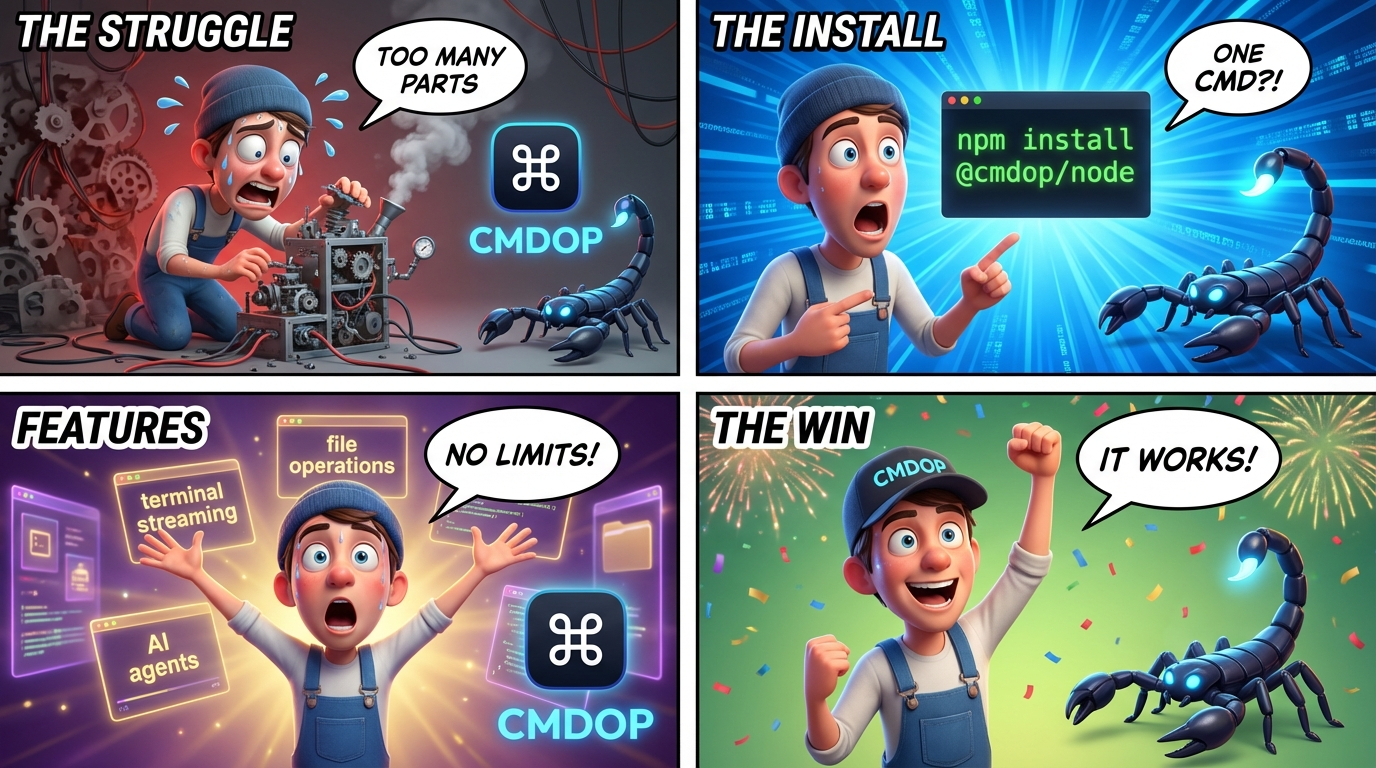
@cmdop/node
Node.js SDK for CMDOP — terminal streaming, file operations, AI agents over gRPC.
Install
npm install @cmdop/nodeRequires: Node.js >= 18.0.0
Quick Start
import { CMDOPClient } from '@cmdop/node';

// Local agent (auto-discover)
const client = CMDOPClient.local();

// Remote via cloud relay
const client = CMDOPClient.remote('cmdop_live_xxx');

// Route to a machine, then use any service
await client.terminal.setMachine('my-server');
await client.terminal.sendInput('ls -la\n');

const { output } = await client.terminal.execute('echo hello');
console.log(output);
Services
| Service | Description |
|---|---|
client.terminal |
Sessions, I/O, streaming, attach (SSH-like) |
client.files |
Read, write, list, search, archive remote files |
client.agent |
Run AI agents (one-shot, streaming, structured output) |
client.extract |
Structured data extraction via LLM |
client.skills |
List, show, run installed skills |
client.download |
Download remote files or URLs to local disk |
Attach with Password
const attach = client.terminal.attach(sessionId, { password: 'secret' });
attach.on((event) => {
  if (event.type === 'output') process.stdout.write(event.data);
});
await attach.connect();
Password can also be set via CMDOP_AGENT_PASSWORD env var.
SSH Connect
import { CMDOPClient, sshConnect } from '@cmdop/node';

const client = CMDOPClient.remote('cmdop_live_xxx');
await sshConnect({ client, hostname: 'my-server' });
Documentation
See docs/ for detailed guides:
- Terminal — sessions, I/O, streaming, attach, password auth
- Files — file operations
- Agent — AI agent execution
- Extract — structured data extraction
- Skills — skill management
- Download — file downloads
- Transport — local/remote transports, config, env vars
- Errors — error types and handling
Links
- Documentation
- npm
- @cmdop/core — Shared types
- @cmdop/react — React hooks
License
MIT