

Package Exports
- @image-tracer-ts/browser
- @image-tracer-ts/browser/dist/image-tracer-browser.js
- @image-tracer-ts/browser/dist/image-tracer-browser.mjs
This package does not declare an exports field, so the exports above have been automatically detected and optimized by JSPM instead. If any package subpath is missing, it is recommended to post an issue to the original package (@image-tracer-ts/browser) to support the "exports" field. If that is not possible, create a JSPM override to customize the exports field for this package.
Readme
@image-tracer-ts/browser
Trace images into SVG in the browser.
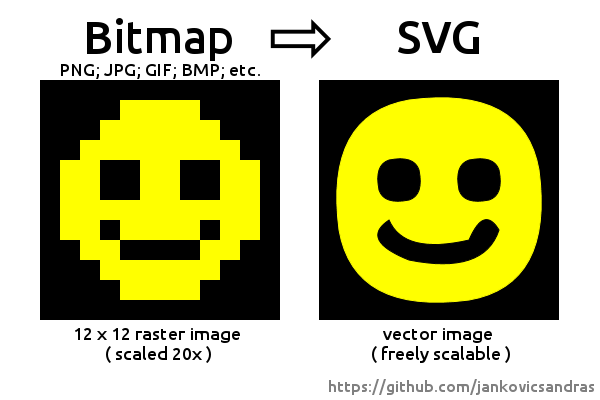
Adds browser-specific convenience methods to @image-tracer-ts/core to load data from different image types (PNG, JPEG, etc.) and locations (URLs, file objects, etc.).
Provides ESM and CJS packages.
A similar package is available for Node.js in @image-tracer-ts/nodejs.
Basic Usage
import { ImageTracerBrowser, Options } from '@image-tracer/browser';
const options: Partial<Options> = {fillStyle: 'stroke'}
const svgString = ImageTracerBrowser.fromUrl('https://.../image.png', options);
Tracing different source types
Basic syntax for tracing an image by URL:
ImageTracerBrowser.fromUrl<OutputType = string>(
  url: string,
  options: Partial<Options>,
  drawer: ImageDrawer<OutputType> | null = null
 ): Promise<string | OutputType>
Similarly, there is fromBuffer() (for ArrayBuffers), fromFile() (for File objects) and fromImageData() (for ImageData).
Import ImageLoader from @image-tracer/browser to convert sources into ImageData manually.
Passing a custom ImageDrawer as third parameter to the from*() methods allows to change how output is created from traced data.
Options
Same as @image-tracer-ts/core