
Package Exports
- @keepserene/writ
- @keepserene/writ/index.js
This package does not declare an exports field, so the exports above have been automatically detected and optimized by JSPM instead. If any package subpath is missing, it is recommended to post an issue to the original package (@keepserene/writ) to support the "exports" field. If that is not possible, create a JSPM override to customize the exports field for this package.
Readme

writ
A terminal-based, agentic AI coding assistant. Run it with one command — no install, no setup.






bunx @keepserene/writ
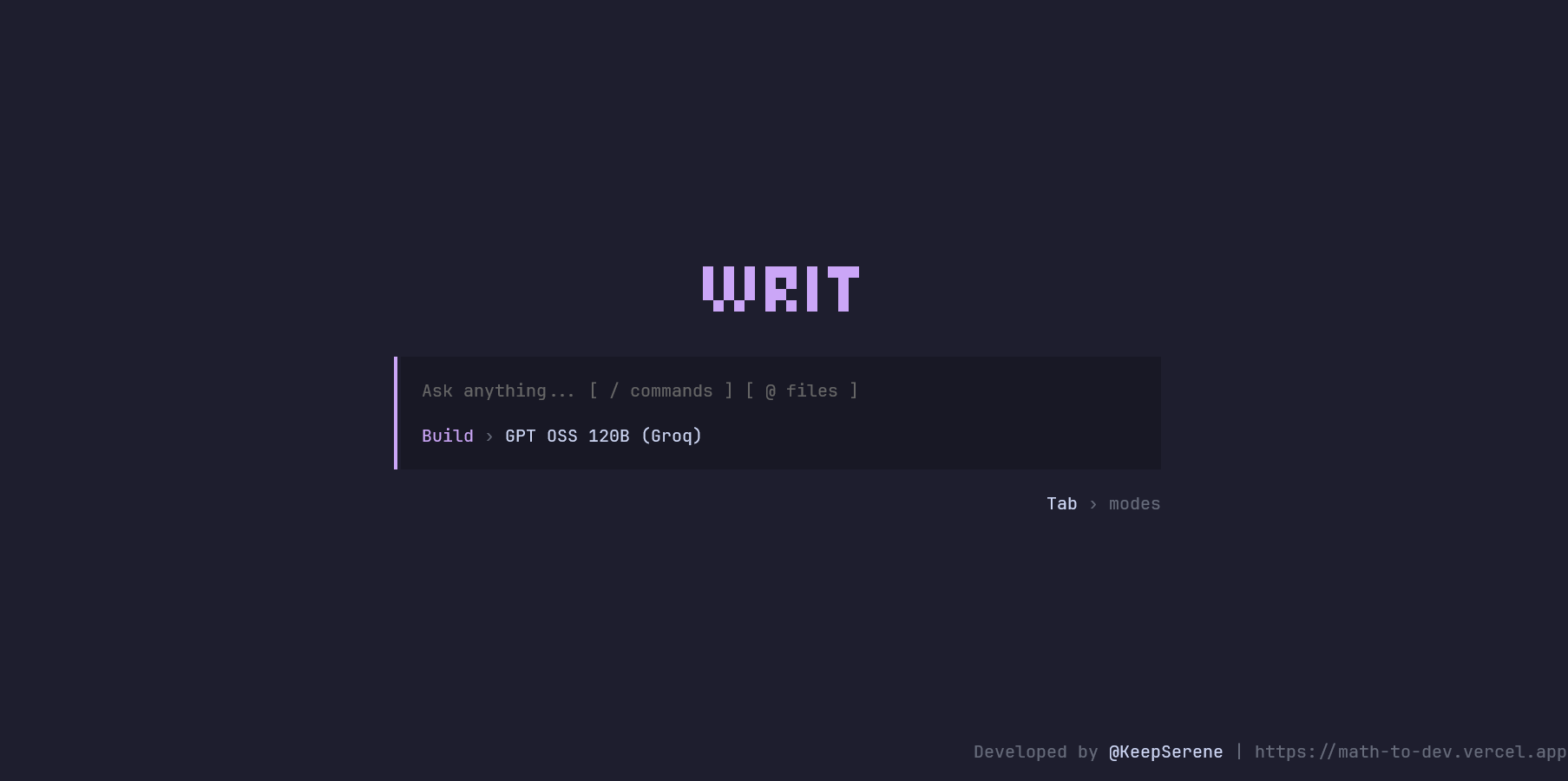
What is this?
writ is the terminal client for Writ, a full-stack AI coding assistant in the spirit of OpenCode and Claude Code. It runs entirely in your terminal, reads and edits files in whatever directory you launch it from, and streams responses from your choice of LLM provider through a small managed backend — no API keys required to try it.
This package is the CLI half only. It's a thin, React-powered terminal UI; all inference, auth, and billing happen server-side. See the full project README for the complete architecture, including the Hono/Prisma server this talks to.
Requirements
- Bun v1.3.14 or later — the only runtime dependency.
- macOS / Linux:
curl -fsSL https://bun.sh/install | bash- Windows (PowerShell):
powershell -c "irm bun.sh/install.ps1 | iex"- Already have Bun? Update with
bun upgrade. - Works on Windows, macOS, and Linux.
Quick Start
⏳Note on Cold Starts: Writ connects to a hosted free-tier server for its demo. If it has been inactive, your first prompt may take up to 50 seconds to respond while the server spins up. Please be patient! Subsequent requests will be near-instant.
# Recommended (Fastest)
bunx @keepserene/writ

# Fallback (Still requires Bun installed)
npx @keepserene/writ
That's it — no installation, no config file, no API keys. It connects to the hosted demo server out of the box. Run /login from inside the app to authenticate (opens your browser) and start a session.
If you'd rather install it globally instead of invoking it via bunx every time:
bun add -g @keepserene/writ
writ
Features
- Agentic tool use — reads, writes, and surgically edits files; searches your codebase with
grep/glob; runs shell commands — all executed locally, in the directory you launched it from. - Two modes —
Planfor read-only exploration,Buildfor full read/write + shell access. Toggle with Tab. - Multi-model picker — switch between Gemini, Groq, Mistral, Cerebras, and NVIDIA NIM models on the fly with
/models. @-mention files — type@to fuzzy-find and reference files/directories from your project directly in a prompt.- Resumable sessions —
/sessionslists your past conversations; pick one up where you left off. - Slash command palette — fast, keyboard-driven access to everything below.
- Themeable — several built-in color themes via
/themes, remembered across runs. - Secure auth — browser-based OAuth (Authorization Code + PKCE); no secrets ever touch your terminal or disk in plaintext. Your token is stored at
~/.writ/auth.jsonwith owner-only file permissions.
Usage
Slash Commands
| Command | Description |
|---|---|
/new |
Start a new conversation |
/modes |
Switch between Plan and Build mode |
/models |
Select an AI model |
/sessions |
Browse past sessions (requires login) |
/themes |
Change the color theme |
/login |
Sign in via your browser |
/logout |
Sign out and clear local credentials |
/upgrade |
Buy more compute credits (requires login) |
/usage |
View remaining credits & invoices (requires login) |
/exit |
Quit |
Modes
| Mode | Tools available |
|---|---|
| Plan (read-only) | readFile, listDirectory, glob, grep |
| Build (read & write) | All of the above, plus writeFile, editFile, bash |
Heads up: in Build mode, the assistant can run shell commands in your current directory. It's instructed to always ask before anything destructive (
rm -rf, force-pushes, dropping databases, etc.), but you're running an LLM-driven agent locally — keep an eye on what it proposes, same as you would with any AI coding tool.
File Mentions
Type @ followed by a path fragment to reference a file or folder — e.g. @src/index.ts or @components. Suggestions are scoped to your current project directory.
Supported Models
| Model | Provider |
|---|---|
| Gemini 3.5 Flash / 3.1 Flash Lite / 2.5 Flash | |
| GPT OSS 120B / GPT OSS 20B / Qwen3 32B | Groq |
| Devstral / Mistral Small | Mistral |
| GPT OSS 120B / GLM 4.7 | Cerebras |
| Kimi K2.6 | NVIDIA NIM |
Configuration
writ works out of the box with zero configuration — it ships with public, non-secret defaults pointing at the hosted demo server. If you're self-hosting your own Writ server, point the CLI at it with environment variables:
API_BASE_URL="https://your-server.example.com" \
CLERK_API_CLIENT_BASE_URL="https://your-clerk-instance.clerk.accounts.dev" \
CLERK_OAUTH_CLIENT_ID="your_clerk_client_id" \
writ
None of these are secrets — writ is a public OAuth client (PKCE), so there's no client secret to configure on the CLI side.
Demo Limits
The hosted demo server enforces a rolling 7-day quota of 3 messages per account to keep a free-tier deployment sane — this is a portfolio project, not a hosted product. If you hit it, the CLI will tell you when it resets. For unlimited use, self-host the server with your own LLM provider keys and point this CLI at it as shown above.
Building From Source
This package is published from a monorepo. To build or modify it yourself:
git clone https://github.com/KeepSerene/writ-ai-coding-assistant.git
cd writ-ai-coding-assistant
pnpm install
pnpm dev:cli
See the main repository for full setup instructions, including the server and database.
License
Apache-2.0 — see LICENSE.
Author
Dhrubajyoti Bhattacharjee GitHub @KeepSerene · Portfolio