
Package Exports
This package does not declare an exports field, so the exports above have been automatically detected and optimized by JSPM instead. If any package subpath is missing, it is recommended to post an issue to the original package (@miketromba/loops-cli) to support the "exports" field. If that is not possible, create a JSPM override to customize the exports field for this package.
Readme
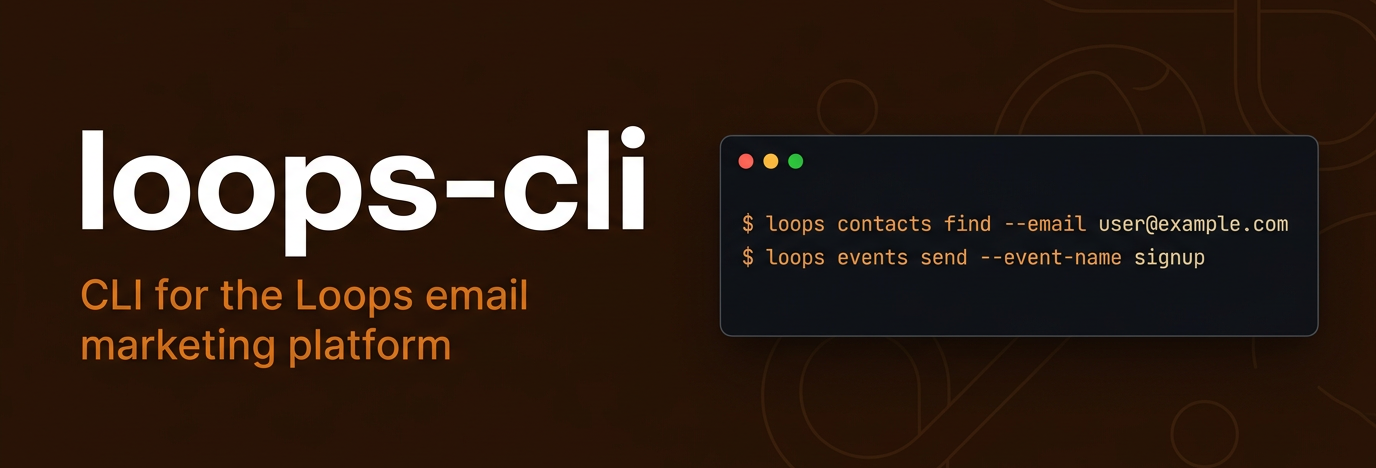


CLI for the Loops email marketing API — manage contacts, send events, transactional emails, and more from the command line.
Optimized for both developers and AI agents with multiple output formats.
Unofficial — this project is not affiliated with or endorsed by Loops. It is a community-built tool powered by the official TypeScript SDK.
Getting Started
Install the CLI, then give your AI assistant the skill to use it:
npm install -g @miketromba/loops-cli
npx skills add miketromba/loops-cli
That's it. Your AI assistant now knows how to manage your Loops contacts, send events, transactional emails, and more — just ask it naturally.
Other package managers
# yarn
yarn global add @miketromba/loops-cli

# pnpm
pnpm add -g @miketromba/loops-cli

# bun
bun install -g @miketromba/loops-cli

# or run without installing
npx @miketromba/loops-cli contacts find --email user@example.com
Works with Node.js 18+.
Quick start
# Authenticate
loops auth login --api-key <your-api-key>

# Create a contact
loops contacts create --email user@example.com --properties '{"firstName":"Jane"}'

# Find a contact
loops contacts find --email user@example.com

# Update a contact
loops contacts update --email user@example.com --properties '{"firstName":"Updated"}'

# Send an event
loops events send --email user@example.com --event-name signup

# List mailing lists
loops mailing-lists list

# Send a transactional email
loops transactional send --transactional-id txn_123 --email user@example.com --data-variables '{"name":"Jane"}'

# Delete a contact
loops contacts delete --email user@example.com
Authentication
Get your API key at Settings > API.
# Store locally (~/.loops-cli/credentials.json)
loops auth login --api-key <your-api-key>

# Or use environment variable (preferred for CI/scripts/agents)
export LOOPS_API_KEY=your_api_key_here

# Check auth status
loops auth status
Commands
contacts
Manage contacts in your Loops audience.
| Subcommand | Description |
|---|---|
contacts create |
Create a new contact |
contacts update |
Update an existing contact |
contacts find |
Find a contact by email or user ID |
contacts delete |
Delete a contact by email or user ID |
loops contacts create --email user@example.com --properties '{"firstName":"Jane","lastName":"Doe"}'
loops contacts create --email user@example.com --mailing-lists '{"list_id":true}'
loops contacts update --email user@example.com --properties '{"plan":"pro"}'
loops contacts update --user-id usr_123 --properties '{"firstName":"Updated"}'
loops contacts find --email user@example.com
loops contacts find --user-id usr_123
loops contacts delete --email user@example.com
contact-properties
Manage custom contact properties.
| Subcommand | Description |
|---|---|
contact-properties list |
List all contact properties |
contact-properties create |
Create a new property |
loops contact-properties list
loops contact-properties create --name favoriteColor --type string
mailing-lists
View mailing lists.
loops mailing-lists list
loops mailing-lists list -o json
events
Send events to trigger automated email workflows.
loops events send --email user@example.com --event-name signup
loops events send --email user@example.com --event-name purchase --event-properties '{"plan":"pro","amount":29}'
loops events send --email user@example.com --event-name signup --contact-properties '{"firstName":"Jane"}'
transactional
Send and manage transactional emails.
| Subcommand | Description |
|---|---|
transactional list |
List all transactional email templates |
transactional send |
Send a transactional email |
loops transactional list
loops transactional send --transactional-id txn_123 --email user@example.com
loops transactional send --transactional-id txn_123 --email user@example.com --data-variables '{"name":"Jane","url":"https://example.com"}'
loops transactional send --transactional-id txn_123 --email user@example.com --add-to-audience
api-key
loops api-key testauth
loops auth login --api-key <your-api-key>
loops auth status
loops auth logout
config
loops config list
loops config get output
loops config set output compact
loops config reset
Output formats
Auto-detects TTY for human-readable output, pipes for agent-optimized output.
| Format | Flag | Use case |
|---|---|---|
| table | -o table |
Human-readable (TTY default) |
| compact | -o compact |
AI agents, scripting (piped default) |
| json | -o json |
Programmatic consumption |
| jsonl | -o jsonl |
Streaming, jq pipelines |
| csv | -o csv |
Export, spreadsheets |
| tsv | -o tsv |
Unix tools (cut, awk) |
| id | -o id |
Pipe IDs to other commands |
| count | -o count |
"How many?" queries |
loops mailing-lists list              # table (TTY) or compact (piped)
loops mailing-lists list -o json      # JSON
loops mailing-lists list -o csv       # CSV
loops contacts find --email user@example.com -o jsonl | jq '.firstName'
loops mailing-lists list -o id        # IDs only
loops mailing-lists list -o count     # count only
Global flags
| Flag | Short | Description |
|---|---|---|
--output <format> |
-o |
Output format |
--fields <list> |
-f |
Comma-separated field selection |
--detail |
-d |
Full detail view (all fields) |
--no-color |
Disable color output | |
--verbose |
Debug output to stderr | |
--quiet |
-q |
Data only, no hints or headers |
--yes |
-y |
Skip confirmation prompts |
Environment variables
| Variable | Purpose |
|---|---|
LOOPS_API_KEY |
API key (overrides stored credential) |
LOOPS_OUTPUT |
Default output format |
AI agent usage
The CLI is optimized for AI agents with compact output format:
mailingLists 1-2/2 page=1
  [1] id=list_123 name=Newsletter isPublic=true
  [2] id=list_456 name=Updates isPublic=false
Set LOOPS_API_KEY and pipe commands for minimal-token responses.
# Get all mailing list IDs
loops mailing-lists list -o id

# Count contacts matching criteria
loops contact-properties list -o count

# Export as JSON
loops mailing-lists list -o json > lists.json
Development
bun install
bun run dev -- --help
bun test                                        # unit + integration (143 tests)
LOOPS_API_KEY=<key> bun run test:e2e            # live API tests (32 tests)
bun run build                                   # bundle to dist/loops.js
License
MIT