Package Exports
- @testsprite/testsprite-mcp
- @testsprite/testsprite-mcp/dist/index.js
This package does not declare an exports field, so the exports above have been automatically detected and optimized by JSPM instead. If any package subpath is missing, it is recommended to post an issue to the original package (@testsprite/testsprite-mcp) to support the "exports" field. If that is not possible, create a JSPM override to customize the exports field for this package.
Readme
TestSprite MCP Server



Let your AI code - we'll make it work
This npm package provides the Model Context Protocol (MCP) server for TestSprite, enabling AI assistants in your IDE to automatically test, debug, and fix your code. No manual test writing, no complex prompts, no testing expertise required.
✨ Recognition: TestSprite has been recognized as one of the Top 10 AI tools of 2025 on Product Hunt.
Prerequisites
Before getting started, ensure you have:
- Compatible IDE - Cursor or VSCode with MCP support
- TestSprite Account - Sign up for free
- API Key - Get yours from TestSprite API Key Page
What This Package Provides
- MCP Server - Model Context Protocol server for IDE integration
- One-Command Testing - Just say "Help me test this project with TestSprite"
- AI-Driven - Automatically generates PRDs, test plans, and test code
- IDE Integration - Works with Cursor, VSCode, and other MCP-compatible editors
- Cloud Execution - Tests run in secure TestSprite cloud environments
For detailed features and capabilities, see our full documentation.
10-Minute Demo Video
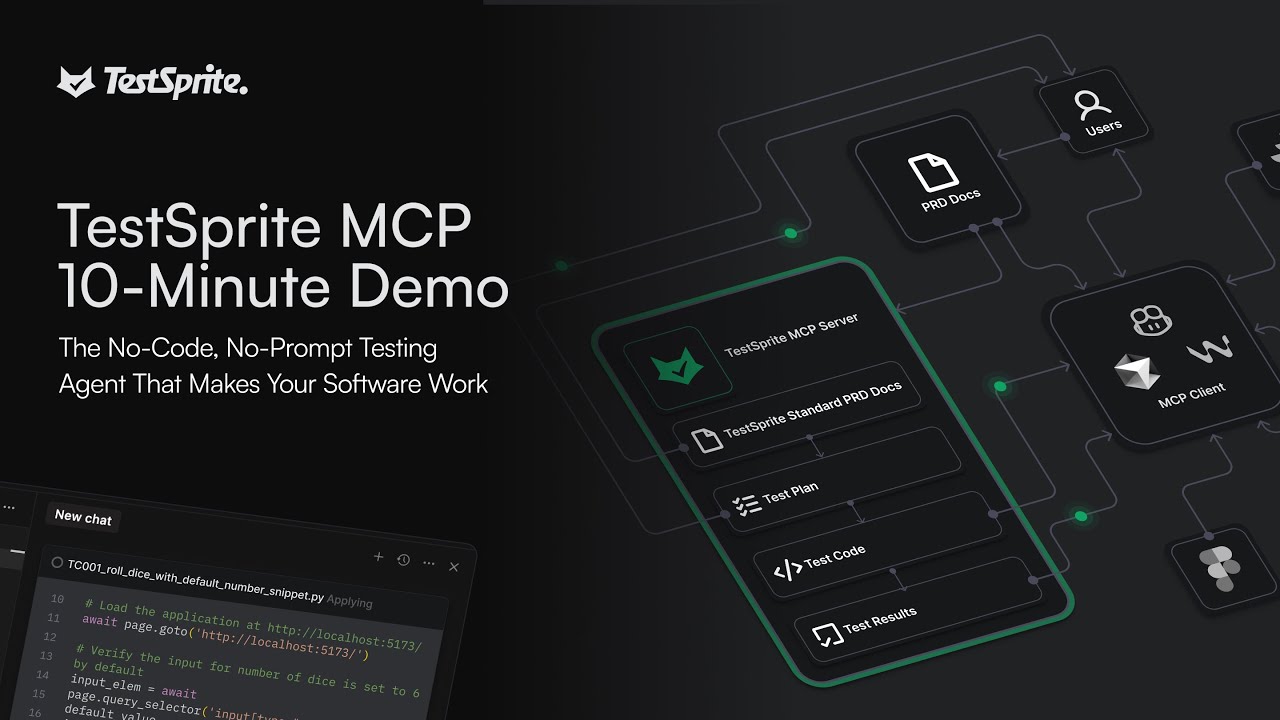
Watch TestSprite automatically test an entire project with just one command.
Installation
NPM Installation
# Global installation (recommended)
npm install -g @testsprite/testsprite-mcp@latest

# Or use directly with npx
npx @testsprite/testsprite-mcp@latest
IDE Configuration
Add TestSprite MCP Server to your IDE's MCP configuration:
{
  "mcpServers": {
    "TestSprite": {
      "command": "npx",
      "args": ["@testsprite/testsprite-mcp@latest"],
      "env": {
        "API_KEY": "your-api-key"
      }
    }
  }
}
For detailed setup instructions for your specific IDE:
Usage
Once configured, simply drag your project into the chat and say:
Help me test this project with TestSpriteTestSprite will automatically:
- Analyze your code structure and provided PRD
- Generate test plans and test code
- Execute tests in the cloud
- Provide detailed results and fix suggestions
For comprehensive usage examples and advanced features, see our documentation.
What TestSprite Tests
- Functional Testing - Core business logic and user workflows
- Error Handling Testing - Exception handling and error recovery
- Security Testing - Vulnerability scanning and security validation
- Authorization & Authentication - User permissions and access control
- Boundary Testing - Input validation and data limits
- Edge Case Testing - Unusual scenarios and corner cases
- Response Content Testing - Data validation and format verification
- UI/UX Testing - User interface interactions and user experience flows
Supported Technologies: React, Vue, Angular, Svelte, Next.js, Node.js, Python, Java, Go, Express, FastAPI, Spring Boot, REST APIs, and more.
For complete testing capabilities and supported frameworks, see our documentation.
Example Output
TestSprite Analysis Complete

Generated:
├── Standardized Product Requirements Document (PRD)
├── 16 Frontend Test Cases
├── 12 Backend Test Cases
├── Tests Execution Reports
└── Comprehensive Test Plan

Coverage: 90%+ Designed Features Delivered
Troubleshooting
Common Issues:
- MCP Server Not Connecting: Check installation with
npm list -g @testsprite/testsprite-mcp - API Key Issues: Verify your API key in TestSprite API Key Page
- IDE Integration: Restart your IDE after configuration changes
For detailed troubleshooting, see our troubleshooting guide.
Getting Help
- Documentation: docs.testsprite.com
- Support & Collaboration: Contact us
- Email us: contact@testsprite.com
- Live Chat: Available in the dashboard