
Package Exports
- chart.js-node-ssr-example
This package does not declare an exports field, so the exports above have been automatically detected and optimized by JSPM instead. If any package subpath is missing, it is recommended to post an issue to the original package (chart.js-node-ssr-example) to support the "exports" field. If that is not possible, create a JSPM override to customize the exports field for this package.
Readme
Chart.js server side rendering example on the node.js environment.
Render various charts using Chart.js into the SVG format.
Chart.js uses the HTML5 Canvas API.
However, the node.js environment does not have the Canvas API by default.
With red-agate-svg-canvas,
you can render the charts on the server side.
This example uses no native modules, so it can be easily installed on various platforms.
Get started
$ git clone https://github.com/shellyln/chart.js-node-ssr-example.git
$ cd chart.js-node-ssr-example
$ rm -rf ./.git

$ npm install
$ npm run build
$ npm start
Example
import { SvgCanvas,
         Rect2D,
         SvgCanvas2DGradient } from 'red-agate-svg-canvas/modules';
import * as ChartJs            from 'chart.js';

// Get the global scope.
// If running on a node, "g" points to a "global" object.
// When running on the browser, "g" points to the "window" object.
const g = Function('return this')();

// Chart options
// https://www.chartjs.org/docs/latest/getting-started/usage.html
const opts: any = { ... };


function main() {
    // SvgCanvas has a "CanvasRenderingContext2D"-compatible interface.
    const ctx = new SvgCanvas();

    // SvgCanvas lacks the canvas property.
    (ctx as any).canvas = {
        width: 800,
        height: 400,
        style: {
            width: '800px',
            height: '400px',
        },
    };

    // SvgCanvas does not have font glyph information,
    // so manually set the ratio of (font height / font width).
    ctx.fontHeightRatio = 2;

    // Chart.js needs a "HTMLCanvasElement"-like interface that has "getContext()" method.
    // "getContext()" should returns a "CanvasRenderingContext2D"-compatible interface.
    const el = { getContext: () => ctx };

    // If "devicePixelRatio" is not set, Chart.js get the devicePixelRatio from "window" object.
    // node.js environment has no window object.
    opts.options.devicePixelRatio = 1;

    // Disable animations.
    opts.options.animation = false;
    opts.options.events = [];
    opts.options.responsive = false;

    // Chart.js needs the "CanvasGradient" in the global scope.
    const savedGradient = g.CanvasGradient;
    g.CanvasGradient = SvgCanvas2DGradient;
    try {
        const chart = new ChartJs.Chart(el as any, opts);
    } finally {
        if (savedGradient) {
            g.CanvasGradient = savedGradient;
        }
    }

    // Render as SVG.
    const svgString = ctx.render(new Rect2D(0, 0 , 800, 400), 'px');
    console.log(svgString);
}
Rendering results
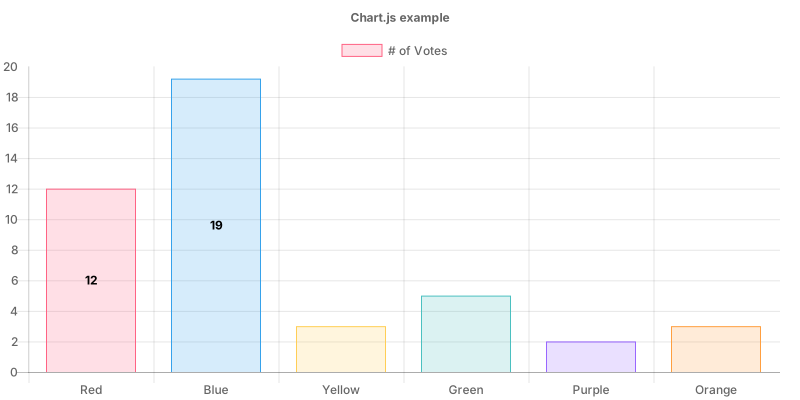
Bar
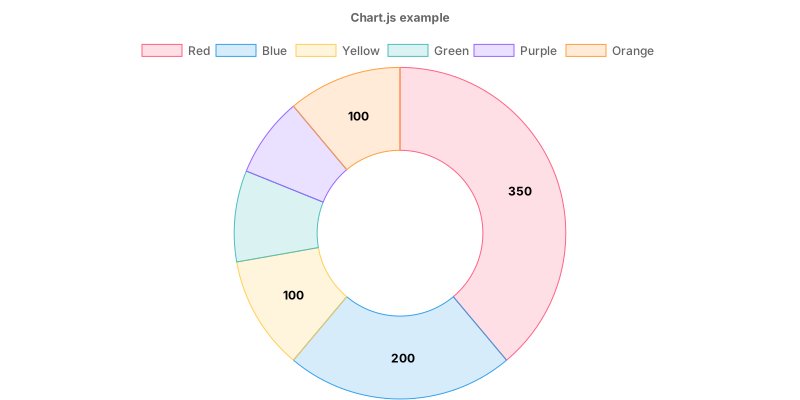
Donut
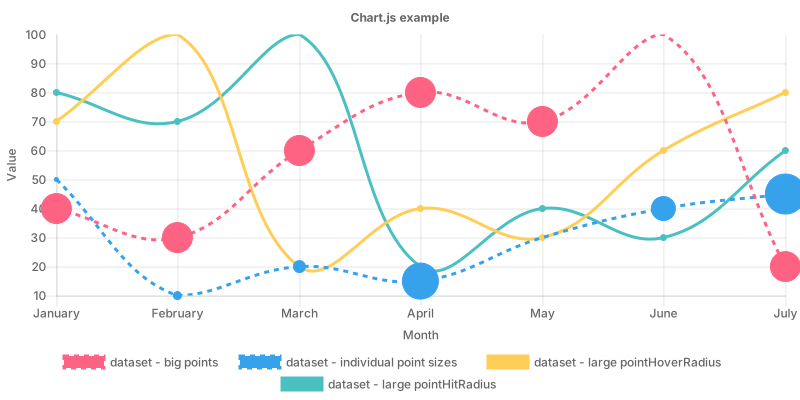
Line
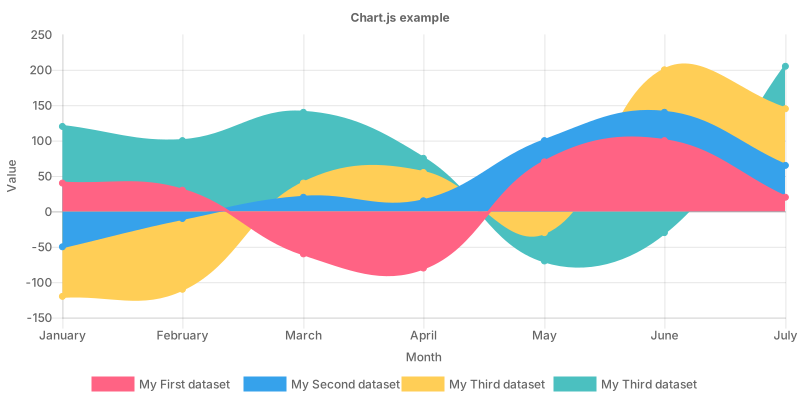
Area
Notes
To import the red-agate-svg-canvas, you need to use babel + webpack.
(We have used the import statements for doing the tree-shaking. The import statements in the .js not the .mjs files cannot import from the vanilla node.js.)