Package Exports
- cra-template-collapp
- cra-template-collapp/template.json
This package does not declare an exports field, so the exports above have been automatically detected and optimized by JSPM instead. If any package subpath is missing, it is recommended to post an issue to the original package (cra-template-collapp) to support the "exports" field. If that is not possible, create a JSPM override to customize the exports field for this package.
Readme
Custom create-react-app template



npx
npx create-react-app project-name --template collapp(npx is a package runner tool that comes with npm 5.2+ and higher, see instructions for older npm versions) Inside the newly created project, you can run some built-in commands:
npm run pack
Runs the packaging script.
Names newly created ZIP file with hex hash of folder contents.
DO NOT RENAME THIS ZIP FILE
npm run start or yarn start
Runs the app in development mode.
Open http://localhost:3000 to view it in the browser.
The page will automatically reload if you make changes to the code.
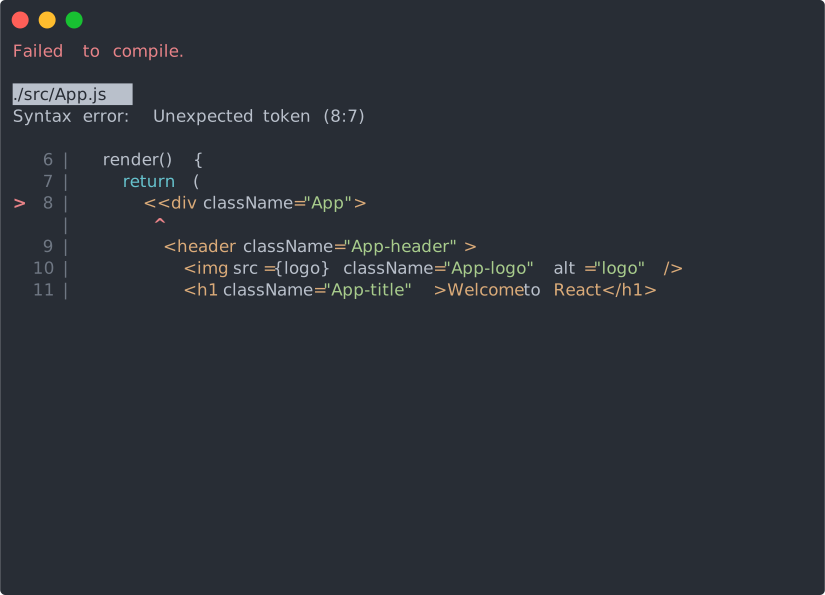
You will see the build errors and lint warnings in the console.
npm run test or yarn test
Runs the test watcher in an interactive mode.
By default, runs tests related to files changed since the last commit.
npm run build or yarn build
Builds the app for production to the build folder.
It correctly bundles React in production mode and optimizes the build for the best performance.
The build is minified and the filenames include the hashes.
Your app is ready to be deployed.