

Package Exports
- create-conical-gradient
This package does not declare an exports field, so the exports above have been automatically detected and optimized by JSPM instead. If any package subpath is missing, it is recommended to post an issue to the original package (create-conical-gradient) to support the "exports" field. If that is not possible, create a JSPM override to customize the exports field for this package.
Readme
Create Conical Gradeint



A pretty extension for CanvasRenderingContext2D to create a pattern of the conical gradient.
🥐 Preface
CSS3 already supports the conical gradients by the property conic-gradient, but unfortunately, HTML Canvas API does not yet. One good news to you is that use this package to implement that, by a method similar to CanvasRenderingContext2D.createLinearGradient() and CanvasRenderingContext2D.createRadialGradient().
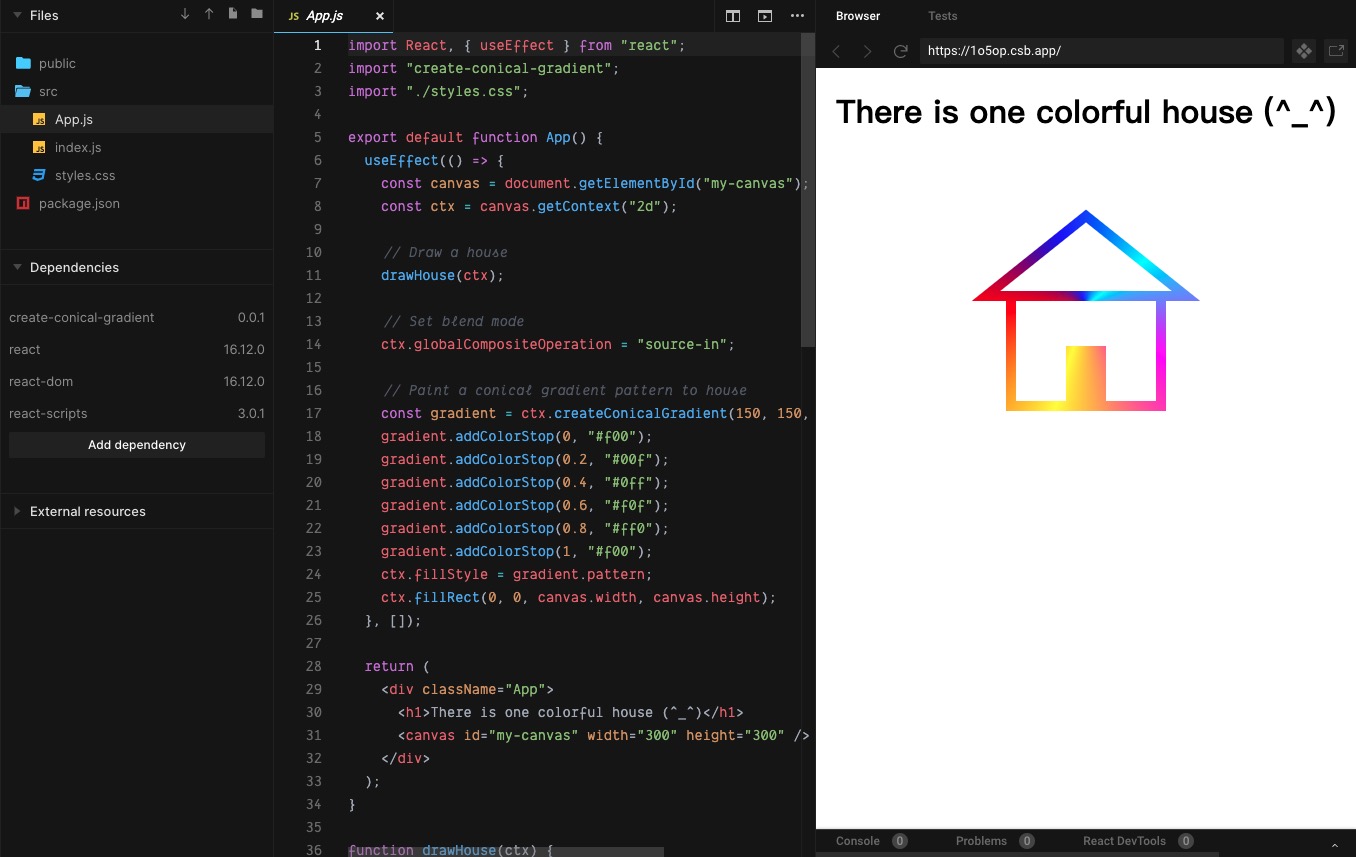
🥪 Demo Online

🌮 Install
Install the npm package for development:
yarn add create-conical-gradient # OR `npm i --save create-conical-gradient`Of course, you can also use the umd resources for production:
<script src="https://unpkg.com/create-conical-gradient@latest/umd/create-conical-gradient.min.js"></script>🥯 Quickstart
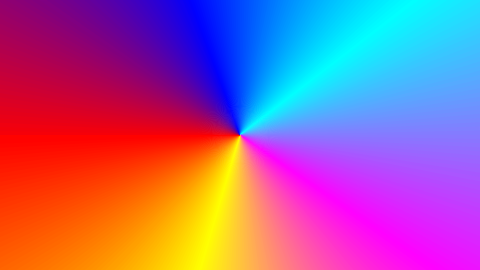
Codes:
<canvas id="my-canvas" width="480" height="270">
  Your browser does not support canvas...
</canvas>
import 'create-conical-gradient'; // If you use the npm package.
const canvas = document.getElementById('my-canvas');
const ctx = canvas.getContext('2d');
const gradient = ctx.createConicalGradient(240, 135, -Math.PI, Math.PI);
gradient.addColorStop(0, '#f00');
gradient.addColorStop(0.2, '#00f');
gradient.addColorStop(0.4, '#0ff');
gradient.addColorStop(0.6, '#f0f');
gradient.addColorStop(0.8, '#ff0');
gradient.addColorStop(1, '#f00');
ctx.fillStyle = gradient.pattern;
ctx.fillRect(0, 0, canvas.width, canvas.height);Output:
🍔 Docs
ctx.createConicalGradient
Syntax
void ctx.createConicalGradient(ox, oy, startAngle, endAngle, anticlockwise);Parameters
ox
The x-axis coordinate of the origin of the gradient pattern, which default value is 0.
oy
The y-axis coordinate of the origin of the gradient pattern, which default value is 0.
startAngle
The angle at which the arc starts in radians measured from the positive x-axis, which default value is 0.
endAngle
The angle at which the arc ends in radians measured from the positive x-axis, which default value is 2 * Math.PI.
anticlockwise
An optional Boolean. If true, draws the gradient counter-clockwise between the start and end angles. The default is false (clockwise).
gradient.addColorStop
Syntax
void gradient.addColorStop(offset, color);Parameters
offset
A number between 0 and 1, inclusive, representing the position of the color stop. 0 represents the start of the gradient and 1 represents the end; an INDEX_SIZE_ERR is raised if the number is outside that range.
color
A CSS <color> value representing the color of the stop. A SYNTAX_ERR is raised if the value cannot be parsed as a CSS <color> value.