Package Exports
This package does not declare an exports field, so the exports above have been automatically detected and optimized by JSPM instead. If any package subpath is missing, it is recommended to post an issue to the original package (dsadmin) to support the "exports" field. If that is not possible, create a JSPM override to customize the exports field for this package.
Readme

DSAdmin: Google Cloud Datastore Emulator Admin UI

Administration GUI for the Google Cloud Datastore Emulator.
- Supports browsing, editing, creating, deleting, querying (using GQL), import, export, ...
- Supports formatted display of JSON properties & compressed properties
- Supports large databases
- Does not have problematic dependencies (such as gRPC, which are not available on all platforms)
- Portable: Implemented entirely in the frontend as an SPA. Uses the Datastore REST API directly from the frontend. The only thing a server is used for is for proxying to the datastore emulator (to avoid CORS problems), and to serve the HTML and JS files. The NPM package uses a small Node.js server. A small self-contained binary server is also provided, avoiding the need for any system dependencies. If for some reason you need this to be available in a specific environment (Java, Python, ...), it should be easy to create a similar server to run this in.
📷 Screenshots
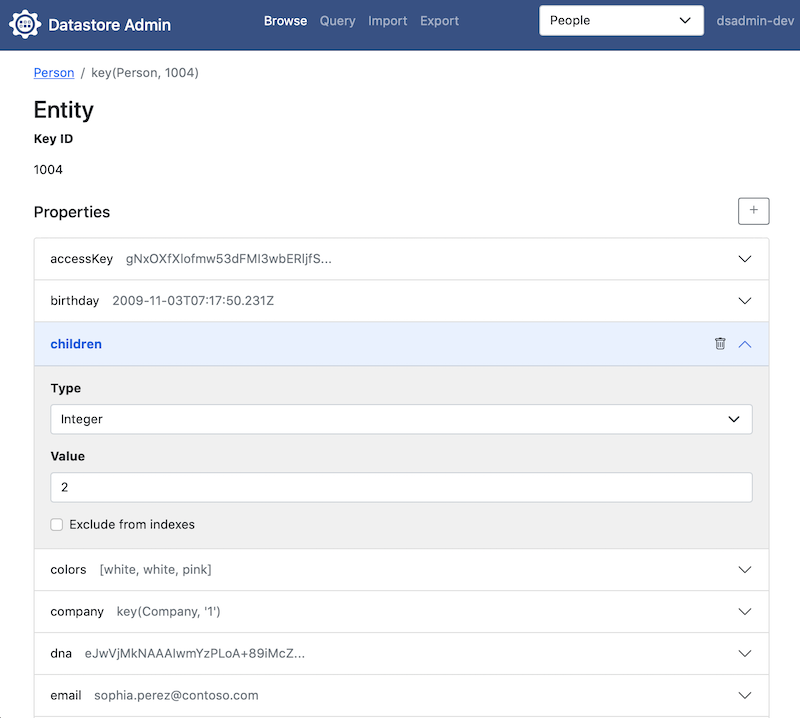
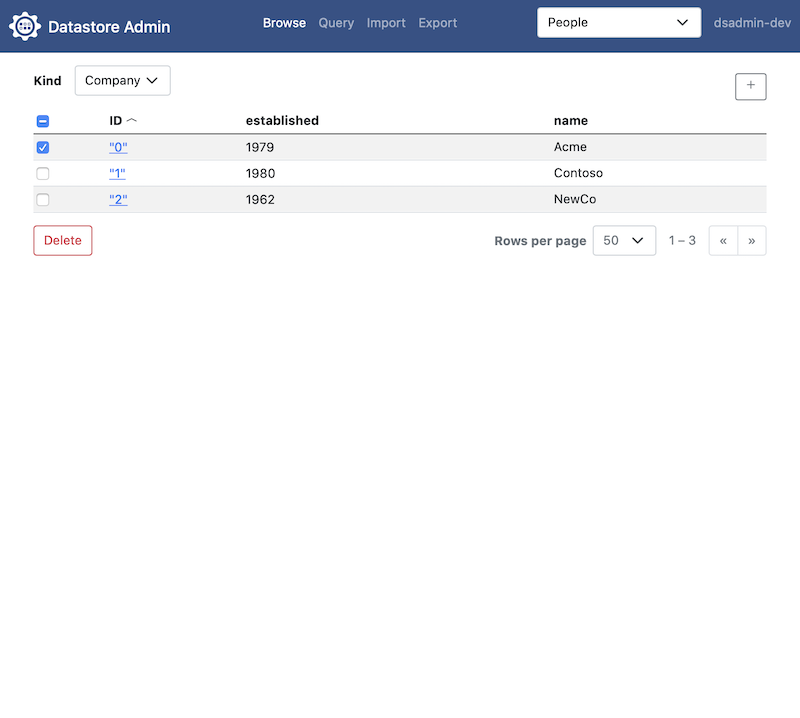
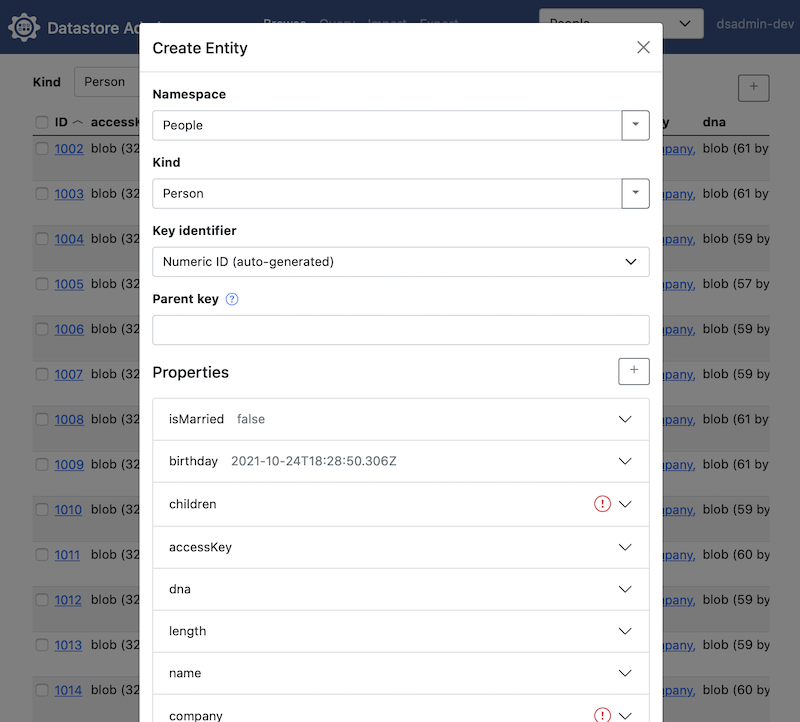
❓ Why?
Since Google stopped shipping an admin interface for their Datastore Emulator, there have been some external projects trying to fill the gap. However, all of the ones I tried were either partially or completely broken, lacked in core features, had performance issues, were painful to set up, or had dependencies that prevented them from e.g. being installed in a non-x86 Docker image.
This project tries to fix all of the issues with the other Datastore admin interfaces, and bring improvements on the original Google interface.
🚧 Not yet implemented
- Editing nested entities
- UI for filtering & projecting
📖 Usage
Using NPM
Using the environment from the emulator:
eval $(gcloud beta emulators datastore env-init --data-dir=DATA-DIR)
npx dsadmin
Using command-line arguments:
npx dsadmin --project=my-datastore-project --datastore-emulator-host=localhost:8081Using a pre-built binary
Download the correct binary for your OS from the Releases page.
Start using the environment from the emulator:
eval $(gcloud beta emulators datastore env-init --data-dir=DATA-DIR)
./dsadmin
Start using command-line arguments:
./dsadmin --project=my-datastore-project --datastore-emulator-host=localhost:8081Using Docker
docker run -p 8080:8080 ghcr.io/remko/dsadmin:latest \
  --project=my-project --datastore-emulator-host=host.docker.internal:8081
Using Docker Compose
Create a docker-compose.yml that starts the Datastore Emulator and the
Datastore Admin container:
version: "3.9"
services:
  # DSAdmin container
  dsadmin:
    image: "ghcr.io/remko/dsadmin:latest"
    depends_on:
      - datastore
    ports:
      - "8080:8080"
    environment:
      DATASTORE_PROJECT_ID: my-datastore-project
      DATASTORE_EMULATOR_HOST: "datastore:8081"

  # Datastore Emulator container
  datastore:
    image: "gcr.io/google.com/cloudsdktool/cloud-sdk:latest"
    volumes:
      - datastore_data:/opt/datastore/data
    ports:
      - "8081:8081"
    command: [
      "gcloud", "--quiet", "beta", "emulators" ,"datastore", "start",
      "--host-port=0.0.0.0:8081", "--data-dir=/opt/datastore/data"
    ]
    environment:
      CLOUDSDK_CORE_PROJECT: my-datastore-project

volumes:
  datastore_data:
💻 Development
Install all dependencies
yarnStart all development servers (datastore emulator, proxy, and frontend build):
yarn startIf you want to run against your own running instance of the Datastore emulator, start the backend server and the build server separately:
eval $(gcloud beta emulators datastore env-init --data-dir=DATA-DIR)
./bin/dsadmin.js
yarn run start-build
or using command-line arguments:
./bin/dsadmin.js --project=my-datastore-project --datastore-emulator-host=localhost:8081
yarn run start-build
🔋 Powered by ...
This project uses some great open source projects. Check them out if you don't know them.