
Package Exports
- hyper-systray
This package does not declare an exports field, so the exports above have been automatically detected and optimized by JSPM instead. If any package subpath is missing, it is recommended to post an issue to the original package (hyper-systray) to support the "exports" field. If that is not possible, create a JSPM override to customize the exports field for this package.
Readme
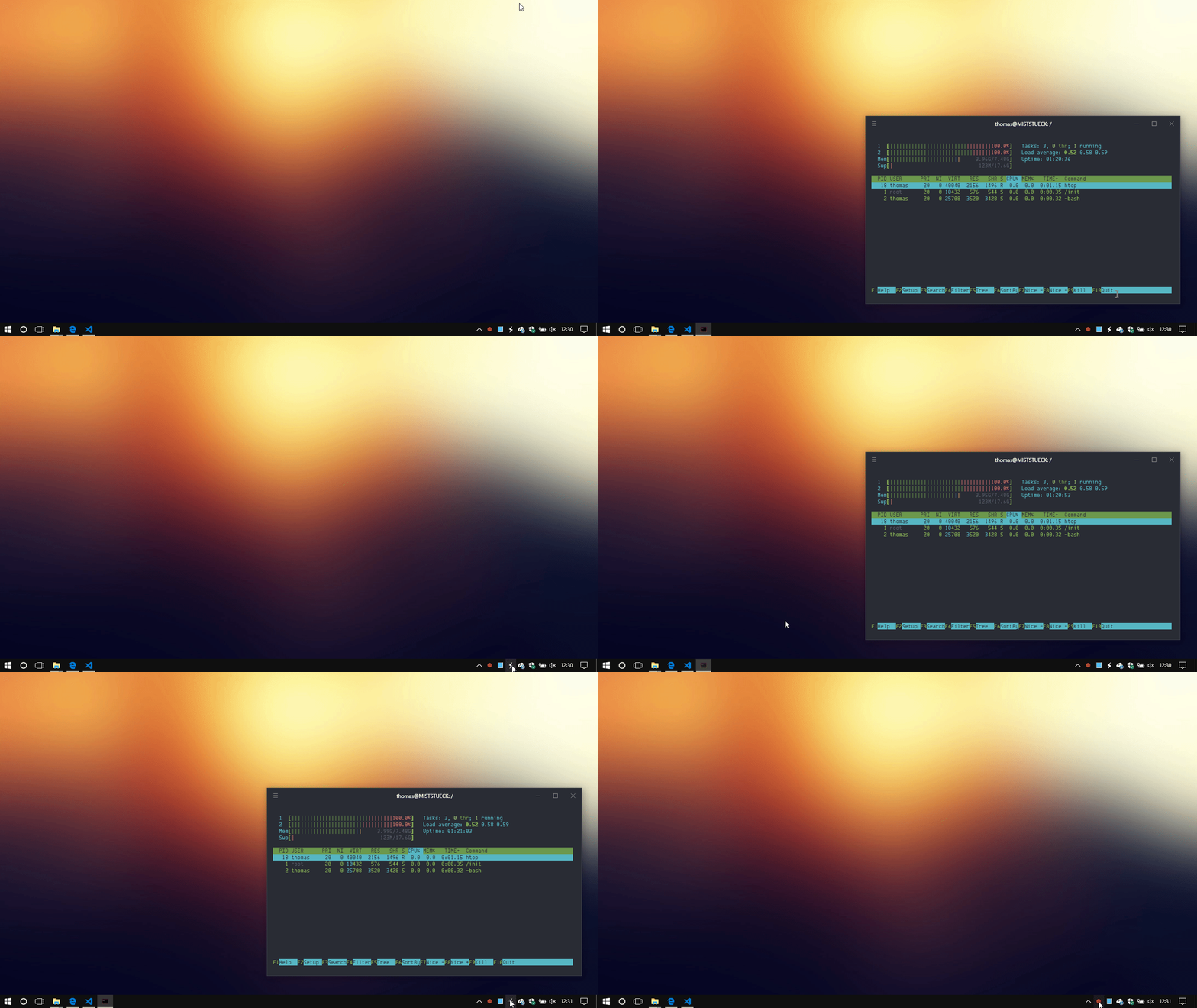
Hyper systray plugin for Windows Users — Open Hyper from system tray or a global shortcut.
MacOS Users should use this plugin instead: https://github.com/tarutin/hyper-tray/

Tips
- Click on tray icon to toggle Hyper.js-Window
- Define a global shortcut in user-settings or use the default:
Alt + Spaceto toggle Hyper.js-Window - Right click on tray icon and
Quit
Config
Define your own global-shortcut to ~/.hyper.js
config {
    systray: {
      hotkey: 'Ctrl+Space'
    }
}
Contributing
$ cd ~/.hyper_plugins/local/
$ git clone https://github.com/telekommander/hyper-systray.git
$ cd hyper-systray
$ npm install
Add the name of the directory to localPlugins in ~/.hyper.js and Reload terminal window.
License
MIT