

Package Exports
- notion-rendering
- notion-rendering/app.js
This package does not declare an exports field, so the exports above have been automatically detected and optimized by JSPM instead. If any package subpath is missing, it is recommended to post an issue to the original package (notion-rendering) to support the "exports" field. If that is not possible, create a JSPM override to customize the exports field for this package.
Readme
Notion Rendering
Built an html structure from the result of the request made on notion API.
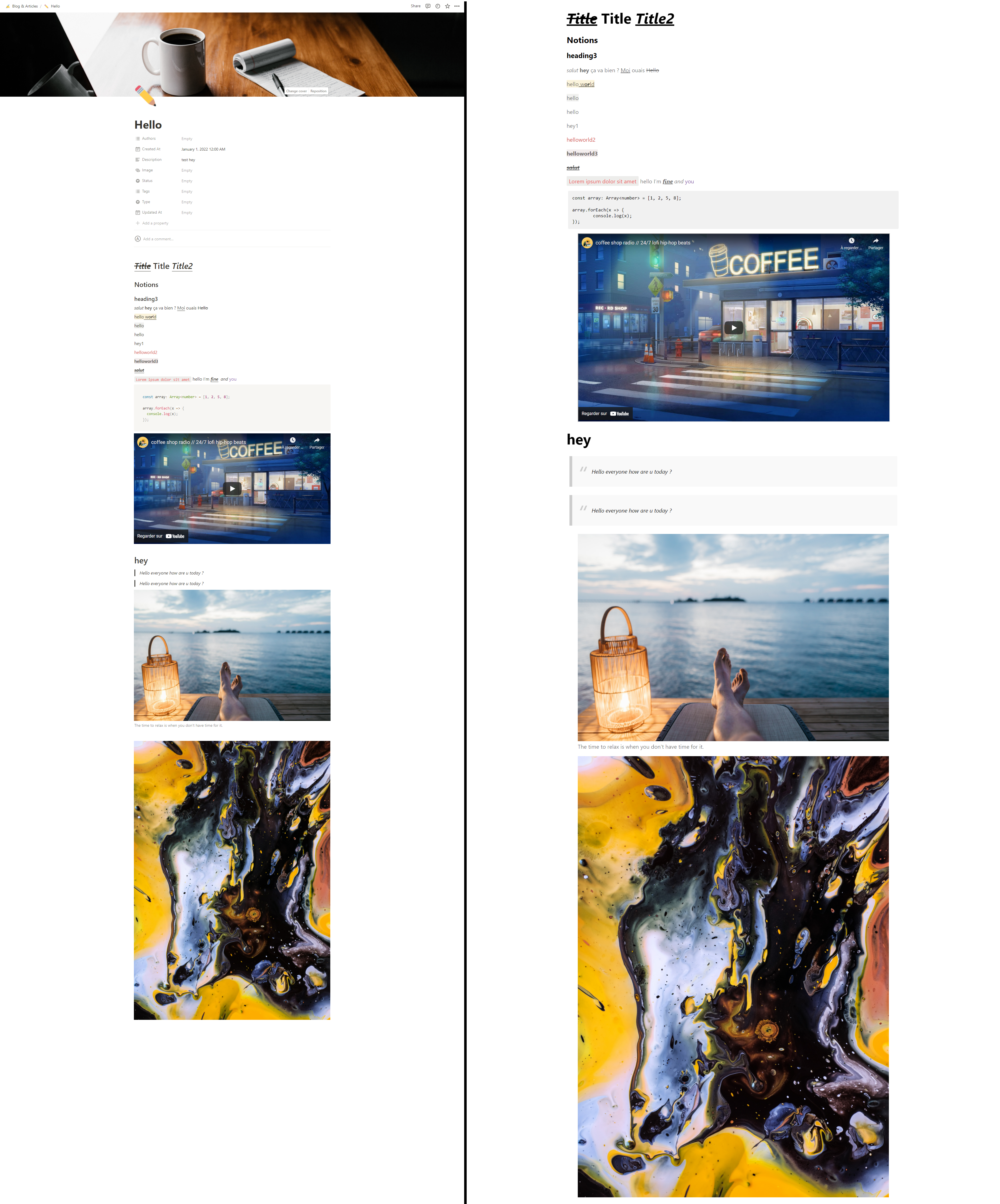
On the left the notion page, on the right your website.
You can use this beautiful style made by Sreeram Venkitesh or use your own.
Install
npm install notion-rendering
Supported features
| Feature | Supported | Description |
|---|---|---|
| Headings | ✔️ | |
| Text With Decorations | ✔️ | |
| Code | ❌ | |
| Quote | ✔️ | |
| Links | ✔️ | |
| Image | ✔️ | |
| Youtube Videos | ✔️ | |
| Math Equations | ❌ | |
| To-do | ❌ | |
| Checkbox | ❌ | |
| Bulleted Lists | ❌ | |
| Numbered Lists | ❌ | |
| Toggle Lists | ❌ | |
| Divider | ❌ | |
| Callout | ❌ | |
| Nested blocks | ❌ |
Usage example
import axios from 'axios';
import { buildHtml } from 'notion-rendering';

// 1. Make your request to get your notion page data
// 2. Use the buildHtml function to get html from the notion data

const config: any = {
    method: 'get',
    url: 'https://api.notion.com/v1/blocks/{yourNotionPageId}/children',
    headers: {
        'Notion-Version': '2021-08-16',
        'Authorization': 'Bearer yourToken'
    }
};

// Reference of an html element
const div = document.querySelector('#wrapper');

axios(config)
   .then(function (response: any) {
       // first parameter : reference of an html element in your DOM
       // second parameter : notion data you want to put in it
       buildHtml(div, response.data);
   })
   .catch(function (error: any) {
       console.log(error)
});