
Package Exports
- react-gesture-responder
This package does not declare an exports field, so the exports above have been automatically detected and optimized by JSPM instead. If any package subpath is missing, it is recommended to post an issue to the original package (react-gesture-responder) to support the "exports" field. If that is not possible, create a JSPM override to customize the exports field for this package.
Readme
react-gesture-responder


react-gesture-responder offers a gesture responder system for your react application. It's heavily inspired by react-native's pan-responder. It's built for use in Sancho-UI.
Features
- The ability to delegate between multiple overlapping gestures. This means that you can embed gesture responding views within eachother and provide negotiation strategies between them.
- Simple kinematics for gesture based animations. Values including distance, velocity, delta, and direction are provided through gesture callbacks.
- Integrates well with react-spring to create performant animations.
- Built with react-gesture-responder: react-gesture-view, touchable-hook, sancho-ui.
Getting started
Install into your react project using yarn or npm.
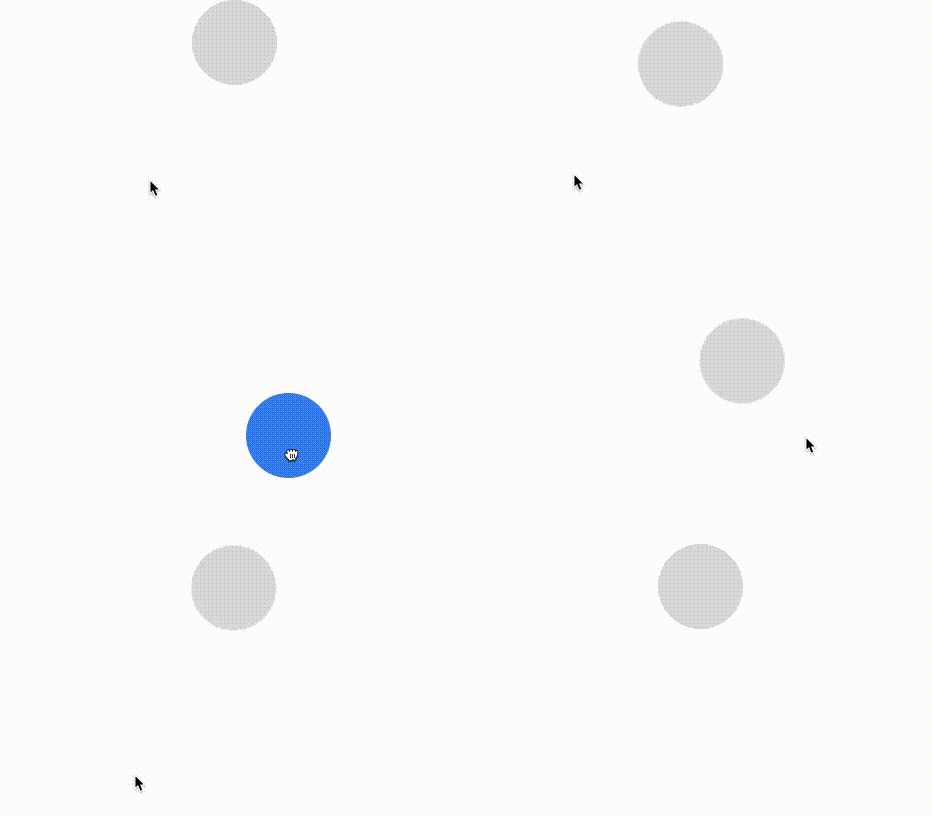
yarn add react-gesture-responderThe example below demonstrates how it can be used in conjunction with react-spring.
import { useSpring, animated } from "react-spring";
import { useGestureResponder } from "react-gesture-responder";

function Draggable() {
  const [{ xy }, set] = useSpring(() => ({
    xy: [0, 0]
  }));

  const { bind } = useGestureResponder({
    onStartShouldSet: () => true,
    onRelease: onEnd,
    onTerminate: onEnd,
    onMove: ({ delta }) => {
      set({
        xy: delta,
        immediate: true
      });
    }
  });

  function onEnd() {
    set({ xy: [0, 0], immediate: false });
  }

  return (
    <animated.div
      style={{
        transform: xy.interpolate((x, y) => `translate3d(${x}px, ${y}px, 0)`)
      }}
      {...bind}
    />
  );
}
API
Only one responder can be active at any given time. The useGesture hook provides callbacks which allow you to implement a negotiation strategy between competing views.
onStartShouldSet: (state, e) => boolean- Should the view become the responder upon first touch?onMoveShouldSet: (state, e) => boolean- This is called during any gesture movement on the view. You can return true to claim the responder for that view.onStartShouldSetCapture: (state, e) => boolean- The same as above, but using event capturing instead of bubbling. Useful if you want a parent view to capture the responder prior to children.onMoveShouldSetCapture: (state, e) => boolean.onTerminationRequest: (state) => boolean. - Should we allow the responder to be claimed by another view? This is only called when a parentonMoveShouldSetreturns true. By default, it returns true.
By default, if a parent and child both return true from onStartShouldSet the child element will claim the responder.
Once a responder is claimed, other callbacks can be used to provide visual feedback to the user.
onGrant: (state, e) => void- called when the view claims the responder, typically corresponding withmousedownortouchstartevents.onMove: (state, e) => voidonRelease: (state, e) => void- corresponds withmouseuportouchendevents.onTerminate: (state) => void- called when the responder is claimed by another view.
const { bind } = useGestureResponder(
  {
    onStartShouldSet: state => true,
    onStartShouldSetCapture: state => false,
    onMoveShouldSet: state => false,
    onMoveShouldSetCapture: state => false,
    onTerminationRequest: state => true,
    onGrant: state => {},
    onRelease: state => {},
    onTerminate: state => {},
    onMove: state => {}
  },
  {
    uid: "a-unique-id",
    enableMouse: true
  }
);
state contains the following values:
export interface StateType {
  time: number;
  xy: [number, number];
  delta: [number, number];
  initial: [number, number];
  previous: [number, number];
  direction: [number, number];
  initialDirection: [number, number];
  local: [number, number];
  lastLocal: [number, number];
  velocity: number;
  distance: number;
}
Prior art
- react-native-web
- react-with-gesture for some of the kinematics.