

Package Exports
- react-native-is-muted
- react-native-is-muted/build/index.js
This package does not declare an exports field, so the exports above have been automatically detected and optimized by JSPM instead. If any package subpath is missing, it is recommended to post an issue to the original package (react-native-is-muted) to support the "exports" field. If that is not possible, create a JSPM override to customize the exports field for this package.
Readme
react-native-is-muted


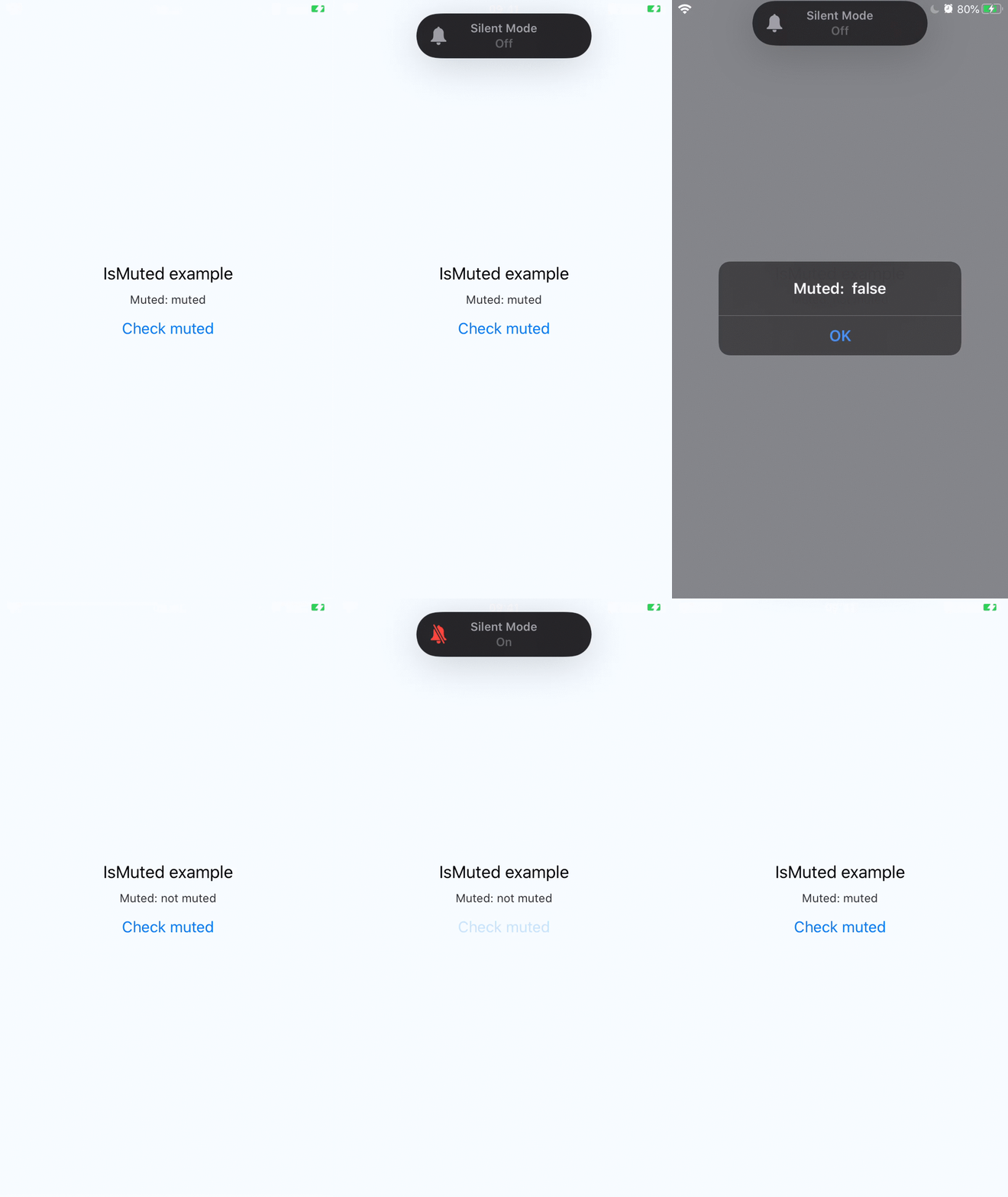
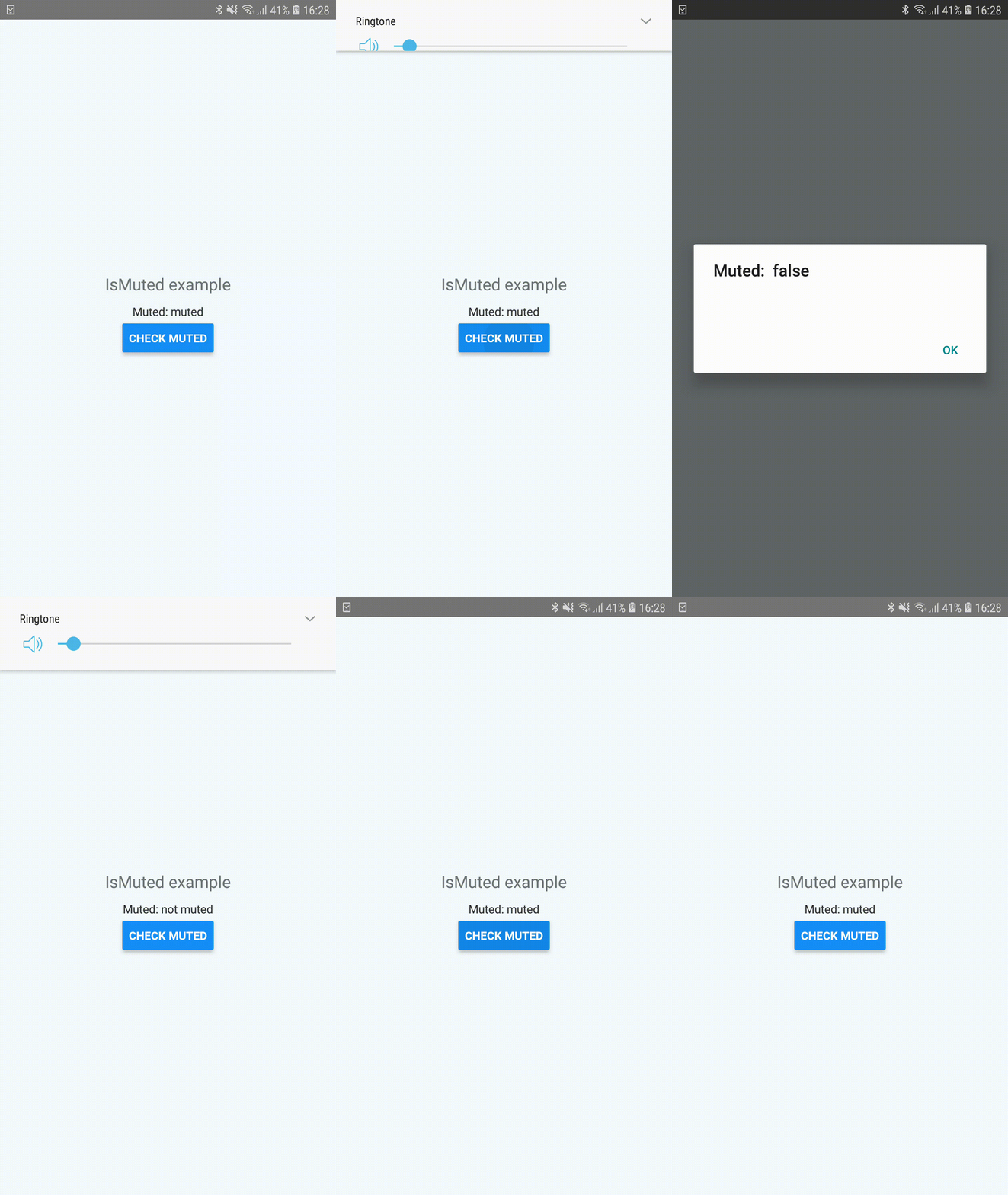
Detect whether the device is muted (iOS silent switch / Android ringer mode).
Built with the Expo Modules API. Works in any Expo or bare React Native project with autolinking.
⚠️ Breaking change in 1.0.0
Version 1.0.0 rewrites the package on top of the Expo Modules API. The public JS API has changed:
- The default export
IsMutedhas been removed. - Use the named export
isMuted(lowercase) instead.
- import IsMuted from 'react-native-is-muted';
- const muted = await IsMuted();
+ import { isMuted } from 'react-native-is-muted';
+ const muted = await isMuted();
The manual iOS step of adding MuteChecker.caf to "Copy Bundle Resources" is no longer required — the podspec bundles it automatically.
Installation
npm install react-native-is-mutedThen rebuild the native app:
npx expo prebuild   # if using a managed Expo project
npx expo run:ios
npx expo run:android
No manual native setup is required — the iOS MuteChecker.caf resource is bundled via the podspec and Android autolinking handles the rest.
Usage
import { isMuted } from 'react-native-is-muted';

const muted = await isMuted();
console.log('Muted:', muted);
Notes
- iOS: returns
truewhen the hardware silent switch is on. Does not work in the iOS Simulator (the call rejects withERR_SIMULATOR_UNSUPPORTED). - Android: returns
truewhen the ringer mode is silent or vibrate. - Web: not supported. Browsers do not expose system mute state.