

Package Exports
- react-native-particles-bg
This package does not declare an exports field, so the exports above have been automatically detected and optimized by JSPM instead. If any package subpath is missing, it is recommended to post an issue to the original package (react-native-particles-bg) to support the "exports" field. If that is not possible, create a JSPM override to customize the exports field for this package.
Readme
react-native-particles-bg




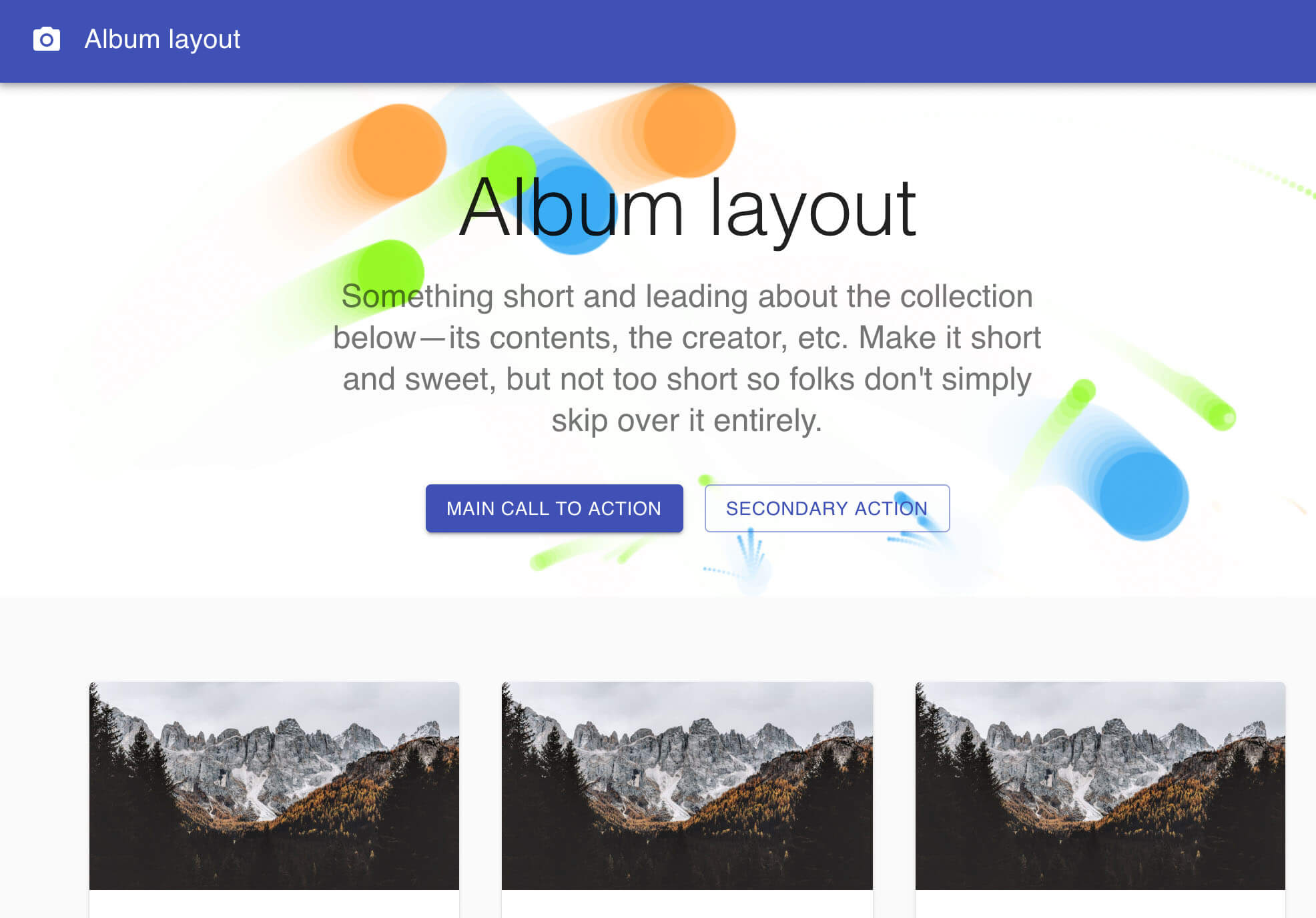
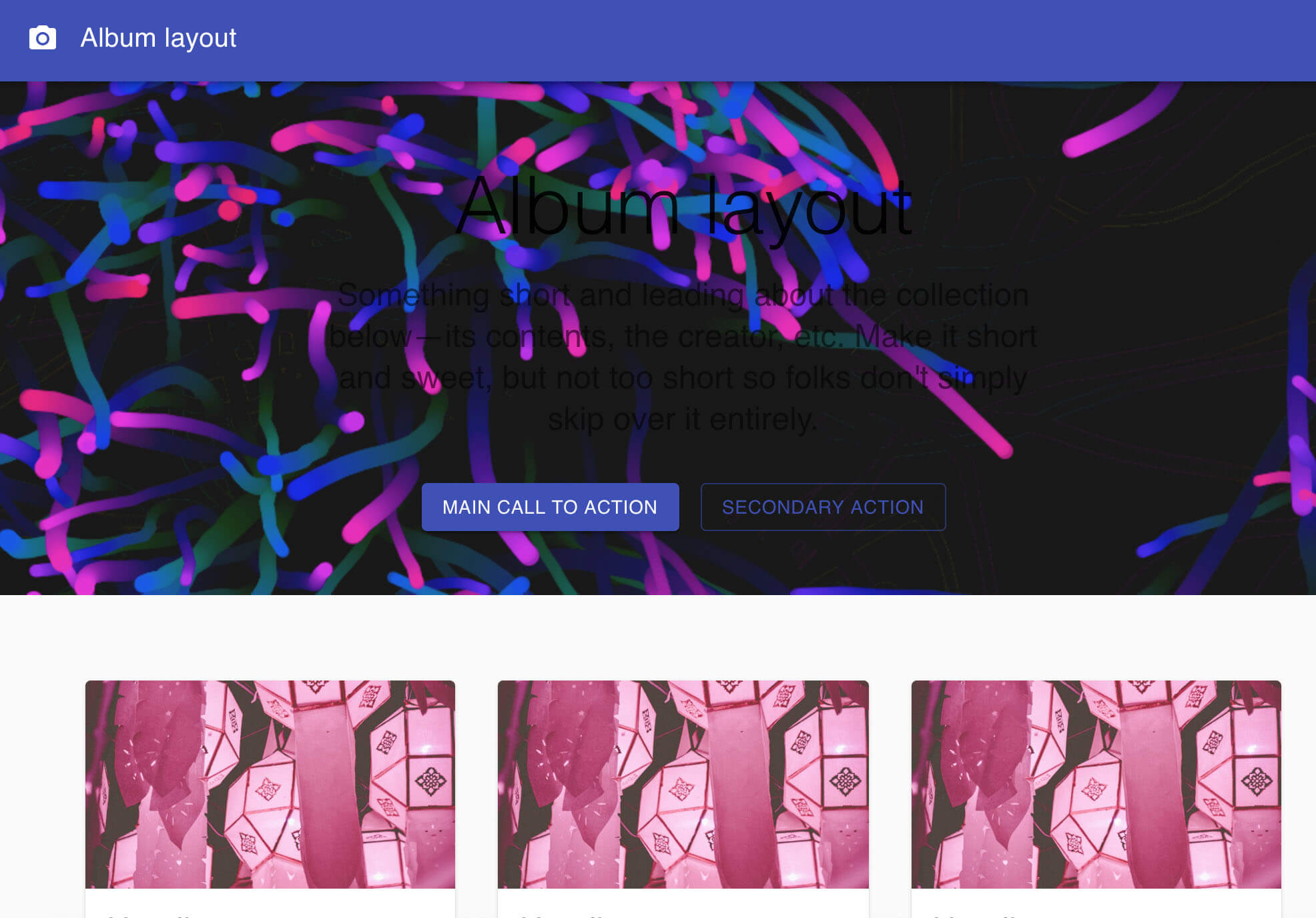
React Native (Web) component for particles backgrounds
This project refers to the source code of the Proton official website, I packaged it into a component. You can use it casually in your own projects. Thanks to the great author.
This is react-native and react-native-web version
You can also compare it with react-native-particles-webgl which based on memory leaking react-three-fiber.
A vue.js version of particles-bg-vue is here https://github.com/lindelof/particles-bg-vue
Online demo
- demo1 https://stackblitz.com/edit/react-a6pm3w
- demo2 https://stackblitz.com/edit/react-bpv9fc
- custom1 https://stackblitz.com/edit/react-sop6sx
- custom2 https://stackblitz.com/edit/react-v1ou5e




Install
npm install react-native-particles-bg @flyskywhy/react-native-gcanvasAnd follow the steps to install @flyskywhy/react-native-gcanvas.
Usage
import React, { Component } from 'react';

import ParticlesBg from 'react-native-particles-bg';

class Example extends Component {
  render () {
    return (
      <View style={{width: 360, height :700, flex: 1}}>
        <ParticlesBg type="circle" bg={true} />
        <TouchableOpacity>...</TouchableOpacity>
      </View>
    );
  }
}
On Web, you can also put <ParticlesBg/> after <TouchableOpacity/>, since need support Android, use above instead.
Parameter Description
<ParticlesBg color="#ff0000" num={200} type="circle" bg={true} />* type - Is the type of particle animation
Is the type of particle animation, random is a random selection. You are also free to customize use custom.
"color"
"ball"
"lines"
"thick"
"circle"
"cobweb"
"polygon"
"square"
"tadpole"
"fountain"
"random"
"custom"
* num - The number of particles emitted each time, generally not set
* color - The background color or particle color of the particle scene
Notice: which should be an array under type=color
* bg - Set to html background
Is set the following properties
position: "absolute",
zIndex: -1,
top: 0,
left: 0
About Custom

You can use type="custom" to achieve a higher degree of freedom for the particle background.
  let config = {
      num: [4, 7],
      rps: 0.1,
      radius: [5, 40],
      life: [1.5, 3],
      v: [2, 3],
      tha: [-40, 40],
      // body: "./img/icon.png", // Whether to render pictures
      // rotate: [0, 20],
      alpha: [0.6, 0],
      scale: [1, 0.1],
      position: "center", // all or center or {x:1,y:1,width:100,height:100}
      color: ["random", "#ff0000"],
      cross: "dead", // cross or bround
      random: 15,  // or null,
      g: 5,    // gravity
      // f: [2, -1], // force
      onParticleUpdate: (ctx, particle) => {
          ctx.beginPath();
          ctx.rect(particle.p.x, particle.p.y, particle.radius * 2, particle.radius * 2);
          ctx.fillStyle = particle.color;
          ctx.fill();
          ctx.closePath();
      }
    };

    return (
      <View style={{width: 360, height :700, flex: 1}}>
        <ParticlesBg type="custom" config={config} bg={true} />
      </View>
    );
Similar projects
Maybe you will like these two projects, they will also make your page flourish