
Package Exports
- react_size_chart
- react_size_chart/dist/cjs/index.js
- react_size_chart/dist/esm/index.js
This package does not declare an exports field, so the exports above have been automatically detected and optimized by JSPM instead. If any package subpath is missing, it is recommended to post an issue to the original package (react_size_chart) to support the "exports" field. If that is not possible, create a JSPM override to customize the exports field for this package.
Readme
react_size_chart
Smart size chart by Vestofy for apparel, include size chart and size recommender. Please note: Size charts currently can be created only on 'Size Chart Maker | Vestofy' iOS/Mac app.
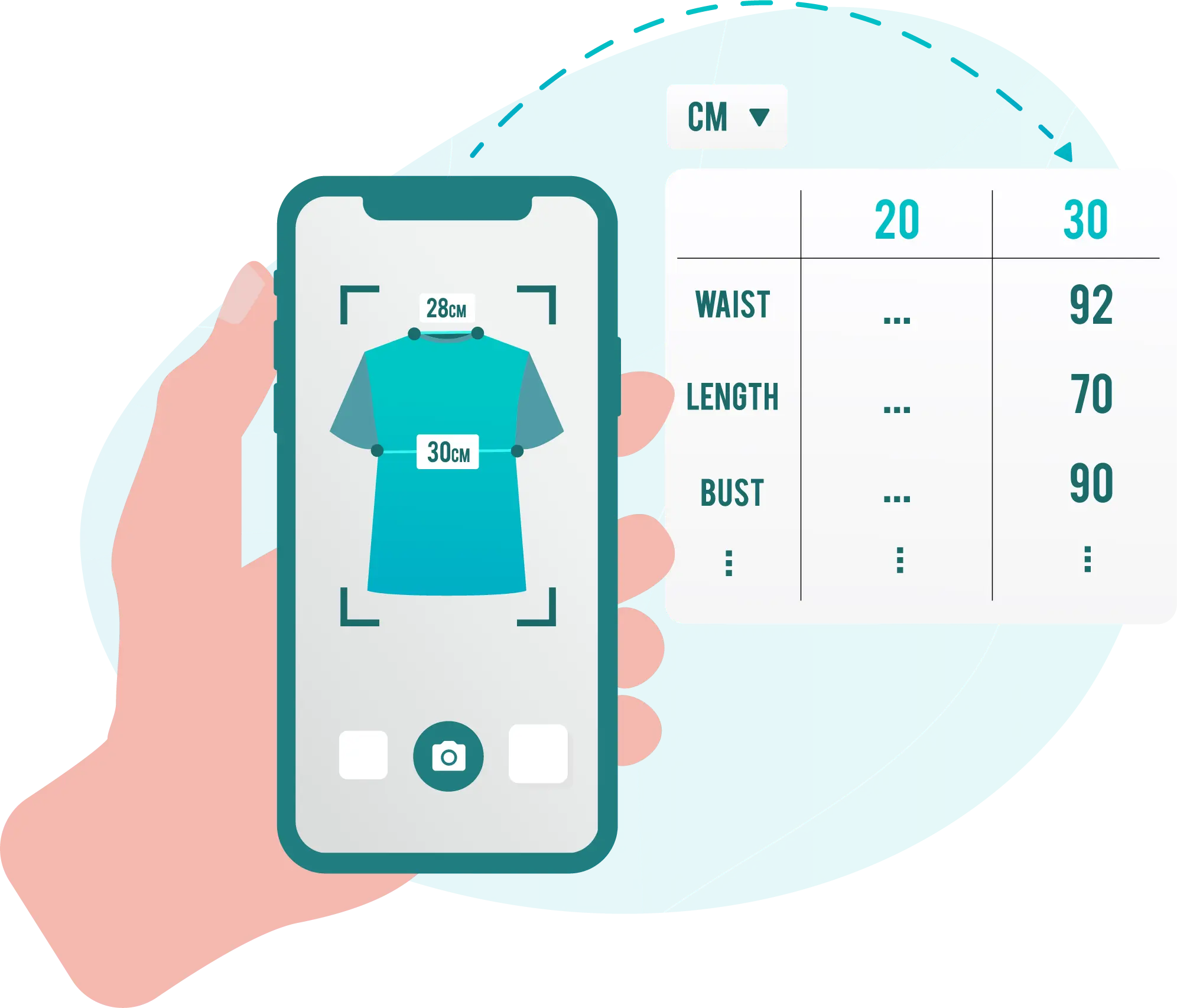
Features
- Customizable 'Size guide' button
- Popup dialog size guide
- Size chart unit coversion (Metric, Imperial)
- Size recommender with automatic body size prediction by age, height and weight.
- Exact size match according to shoppers own garment dimension (Measured by Vestofy mobile app).
Installation
npm install react_size_chartGetting started
- For standalone website dowload Size Chart Maker | Vestofy app from iOS/Mac AppStore [here].
- Currently size charts creation a availible via iOS/Mac and Shopify only.
- Follow the instruction on the app to retrieve relevent id's.
- Click the '</>' button for Size chart/Product/Collection to retrieve required prop's.
- Example code:
import {Vestofy} from 'react_size_chart'; // Size guide button
import {VestofySizeChartPopup} from 'react_size_chart'; // Size guide popup

/*Single size chart*/
<Vestofy shop={YOUR_SHOP_ID} size_chart_id={SIZE_CHART_ID}/>

/*Specific product size charts*/
<Vestofy shop={YOUR_SHOP_ID} product_id={PRODUCT_ID}/>

/*Size chart for product vendor*/
<Vestofy shop={YOUR_SHOP_ID} vendor={VENDOR}/>
API Reference
| prop | Type | Description | Default value |
|---|---|---|---|
shop (Required) |
string |
Store identifier | Parameter from app |
size_chart_id |
string |
Display specific size chart identifier | |
product_type |
string |
Product type | |
vendor |
string |
Product vendor | |
tags |
string |
Product tags | |
locale |
string |
Size guide popup language | en (default), ar, es, he, pt, ru, zh |
options |
options |
Aditional options | see below |
Options
| prop | Type | Description | Default value |
|---|---|---|---|
Popup |
boolean |
Show size guide in popup | false |
DialogTitle |
string |
Title on size guide popup | 'Size Guide' |
ButtonText |
string |
Show size guide button text title | 'Fitting Room' |
ButtonTextSize |
number |
Show size guide button text size | 15 |
ButtonTextColor |
string |
Show size guide button text color | '#000000' |
ButtonBackgroundColor |
string |
Show size guide button background color. | '#FF000000' |
ButtonImgSrc |
string |
Icon on show size guide button | meter_icon |
btnAlign |
enum |
How to align show size guide button | eAlignLeft |
border |
object |
Add border to show size guide button | No border |
advice |
boolean |
Show size advice near on parent page | true |
adviceText |
string |
Title near size advice | 'Find your best size' |
adviceBackgroundColor |
string |
background color on dvice | '#FAB823' |
dev |
boolean |
force reload when developing (Slow! Not recomended in production web site) | false |
Keywords
clothing apparel size chart guide recommender fitting vestofy maker
License
Feedback
For support or feedback, please reach out to us at contact@vestofy.com