Package Exports
- vue3-face-age
- vue3-face-age/dist/vue3-faceage.common.js
This package does not declare an exports field, so the exports above have been automatically detected and optimized by JSPM instead. If any package subpath is missing, it is recommended to post an issue to the original package (vue3-face-age) to support the "exports" field. If that is not possible, create a JSPM override to customize the exports field for this package.
Readme

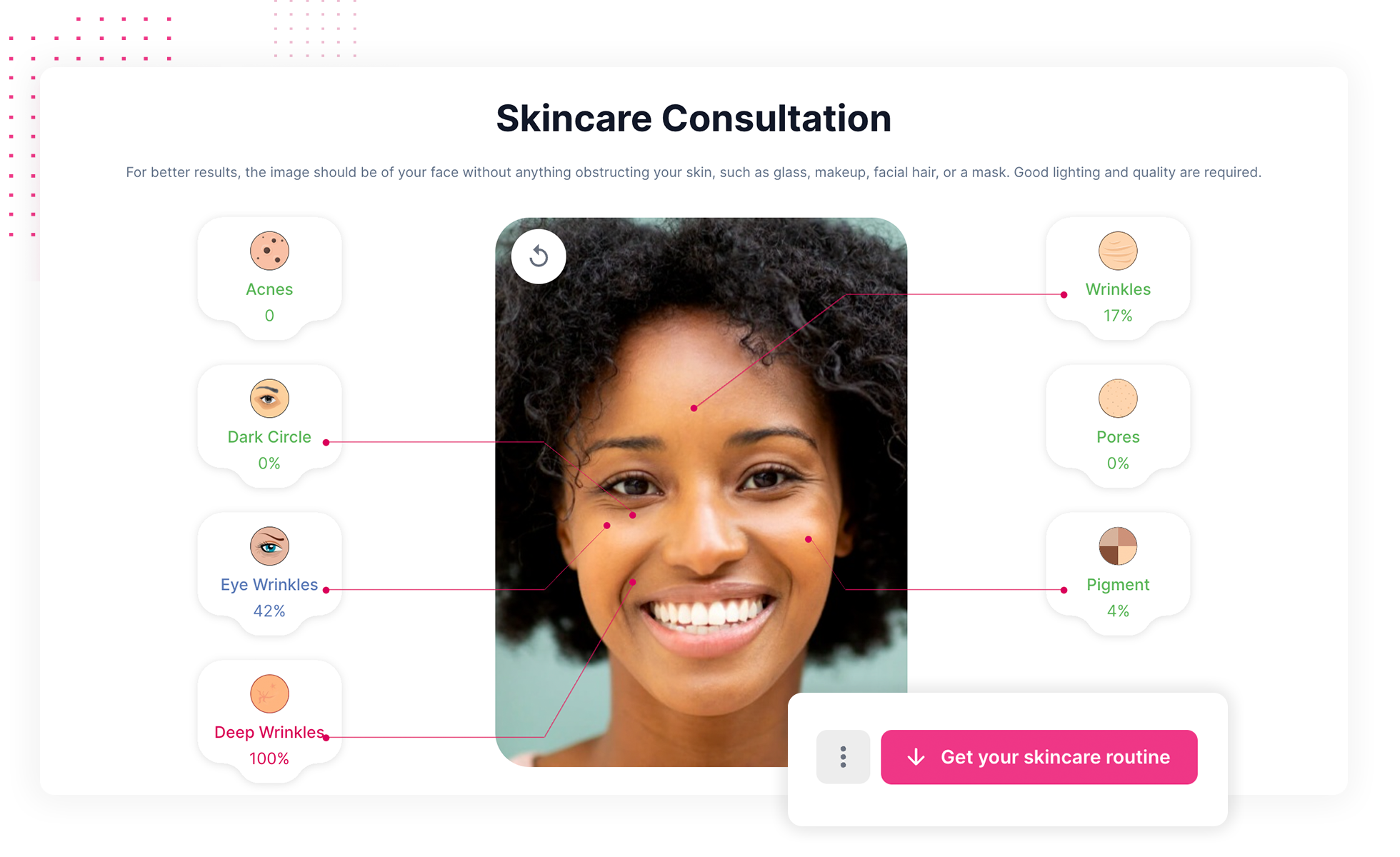
Vue 3 component for Face Age to build interactive visualizations in vue.
Download and Installation
Installing
npm install face-age vue3-face-ageor
yarn add face-age vue3-face-ageUsage
import VueFaceAge from "vue3-face-age";

export default {
  components: {
    faceage: VueFaceAge
  },
  data: function() {
    return {
      faceAgeOptions: {
        faceageId: '<Face Age Client Id>',
        type: 'skincare-analyzer'
      }
    };
  },
  methods: {
    onLoad(req) {
      console.log(req);
    },
  }
}
To use face analysis with minimal settings, write as follows:
<template>
  <div class="demo">
    <faceage :options="faceAgeOptions" :onLoad="onLoad"></faceage>
  </div>
</template>
Options
If you want to change the global default options, you can use object options.
type
- Type:
String - Default:
'skincare' - Options:
'skincare': create a new crop box'skincare-analyze': move the canvas
Define the analysis display mode. If you set the type to skincare, only the possibility of receiving the image will be displayed, while the skincare-analyze value is entered, the image will be received and the received data will also be displayed.
access
- Type:
Array - Default:
['dark_circle', 'eye_bag', 'eye_wrinkles', 'deep_wrinkles', 'wrinkles', 'acnes', 'pores', 'pigment']
You can set it to display more limited analysis information.
showCamera
- Type:
Boolean - Default:
true
You can set it to use the camera to load the image.
showUpload
- Type:
Boolean - Default:
true
You can specify whether users can upload images.
showFacePoint
- Type:
Boolean - Default:
true
Ability to display analysis points on the face.
Contacts
Website: getfaceage.com
Email: dev@getfaceage.com