

Package Exports
- @acrool/react-dropdown
- @acrool/react-dropdown/dist/index.css
Readme
Acrool React Dropdown

Dropdown list with React Component





Install
yarn add @acrool/react-dropdownUsage
add in your index.tsx
import "@acrool/react-dropdown/dist/index.css";then in your page
import {Dropdown, DropdownMulti} from '@acrool/react-dropdown';


const Example = () => {
    const [value, setValue] = useState<string|null>('');
    const [multiValue, setMultiValue] = useState<Array<string|null>|null>(null);

    const renderDropdown = () => {
        const options = [
            {text: 'Jack Wu', value: '1'},
            {text: 'Imagine Chiu', value: '2'},
            {text: 'Jason Dinwiddie', value: '3'},
            {text: 'Gloria Lu', value: '4'},
        ];
        return <Dropdown value={value} onChange={setValue} options={options}/>;
    }

    const renderDropdownMulti = () => {
        const options = [
            {text: 'Select option item...', value: '', avatarUrl: ''},
            {text: 'Jack Wu', value: '1', avatarUrl: asset('/images/avatar/female-1.jpg')},
            {text: 'Imagine Chiu', value: '2', avatarUrl: asset('/images/avatar/female-2.jpg')},
            {text: 'Jason Dinwiddie', value: '3', avatarUrl: asset('/images/avatar/female-3.jpg')},
            {text: 'Gloria Lu', value: '4', avatarUrl: asset('/images/avatar/female-4.jpg')},
        ];
        return <DropdownMulti value={multiValue} onChange={setMultiValue} options={options2} isDark/>;
    }

    return (
        <>
            {renderDropdown()}
            {renderDropdownMulti()}
        </>
    );

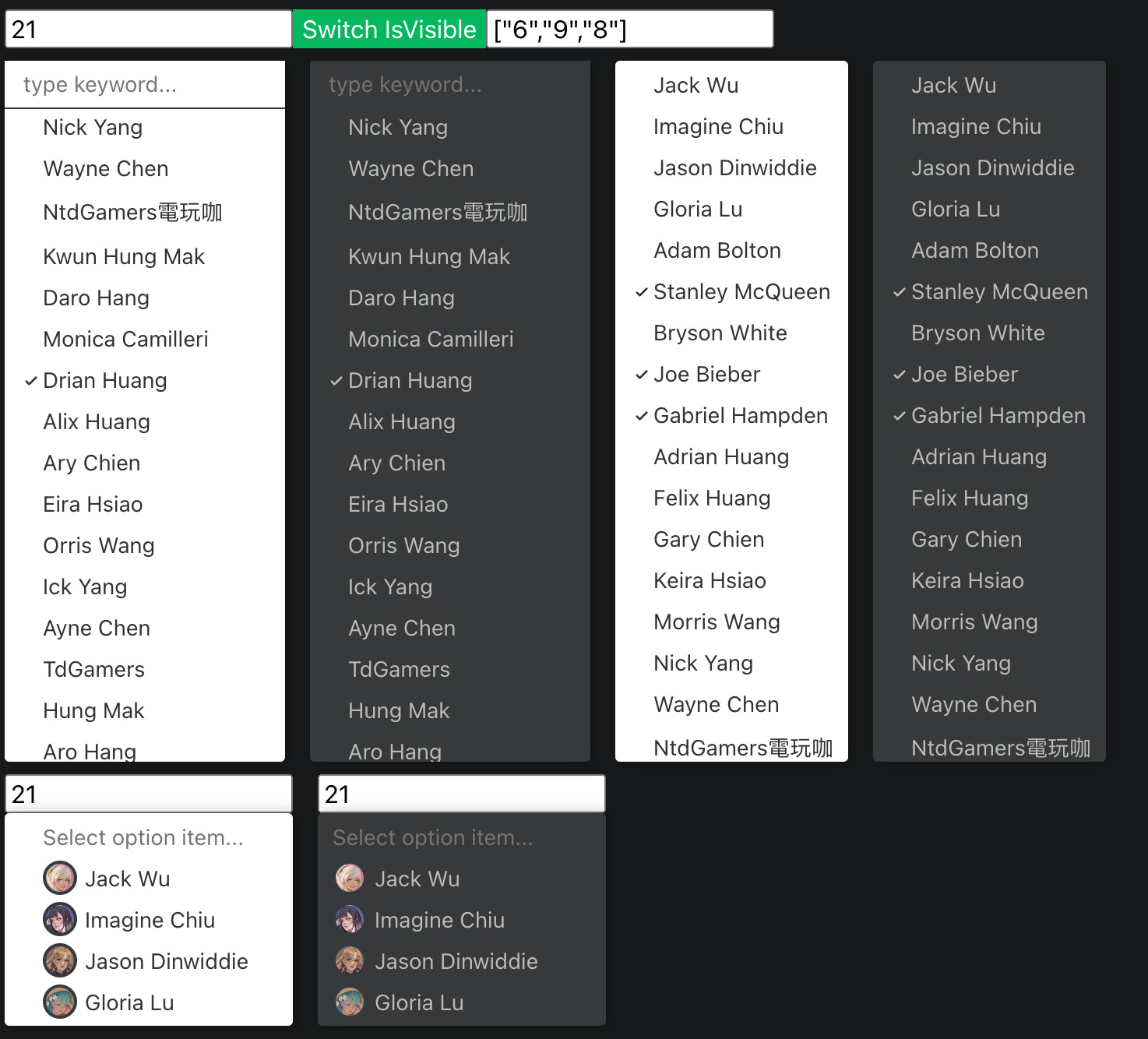
};
There is also a codesandbox template that you can fork and play with it:

License
MIT © imagine10255