
Package Exports
This package does not declare an exports field, so the exports above have been automatically detected and optimized by JSPM instead. If any package subpath is missing, it is recommended to post an issue to the original package (@ajaysidhu/react-native-template) to support the "exports" field. If that is not possible, create a JSPM override to customize the exports field for this package.
Readme



react-native-template
A starter kit for initializing a new React-Native project with some commonly used preconfigured libraries and the folder structure.
Key features:
- Pre-configured folder structure
- Basic Authentication screens(Login, Signup, Forgot Password) and flow
- Reusable common components, utility functions and constants
- Logger to log data more clearly using coloured logs in Chrome Debugger
- Navigation using react-navigation (v6)
- State management using redux
- Redux middleware redux-saga
- Git hooks using husky
- Staging and Production environment configurations using react-native-config
- TDD(Test-Driven Development) using jest
- (Unsecured) local data storage using AsyncStorage
- Splash screen using react-native-bootsplash
- API requests using axios
- Localization using react-native-localization
- Responsive UI using flexbox and react-native-size-matters
Prerequisite
Make sure that you have followed the environment setup instructions properly from the official React Native docs.
The installation command will fail if you have the global legacy
react-native-cliinstalled in your machine. Make sure you uninstall it first:
yarn global remove react-native-clior if using npm
npm uninstall -g react-native-cliQuick start
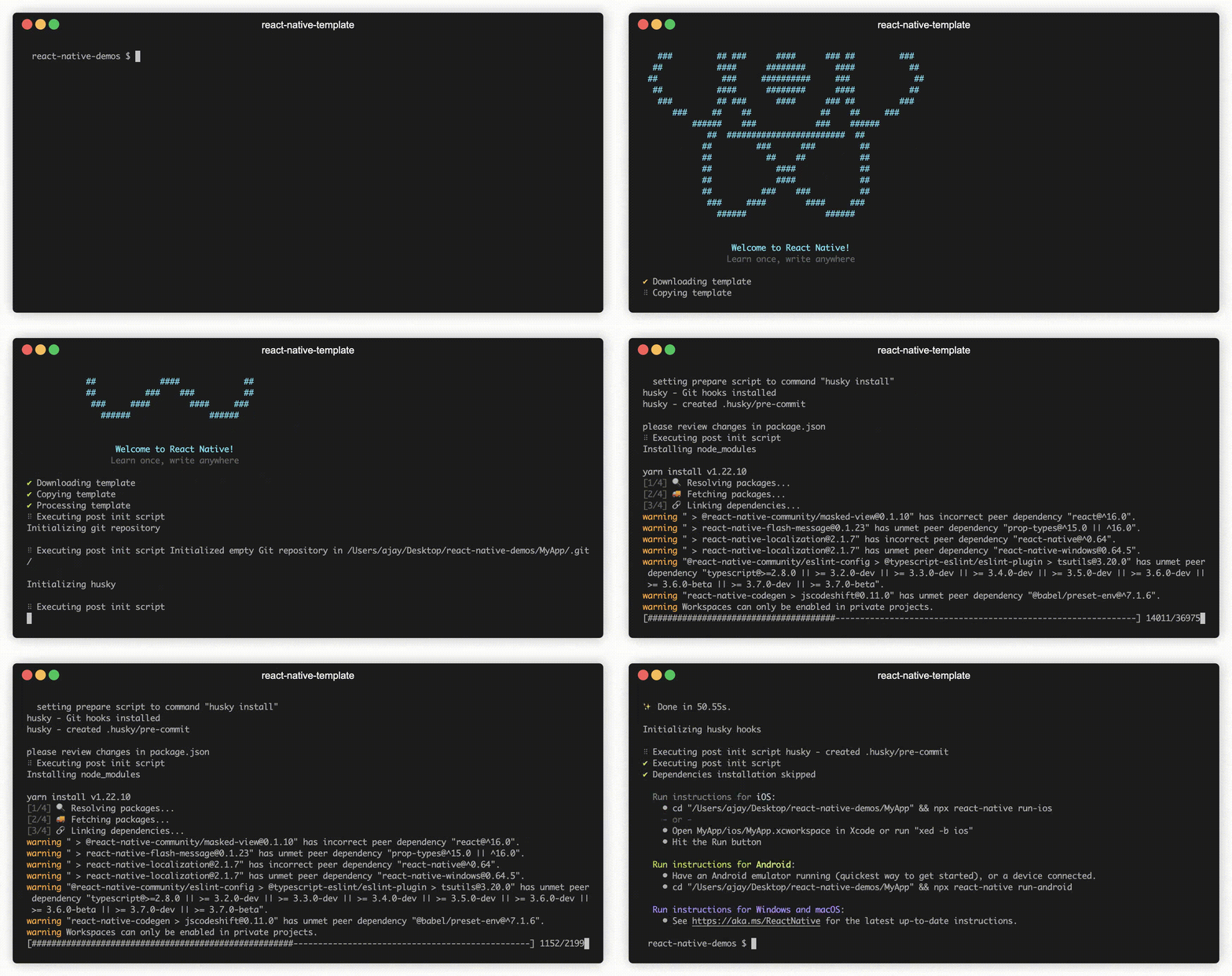
Generate a new React Native(v0.69.4) app using the @ajaysidhu/react-native-template:
npx react-native init MyApp --template @ajaysidhu/react-native-template --skip-installYou might also be prompted to confirm the installation for the packages react-native and husky. Simply hit enter to proceed.
The template will automatically install the npm dependencies and the pods (if you are on the MacOS).
Digging Deeper
Check out the documentation website to learn more about the template.
Configure Bundle Ids, App Name and Google Service Files
If you want to extend the setup further to configure different bundle ids, App Names and Google Service files for Staging and Production environments, you can follow my this Medium post.
Roadmap
- [] Add react-native-keychain for secured user data storage
- [] Add dark mode
- [] Add docs to explain provided common components usages
- [] Add atomic structure for components
- [] Add common styles
- [] Add website docs versioning