Package Exports
- @appwrite.io/pink-icons
- @appwrite.io/pink-icons/dist/icon.css
This package does not declare an exports field, so the exports above have been automatically detected and optimized by JSPM instead. If any package subpath is missing, it is recommended to post an issue to the original package (@appwrite.io/pink-icons) to support the "exports" field. If that is not possible, create a JSPM override to customize the exports field for this package.
Readme
@appwrite.io/pink-icons

Appwrite's open-source design system for building consistent and reusable user interfaces.
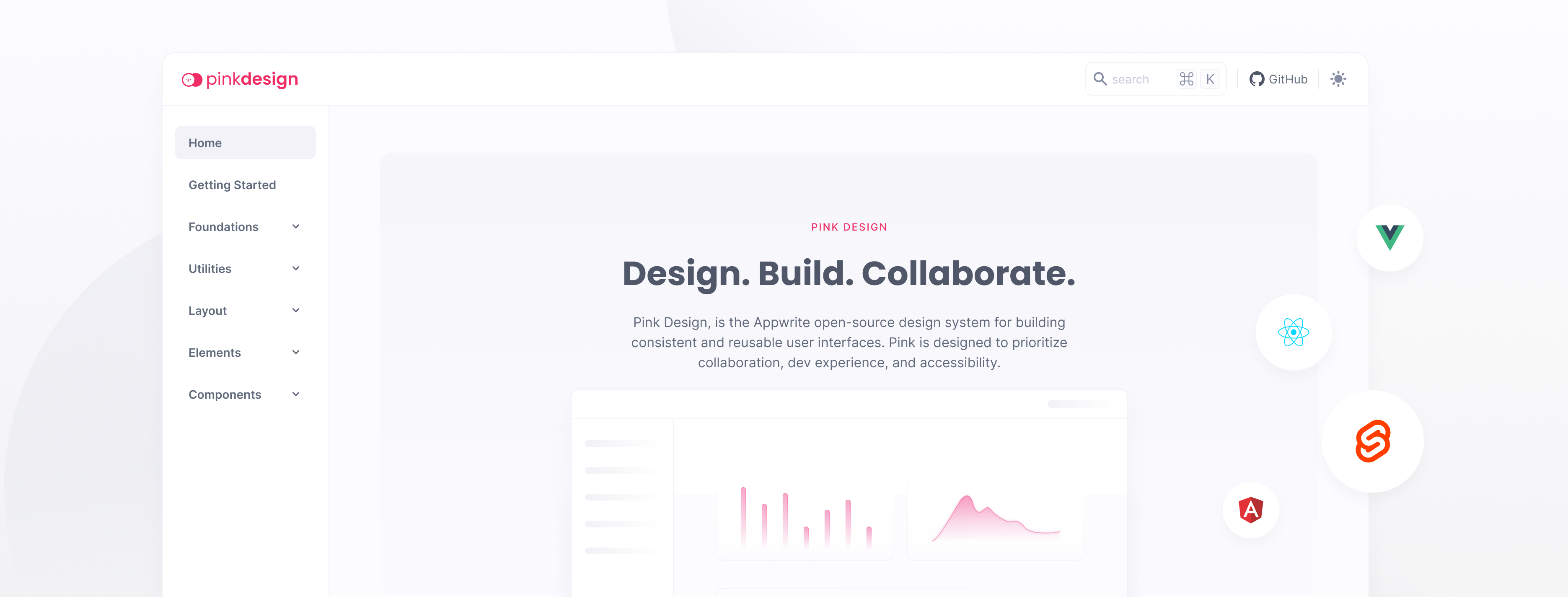
SVG Icon library that is used to generate an icon font for Pink Design.
Pink Design is a CSS library designed for building accessible and visually appealing user interfaces. The library is built with a focus on accessibility, ensuring that users of all abilities can easily interact with your web application. Pink Design offers a wide range of classes and components that can be easily integrated into your project. Whether you're building a complex user interface or a simple web app, Pink Design has everything you need to create a polished and professional look.
Getting Started
NPM
Install the icons:
npm install "@appwrite.io/pink-icons"After installation, include the icons by importing it in your JavaScript files.
import "@appwrite.io/pink-icons";CDN
Copy the following code into the <head> section of your HTML file.
<link rel="stylesheet" href="https://unpkg.com/@appwrite.io/pink-icons">Optimize Icons
In order to prepare all SVG files to be compatible for fonts, you can optimize all icons.
npm run optimize -w @appwrite.io/pink-icons