
Package Exports
- @datalayer/jupyter-react
- @datalayer/jupyter-react/lib/index.js
This package does not declare an exports field, so the exports above have been automatically detected and optimized by JSPM instead. If any package subpath is missing, it is recommended to post an issue to the original package (@datalayer/jupyter-react) to support the "exports" field. If that is not possible, create a JSPM override to customize the exports field for this package.
Readme

Jupyter React
⚛️ React.js components to create your data product. Compatible with the Jupyter ecosystem.
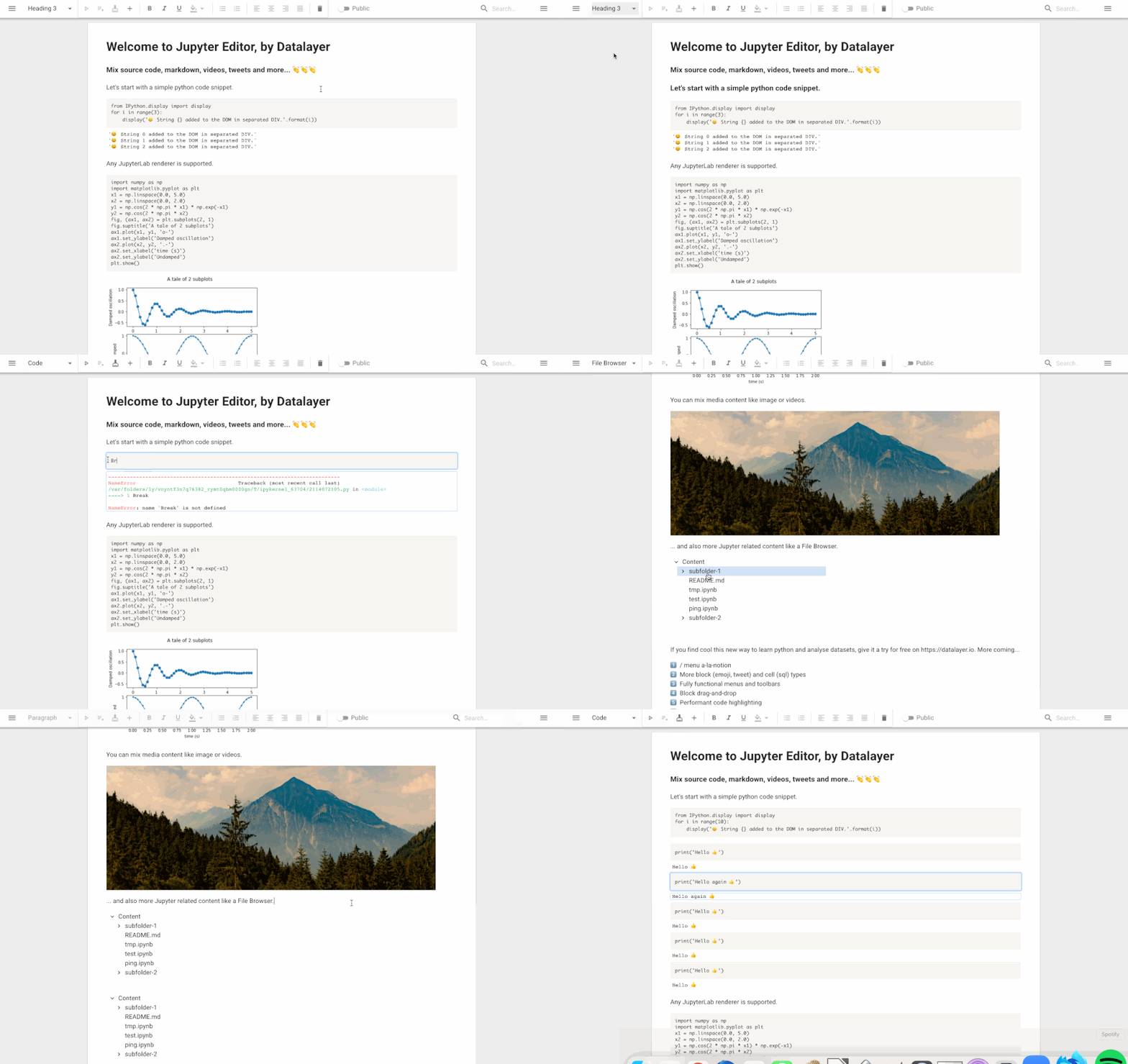
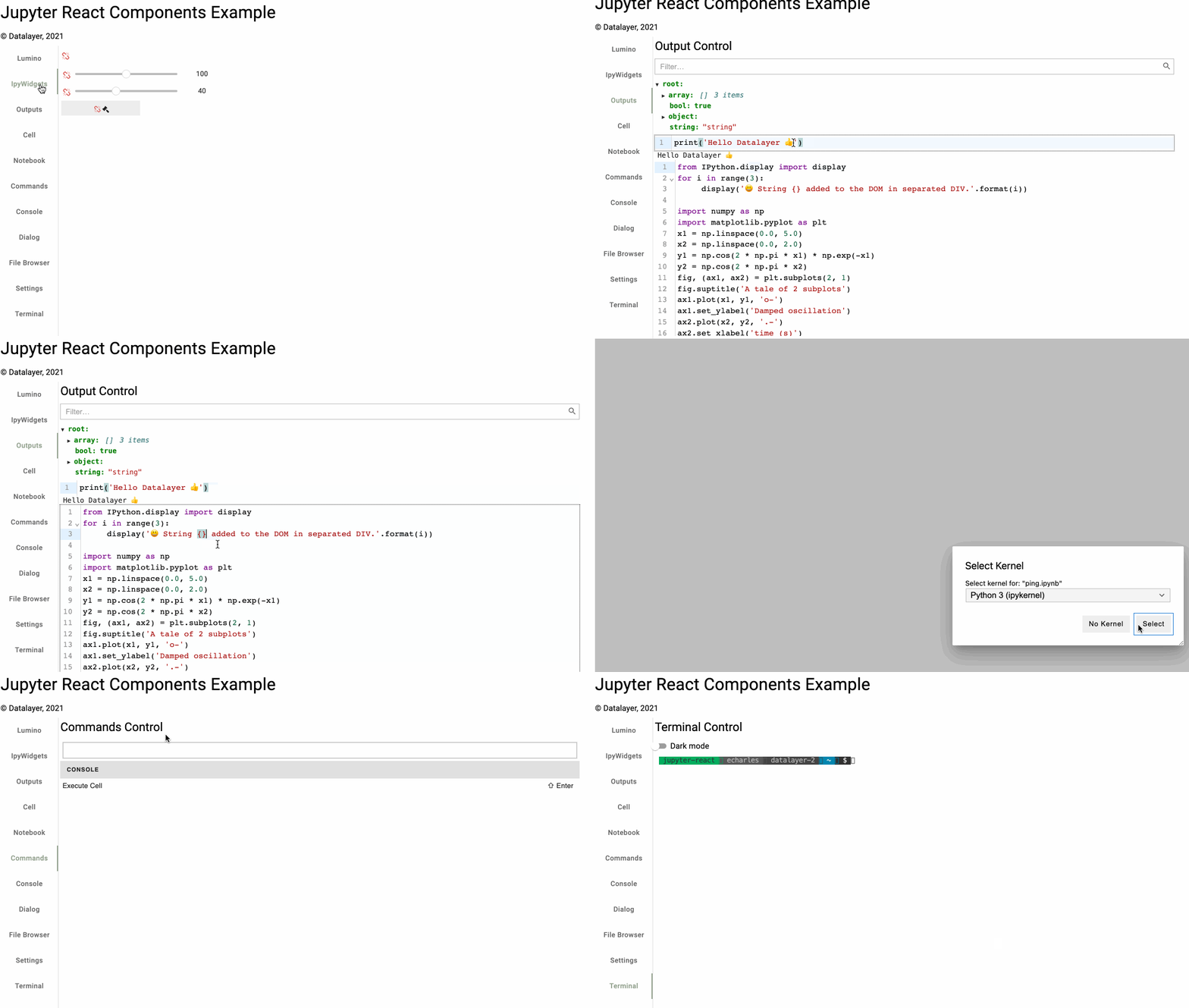
You can create for example a custom React.js data product a-la-google-docs as shown above. The below image shows a gallery of the available React.js components you ready to be used in you custom React.js application.
Please open issues for questions, feature requests, bug reports... We also welcome pull requests.
Follow the below steps to create your development environment. You will need Miniconda up-and-running on your machine (MacOS or Linux, Windows is not supported as development platform for the time-being).
# Clone this repository.
git clone https://github.com/datalayer/jupyter-react.git && \
  cd jupyter-react
# Setup your development environment.
conda deactivate && \
make env-rm # If you want to reset your environment.
make env && \
conda activate jupyter-react# Clean, install and build.
make clean install buildYou can launch an example and hack the source code. The changes will build automatically and will be available in your browser.
# Start jupyter-react example.
echo open http://localhost:3208
yarn start
Usage
Install the latest @datalayer/jupyter-react npm package and get inspired by the examples. The typedoc documentation is available online.
License
Copyright (c) 2022 Datalayer, Inc.
Released under the terms of the MIT license (see LICENSE).