

Package Exports
This package does not declare an exports field, so the exports above have been automatically detected and optimized by JSPM instead. If any package subpath is missing, it is recommended to post an issue to the original package (@donedeal0/codefather) to support the "exports" field. If that is not possible, create a JSPM override to customize the exports field for this package.
Readme



WHAT IS IT?
Codefather protects your codebase by controlling who can change what. Set authorization levels, lock down files, and enforce your rules—offline via CLI or online with GitHub Actions.
ℹ️ The documentation is also available on our website!
CODEOWNERS COMPARISON
Codefather can serve as a drop-in replacement for GitHub’s CODEOWNERS—or play alongside it like a trusted consigliere.
GitHub’s CODEOWNERS lets you define file owners in your codebase and automatically assign them as reviewers. No pull request can be merged until an appropriate codeowner has approved it.
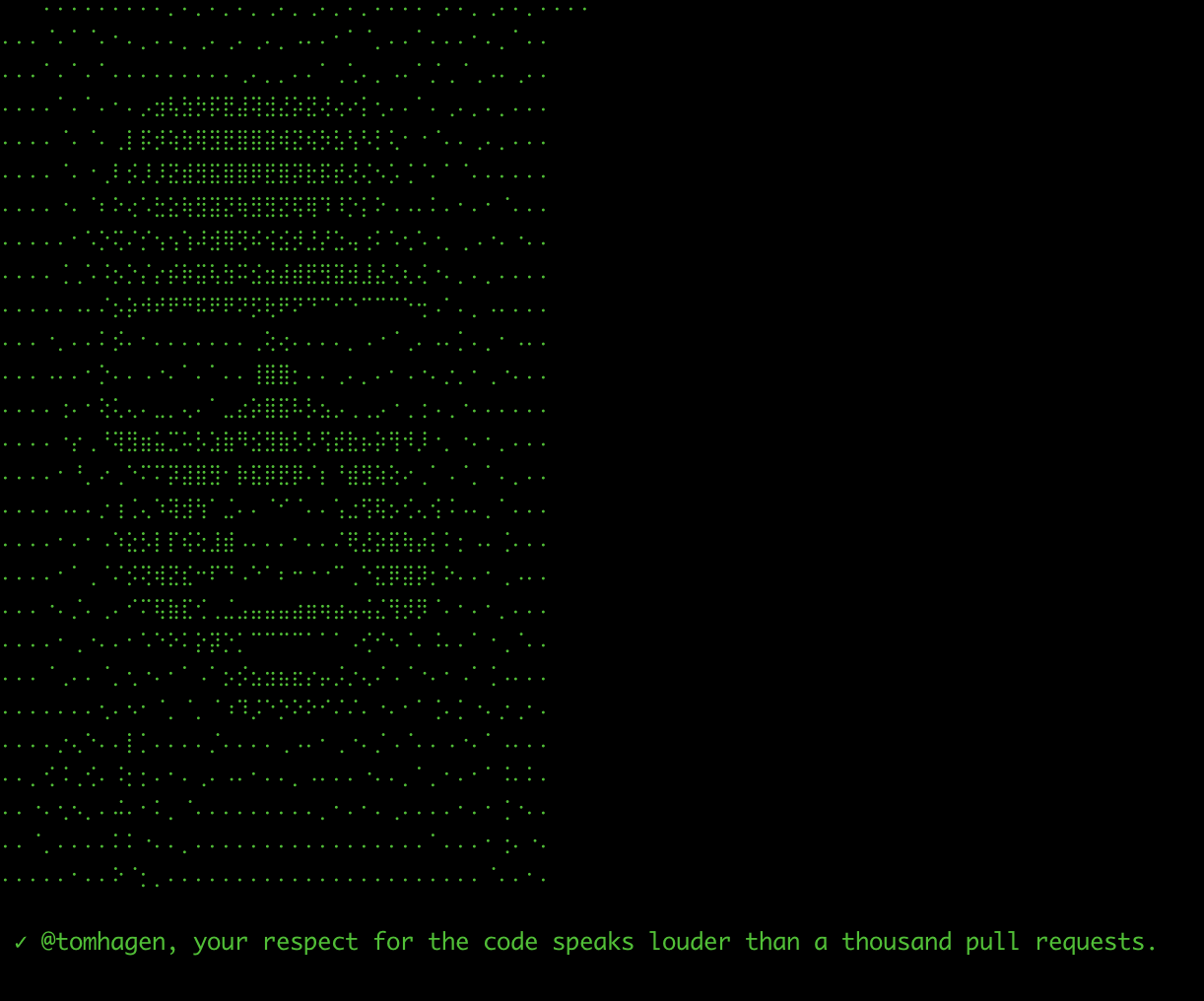
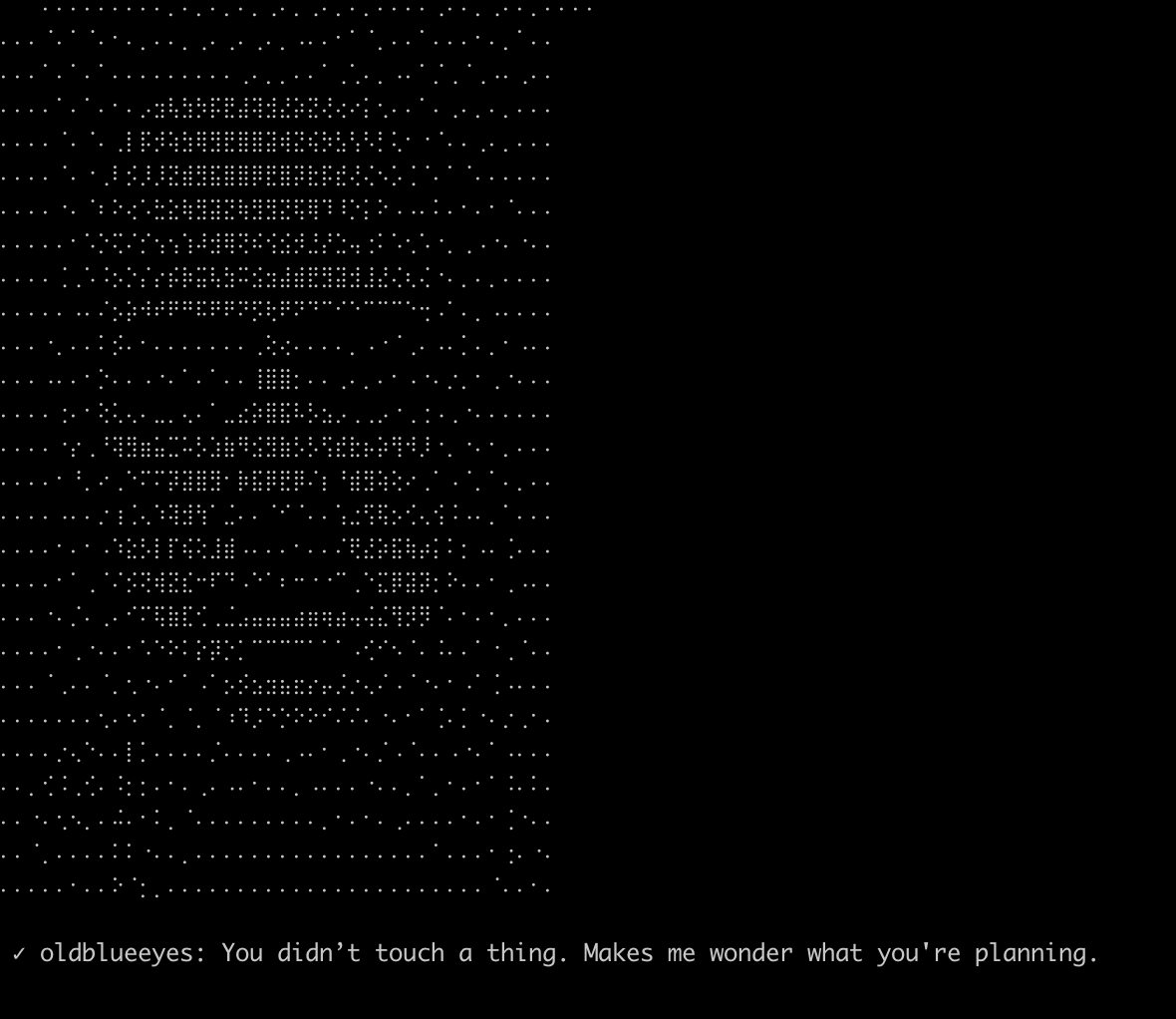
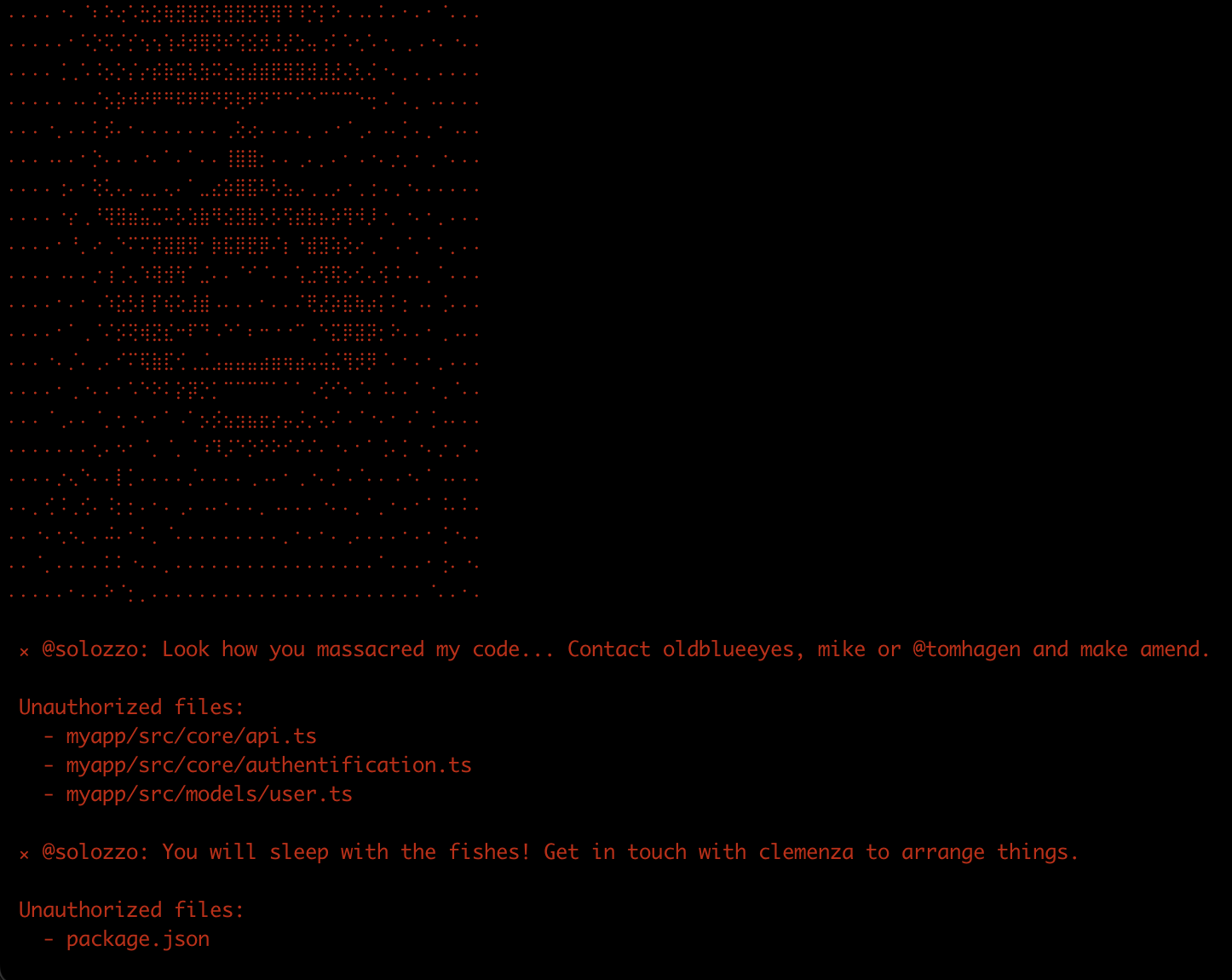
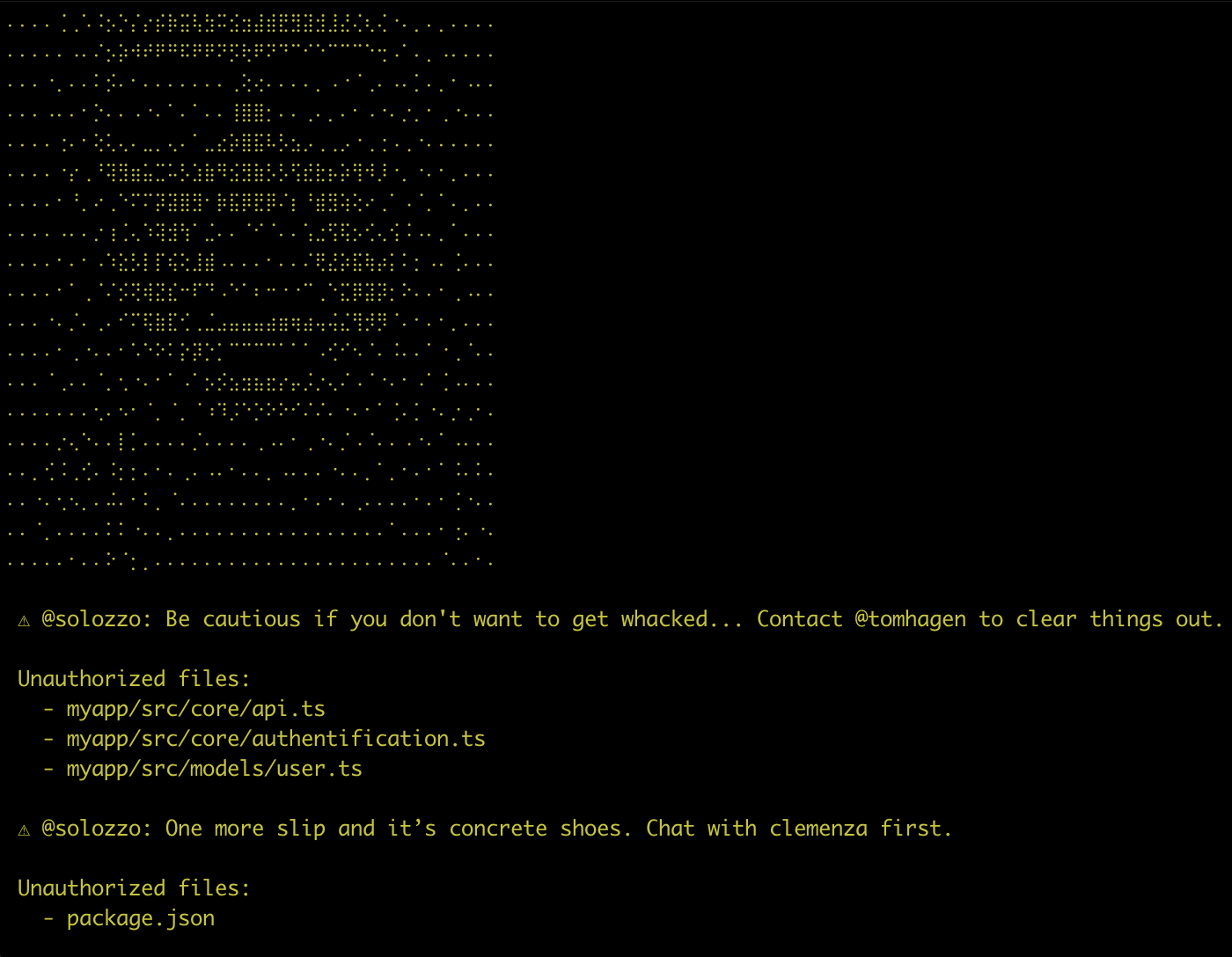
Codefather offers more flexibility in assigning codeowners: support for various roles (teams, leads, developers), complex file-match rules, local execution, commit protection, and more. It can prevent unauthorized changes, warn developers, list prohibited files with error levels and contact points, block sensitive merges via GitHub Actions, and auto-assign reviewers when needed.
Codefather is designed to offer a delightful developer experience—a single config file for both CLI and GitHub Action usage, efficient commands to protect your codebase, automatic translation of CODEOWNERS into Codefather config, and over 100 personalized reactions to your commits.
Whether you're enforcing strict governance or just want the Don watching over your commits, Codefather brings clarity, control, and charisma to your workflow.
| FEATURE | CODEFATHER | GITHUB CODEOWNERS |
|---|---|---|
| Files and folders protection | ✅ | ✅ |
| Github Action | ✅ | ✅ |
| Auto-assign reviewers | ✅ | ✅ |
| Teams support | ✅ | ✅ |
| CLI + pre-commit | ✅ | ❌ |
| Roles hierarchy | ✅ | ❌ |
| Personalized feedbacks | ✅ | ❌ |
| Customizable config | ✅ | ❌ |
| Commit blockage | ✅ | ❌ |
| Godfather vibe | ✅ | ❌ |
SCREENSHOTS
INSTALLATION
npm install @donedeal0/codefather --save-devUSAGE
Codefather has 3 commands:
codefather: checks if your access rules are respected in your repository.codefather-init: creates a default config at the root of your repository and adds acodefathercommand to yourpackage.json.- If a
.github/CODEOWNERSfile is present, it will be used to generate the config. - Accepts two optional flags:
json: generates a json config file instead of atsone.overwrite: overwrites an existing codefather config.- example:
npm run codefather-init json overwrite
- example:
- If a
codefather-github: similar tocodefather, but designed to run in a GitHub Action environment
You can either add a script shortcut in your package.json:
"scripts": {
  "codefather": "codefather",
}
Or directly run the commands with npx:
npx codefather-init
npx codefather
CONFIG
At the root of your repository, add a codefather.ts or codefather.json file.
import type { CodefatherConfig } from "@donedeal0/codefather";

export default {
  caporegimes: [{ name: "solozzo" }, { name: "lucabrasi" }],
  rules: [
    {
      match: ["package.json", "src/core/**", /^src\/app\/.*\.css$/],
      goodfellas: [{ name: "solozzo" }, { name: "tomhagen" }],
      crews: ["clemenzaPeople"],
      allowForgiveness: false,
    },
    {
      match: ["src/models/**"],
      goodfellas: [{ name: "mike" }, { name: "sonny" }],
      allowForgiveness: true,
      message: "Custom message to tell you to NOT TOUCH THE MODELS!",
    },
  ],
  options: {
    showAscii: true,
    vouchForAllCommitters: true,
  },
  codeReviews: {
    autoAssignGoodfellas: true,
    autoAssignCaporegimes: true,
  },
  crews: {
    clemenzaPeople: [{ name: "paulieGatto" }, { name: "lucabrasi" }],
  },
} satisfies CodefatherConfig;
⚙️ Here's how it works.
The
CodefatherConfigallows you to control which users can modify parts of your codebase, and to refine the behavior ofcodefather.
type CodefatherConfig {
  /** List of users authorized to modify any files in your repository. */
  caporegimes?: {name: string}[];
  /** Rules that apply to protected files and folders */
  rules: CodefatherRule[];
  /** Options to refine the output */
  options?: {
    /** If true, the codefather face will appear in the terminal. Defaults to true. */
    showAscii?: boolean;
    /** If true, all the pull request committers will be checked against the authorized users. Only used in a GitHub Action context. Defaults to true. */
    vouchForAllCommitters?: boolean;
  };
  /** Options to auto assign reviewers on Github */
  codeReviews?: {
    /** If true, goodfellas responsible for modified files will be assigned on relevant pull requests, except the committers. Defaults to true. */
    autoAssignGoodfellas: boolean;
    /** If true, caporegimes will be assigned on every pull request, except the committers. Defaults to false. */
    autoAssignCaporegimes: boolean;
  };
  /** Group users into teams. Crew names and composition are flexible in CLI mode but should match your github teams if used in a Github Action */
  crews?: Record<string, {name: string}[]>;
}
A
Ruledefines which users can change a set of files.
type CodefatherRule {
  /** List of the files or folders that can only be modified by a given list of users */
  match: Array<RegExp | string>;
  /** List of users authorized to modify the list of files or folders. */
  goodfellas: {name: string}[];
  /** List of authorized user crews (teams). The crews must be defined at the root of your config when used in CLI mode. */
  crews?: string[];
  /** The message displayed if an unauthorized user tries to modify a protected file. If empty, a random message will be generated. */
  message?: string;
  /** If true, a warning will be issued and the script will not throw an error. False by default. */
  allowForgiveness?: boolean;
}
The names should match the GitHub usernames (e.g., tomhagen). In CLI mode, your name will be retrieved retrieved from your Git configuration. You can set it like this:
git config --global user.username "DonCorleone"You can verify the current value like this:
git config user.username # return DonCorleoneIn a Github Action, codefather will use Github's API, so you don't have to worry about the git config.
How to Write Rules
- Match all files in a folder (recursively):
src/myfolder/ - Match a specific file:
src/myfolder/file.ts - Match files by extension in a folder (glob):
src/folder/*.css - Match files by extension in a folder (regex):
/^src\/folder\/.*\.css$/ - Match any file in any subfolder:
src/** - Match dotfiles:
.env - Use
*for single-level matches,**for recursive matches
ℹ️ More examples are available in the test files. Codefather's matching patterns follow classic file matcher rules, like GitHub CODEOWNERS.
GITHUB ACTION
Add this code in your .github/workflows/codefather.yml (the file name is up to you). The GITHUB_TOKEN will be automatically injected by Github.
name: Codefather Validation
on:
  pull_request:
    branches: [main]

permissions:
  contents: read
  pull-requests: write

jobs:
  validate:
    runs-on: ubuntu-latest
    steps:
      - uses: actions/checkout@v4
      - uses: actions/setup-node@v4
        with:
          node-version: 20
      - name: Install dependencies
        run: npm install

      - name: Run Codefather
        run: npx codefather-github
        env:
          GITHUB_TOKEN: ${{ secrets.GITHUB_TOKEN }}
🛡️ ENFORCE REVIEWS
To enforce reviews from codeowners (goodfellas, caporegimes and crews), consider enabling branch protection in your repository settings. To do it:
- Go to
settings - Click on
Brancheson the left sidebar - Select
Add classic branch protection rule - Check
Require a pull request before mergingRequire approvalsRequire review from Code OwnersRequire status checks to pass before merging
- ✅ You're now under the protection of the Codefather.
GLOSSARY
Codefather uses the Godfather's lingo. Although you don't need to know it to use the library, here are the definition of the special words used in the config file:
caporegime: a captain who leads a group of mafia members. It's a tech-lead.goodfella: an appellation for a mobster (like "wise-guy" or "made man"). It's a developer.
CODEFATHER VIBE
We believe open source libraries should be both useful and entertaining. The Don will amuse you with over 100 personalized reactions to your commits—whether you trespassed the rules, flirted with the limits, or respected the codebase like an honorable developer.
This being said, if you don't like the gangster movie atmosphere and still want to use codefather, you can absolutely opt-out by providing your own custom messages and hiding the Don's face in the terminal.
CREDITS
DoneDeal0 | talk.donedeal0@gmail.com
SUPPORT
Show your support for Codefather by becoming a sponsor if you or your company uses it! Your name or company logo will be displayed in the README and on the website.
Premium support is also available. https://github.com/sponsors/DoneDeal0

CONTRIBUTING
Issues and pull requests are welcome!