
Package Exports
- @emoji-mart/data
- @emoji-mart/data/sets/14/native.json
This package does not declare an exports field, so the exports above have been automatically detected and optimized by JSPM instead. If any package subpath is missing, it is recommended to post an issue to the original package (@emoji-mart/data) to support the "exports" field. If that is not possible, create a JSPM override to customize the exports field for this package.
Readme
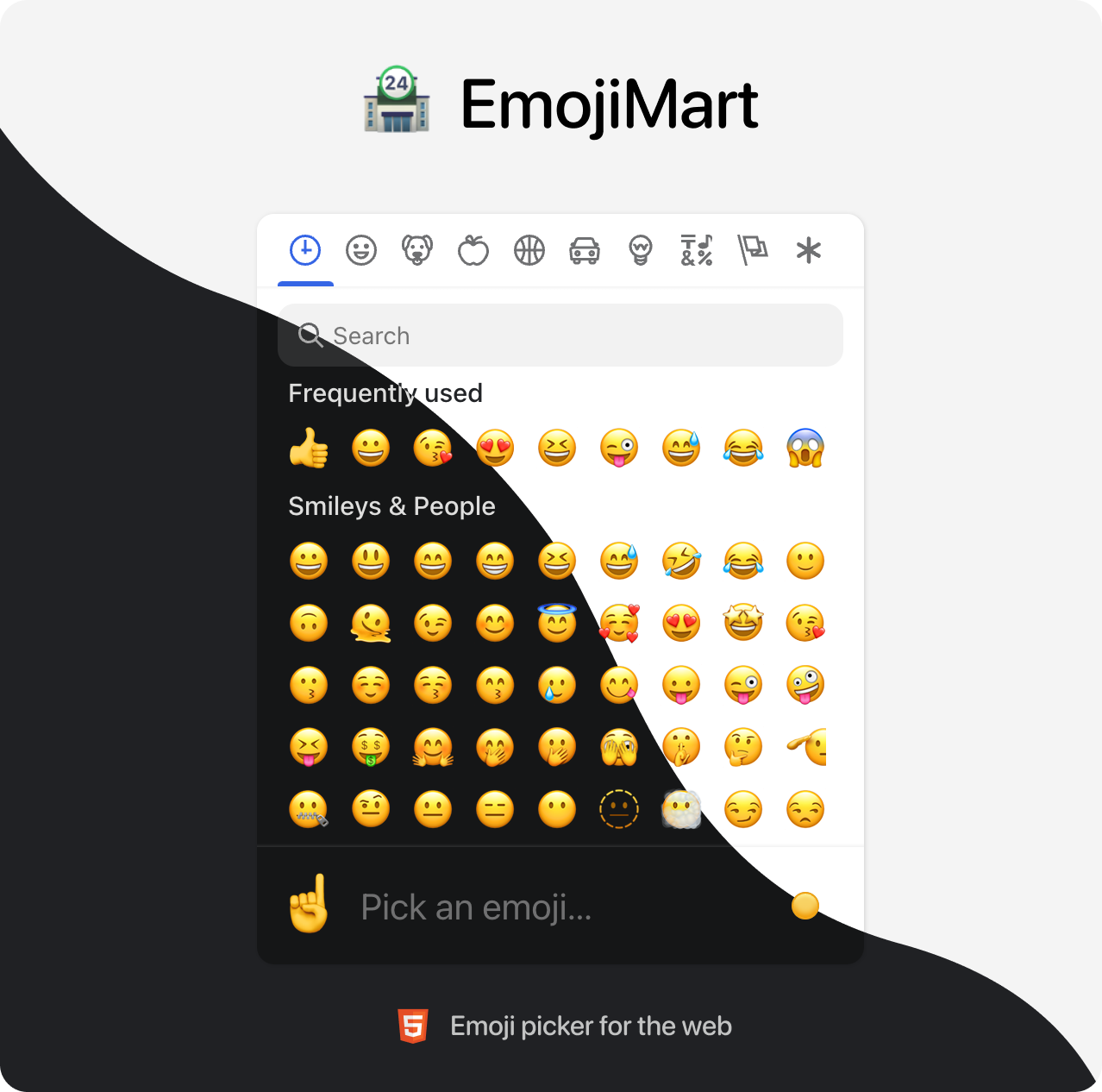
Emoji Mart is a customizable
emoji picker HTML component for the web
Demo

Brought to you by the Missive team
💾 Data
Data required for the picker to work has been completely decoupled from the library. That gives developers the flexibility to better control their app bundle size and let them choose how and when this data is loaded. Data can be:
Bundled directly into your codebase
Pros: Picker renders instantly, data is available offline
Cons: Slower initial page load (bigger file to load)
yarn install @emoji-mart/dataimport data from '@emoji-mart/data'
import { Picker } from 'emoji-mart'
new Picker({ data })Fetched remotely
Pros: Data fetched only when needed, does not affect your app bundle size
Cons: Network latency, doesn’t work offline (unless you configure a ServiceWorker)
import { Picker } from 'emoji-mart'
new Picker({
  data: async () => {
    const response = await fetch(
      'https://cdn.jsdelivr.net/npm/@emoji-mart/data',
    )

    return response.json()
  }
})
In this example data is fetched from a content delivery network, but it could also be fetched from your own domain if you want to host the data.
🧑💻 Usage
React
npm install --save emoji-mart @emoji-mart/dataimport React, { useEffect, useRef } from 'react'
import { render } from 'react-dom'
import data from '@emoji-mart/data'
import { Picker } from 'emoji-mart'
function EmojiPicker(props) {
const ref = useRef()
useEffect(() => {
new Picker({ ...props, data, ref })
}, [])
return <div ref={ref} />
}
render(<EmojiPicker onEmojiSelect={console.log} />, document.querySelector('#picker'))Browser
<script type="module">
  import data from 'https://cdn.jsdelivr.net/npm/@emoji-mart/data'
  import * as EmojiMart from 'https://cdn.jsdelivr.net/npm/emoji-mart@latest/dist/index.js'

  const picker = new EmojiMart.Picker({ data, onEmojiSelect: console.log })
  document.querySelector('#picker').appendChild(picker)
</script>
🗺 Internationalization
EmojiMart UI supports multiple languages, feel free to open a PR if yours is missing.
import i18n from '@emoji-mart/data/i18n/fr.json'
i18n.search_no_results_1 = 'Aucun emoji'

new Picker({ i18n })
Given the small file size, English is built-in and doesn’t need to be provided.
📚 Documentation
Coming soon. See examples for now.
🤓 Built for modern browsers
EmojiMart relies on these APIs, you may need to include polyfills if you need to support older browsers:
🛠 Development
yarn install
yarn dev