
Package Exports
- @getmageio/react-native-mage
This package does not declare an exports field, so the exports above have been automatically detected and optimized by JSPM instead. If any package subpath is missing, it is recommended to post an issue to the original package (@getmageio/react-native-mage) to support the "exports" field. If that is not possible, create a JSPM override to customize the exports field for this package.
Readme
Mage React Native SDK
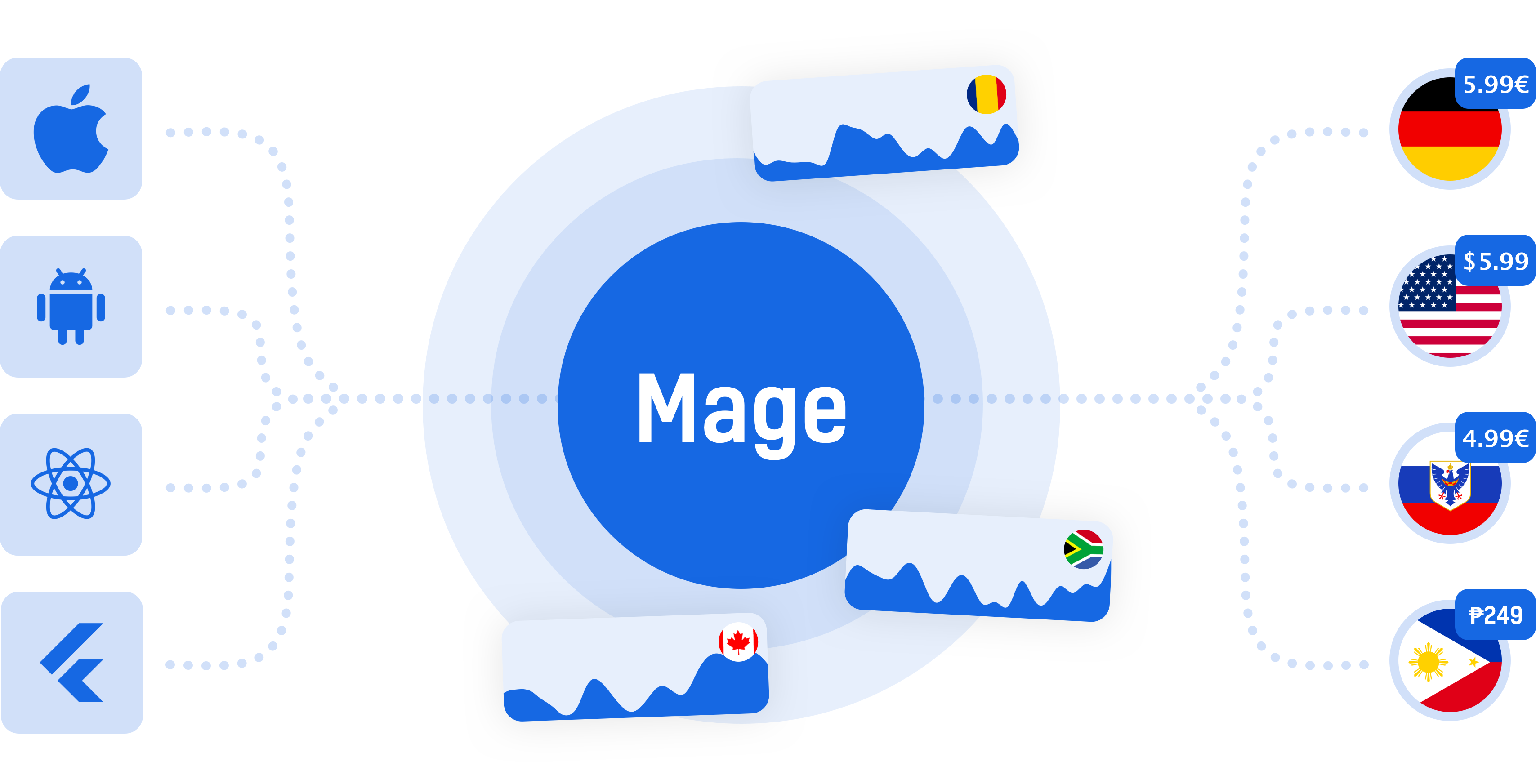
Distributing products globally should not be a one price fits all strategy. Get started with Mage to scale your products worldwide!
Requirements
Please note that our SDK currently just works on iOS 11 and up. Android is not yet supported.
Getting started
$ npm install @getmageio/react-native-mage --save
Mostly automatic installation
$ react-native link @getmageio/react-native-mage
Usage
1) Import the React Native Mage SDK
import Mage from '@getmageio/react-native-mage'2) Set the API Key
Mage.setOptions({
  // Set your API key
  apiKey: "YOUR_API_KEY",
  // Indicate if your app is running on a consumer device.
  // Please not that production should not be set to true if your app runs on real testing devices!
  // Default: false
  production: true,
  // Optional: strict mode. The SDK will crash when errors occur.
  // This way you can test if you set up the SDK correctly!
  // Default: false
  strict: false
})
3) Get your in app purchase IDs
Wherever you show in app purchases call getIdFromProductName to get the correct in app purchase ID. This could be, for example, somewhere in your ViewController for your store view / popup.
Mage.getIdFromProductName("myProduct", "com.myapp.myFallBackID", (inAppPurchaseId) => {
  // work with inAppPurchaseId
})
4) Know what you sold
In some cases you might want to know what the user bought so you can send it to a CRM,
your own backend or for some custom logic inside your app. getProductNameFromId will help you out!
Mage.getProductNameFromId("com.myapp.someIapID", (err, productName) => {
  if(!err){
    // work with productName
  }
})