

Package Exports
- @m6b9/telegram-notifier
- @m6b9/telegram-notifier/dist/index.js
This package does not declare an exports field, so the exports above have been automatically detected and optimized by JSPM instead. If any package subpath is missing, it is recommended to post an issue to the original package (@m6b9/telegram-notifier) to support the "exports" field. If that is not possible, create a JSPM override to customize the exports field for this package.
Readme
Telegram Notifier
Zero-dependency TypeScript library for sending Telegram notifications via bot API




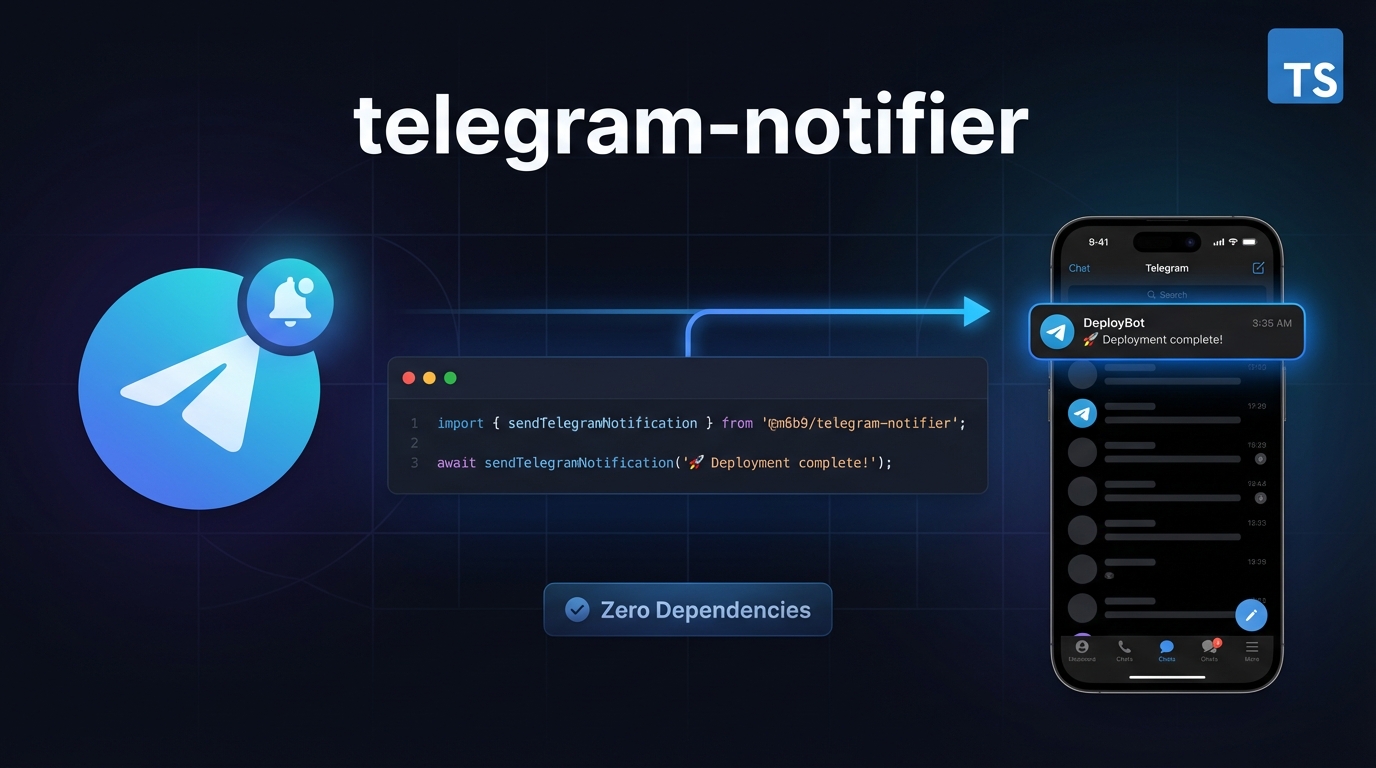
Send Telegram notifications from your Node.js app in seconds
Table of Contents
- Features
- Installation
- Quick Setup
- Usage
- API Reference
- TypeScript Support
- Use Cases
- Why Zero Dependencies?
- License
Features
- ✅ Zero runtime dependencies - uses native Node.js
httpsmodule - 🔒 TypeScript native - full type safety and IntelliSense support
- 📦 Lightweight - minimal footprint
- 🎨 HTML formatting - supports
<b>,<i>,<code>tags - ⚡ Simple API - one function to send notifications
Installation
npm install @m6b9/telegram-notifierQuick Setup
1. Get your Telegram credentials
Bot Token:
- Search and open the conversation with @BotFather on Telegram
- Send
/newbotto create a new bot - Copy the generated token (format:
123456789:ABCdefGHIjklMNOpqrsTUVwxyz)
Chat ID:
Important: You must always send
/startto your bot first, otherwise Telegram will block all messages from the bot!
IF you want to send notification to a personal chat:
- Search for your bot in Telegram (e.g.,
@your_bot_name) or visithttps://t.me/YOUR_BOT_USERNAME - Click "Start" or send
/startto the bot - Option A: Search and talk to @userinfobot : it will reply with your User ID. Copy the ID.
- Option B: Manual method:
- Visit
https://api.telegram.org/bot<YOUR_TOKEN>/getUpdatesin your browser - Find
"from":{"id":123456789}in the JSON response
- Visit
- Search for your bot in Telegram (e.g.,
IF you want to send notification to a group:
- Add your bot to the group
- Send
/startin the group (or any message) - Visit
https://api.telegram.org/bot<YOUR_TOKEN>/getUpdates - Find
"chat":{"id":-123456789}in the response (note: group IDs are negative)
2. Set environment variables
Create a .env file (see .env.example):
TELEGRAM_BOT_TOKEN=123456789:ABCdefGHIjklMNOpqrsTUVwxyz
TELEGRAM_CHAT_ID=123456789
Note: Environment variables are optional. You can also pass credentials directly in the function call (see Advanced usage).
Usage
JavaScript (CommonJS)
const { sendTelegramNotification } = require('@m6b9/telegram-notifier');

// Simple message
await sendTelegramNotification('Hello from Node.js!');

// With HTML formatting
await sendTelegramNotification('<b>Error:</b> Something went wrong!');
TypeScript (ES Modules)
import { sendTelegramNotification } from '@m6b9/telegram-notifier';

// Simple message
await sendTelegramNotification('Hello from TypeScript!');

// With HTML formatting
await sendTelegramNotification('<b>Success:</b> Deployment complete!');
Advanced (override credentials)
import { sendTelegramNotification } from '@m6b9/telegram-notifier';

await sendTelegramNotification('Custom message', {
  botToken: 'custom_token',
  chatId: 'custom_chat_id'
});
Error handling
try {
  const result = await sendTelegramNotification('Test message');
  console.log(result); // { success: true, message: 'Message sent successfully' }
} catch (error) {
  console.error('Failed:', error.message);
}
API Reference
sendTelegramNotification(message, options?)
Send a message to Telegram.
Parameters:
message(string, required): Message to send (supports HTML tags:<b>,<i>,<code>)options(TelegramNotificationOptions, optional):botToken(string): OverrideTELEGRAM_BOT_TOKENenv variablechatId(string): OverrideTELEGRAM_CHAT_IDenv variable
Returns: Promise<TelegramNotificationResponse>
success(boolean): Whether the message was sent successfullymessage(string): Success or error message
Throws:
- Error if
TELEGRAM_BOT_TOKENis missing - Error if
TELEGRAM_CHAT_IDis missing - Error if message is not a non-empty string
- Error if Telegram API request fails
TypeScript Support
This package is written in TypeScript and includes complete type definitions:
import {
  sendTelegramNotification,
  TelegramNotificationOptions,
  TelegramNotificationResponse
} from '@m6b9/telegram-notifier';
Use Cases
Perfect for:
- 🚨 Error alerts and monitoring
- 📊 Deployment notifications
- ⏰ Scheduled reports and reminders
- 🤖 CI/CD pipeline notifications
- 📈 System health checks
Why Zero Dependencies?
Uses native Node.js https module for maximum reliability and minimal footprint. No external packages means:
- Faster installation
- Smaller bundle size
- Better security (fewer attack vectors)
- No dependency conflicts
License
MIT © Mathias Bradiceanu