
Package Exports
- auth0-lock
This package does not declare an exports field, so the exports above have been automatically detected and optimized by JSPM instead. If any package subpath is missing, it is recommended to post an issue to the original package (auth0-lock) to support the "exports" field. If that is not possible, create a JSPM override to customize the exports field for this package.
Readme
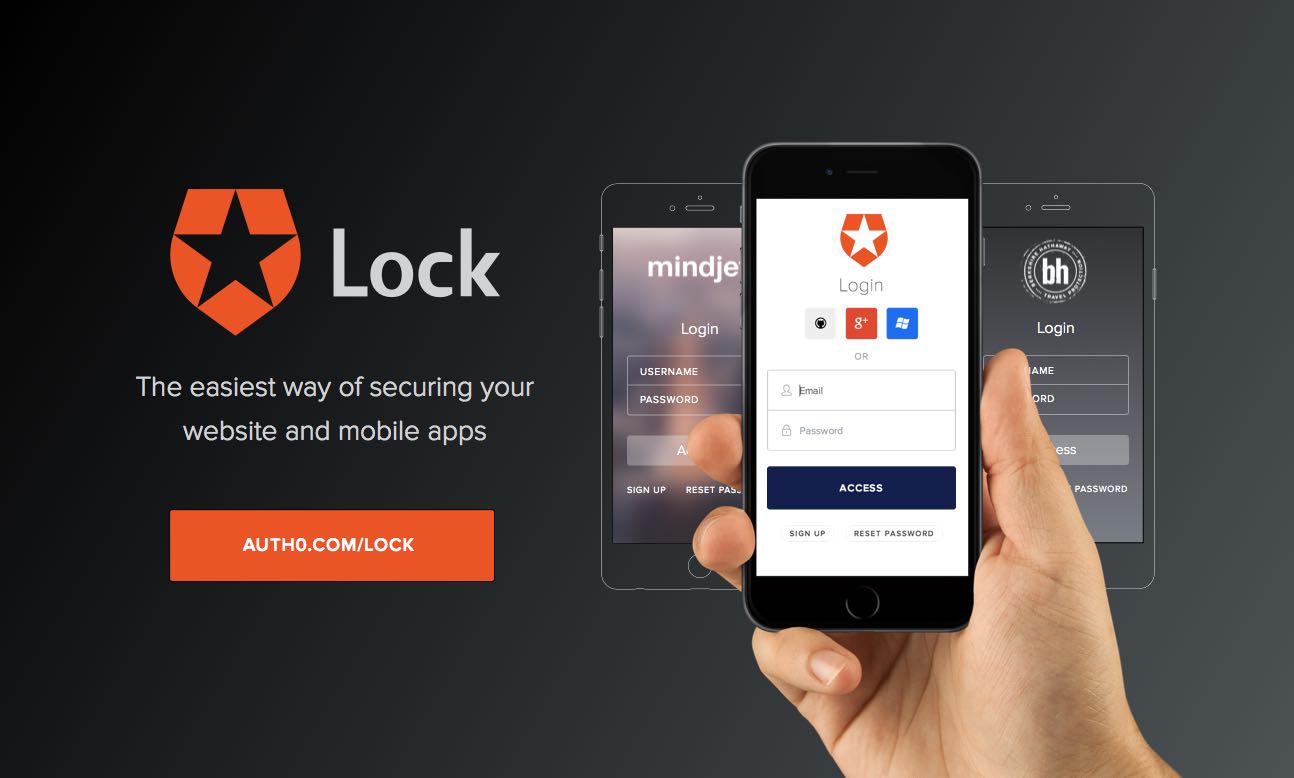
Lock





Auth0 is an authentication broker that supports social identity providers as well as enterprise identity providers such as Active Directory, LDAP, Google Apps, Salesforce.
Lock makes it easy to integrate SSO in your app. You won't have to worry about:
- Having a professional looking login dialog that displays well on any resolution and device.
- Finding the right icons for popular social providers.
- Remembering what was the identity provider the user chose the last time.
- Solving the home realm discovery challenge with enterprise users (i.e.: asking the enterprise user the email, and redirecting to the right enterprise identity provider).
- Implementing a standard sign in protocol (OpenID Connect / OAuth2 Login)
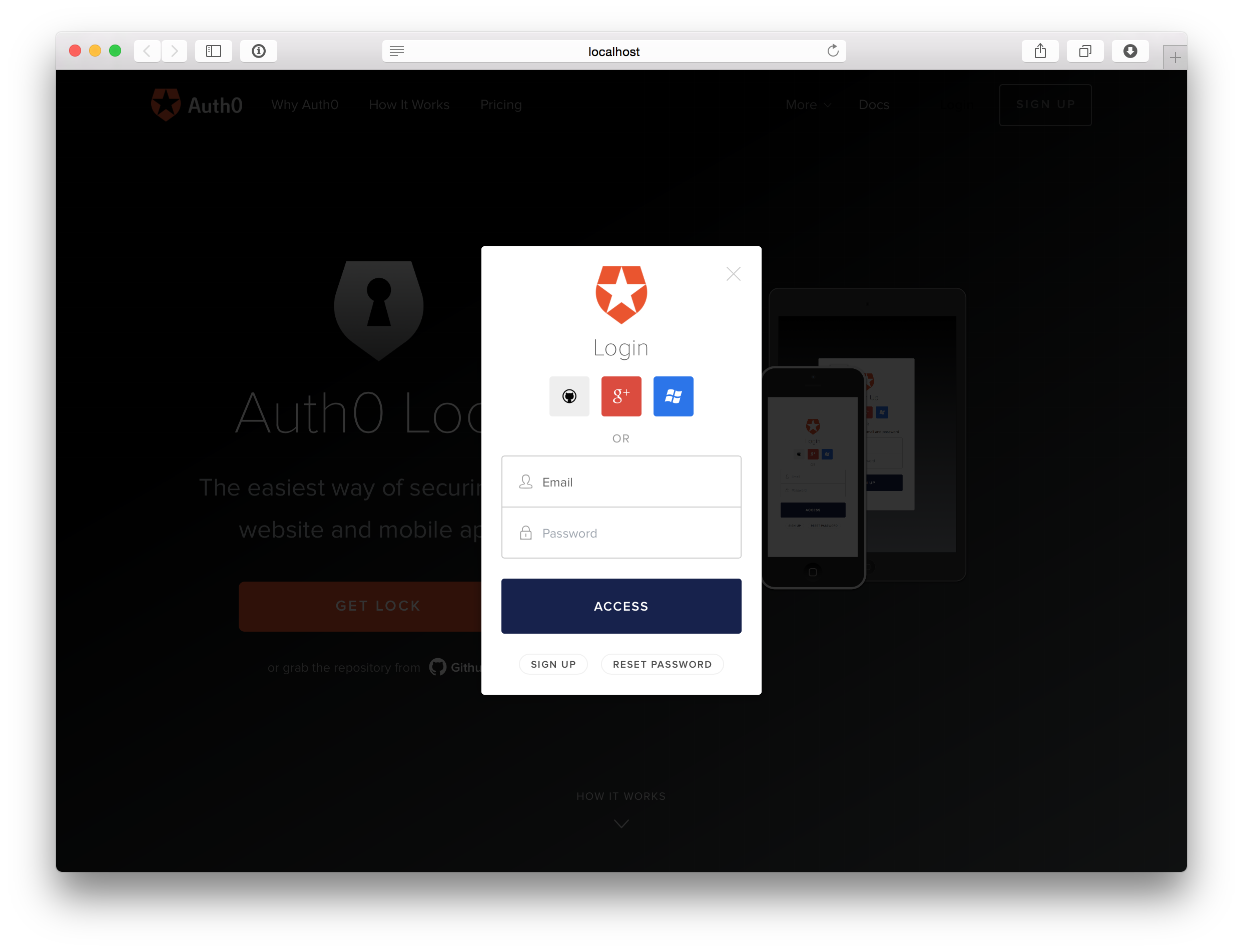
You can try it out yourself online at our Auth0 Lock playground.
Install
From npm:
npm install auth0-lockFrom bower:
bower install auth0-lockOr our CDN:
<!-- Latest major release -->
<script src="http://cdn.auth0.com/js/lock-6.min.js"></script>

<!-- Latest minor release -->
<script src="http://cdn.auth0.com/js/lock-6.x.min.js"></script>

<!-- Latest patch release (recommended for production) -->
<script src="http://cdn.auth0.com/js/lock-6.x.y.min.js"></script>
Browserify
If you are using browserify to build your project, you will need to add the following transformations required by Auth0 Lock:
{
  "devDependencies": {
    "brfs": "0.0.8",
    "ejsify": "0.1.0",
    "packageify": "^0.2.0"
  }
}
Usage
You can use Auth0Lock with Popup mode or Redirect mode. To learn more about these modes, you can read the Authentication Modes page. There are different ways of implementing them according to your application needs. To see what kind of settings you should be using you can check the Types of Applications article.
// Initialize Auth0Lock with your `clientID` and `domain`
var lock = new Auth0Lock('xxxxxx', '<account>.auth0.com');

// and deploy it
var login = document.querySelector('a#login')

login.onclick = function (e) {
  e.preventDefault();
  lock.show(function onLogin(err, profile, id_token) {
    if (err) {
      // There was an error logging the user in
      return alert(err.message);
    }

    // User is logged in
  });
};
This is just one example of how Auth0Lock could work with a Single Page Application (SPA). Read the Single Page Applications and the Regular Web Applications articles for a full explanation on how to implement those scenarios with Auth0 Lock and when to use each.
API
Auth0Lock(clientID, domain[, options])
Initialize Auth0Lock with a clientID and the account's domain.
var lock = new Auth0Lock('xxxxxx', '<account>.auth0.com');Note: For a full detail on options and parameters you can check the Auth0Lock initialization wiki notes.
.show([options, callback])
Open the widget on signin mode with signup and reset button actions if enabled for the configured/default account connection.
You may call this method with a single parameter, two or even none. The following examples ilustrate this:
var lock = new Auth0Lock('xxxxxx', '<account>.auth0.com');

// using defaults and resolved configuration
// from you account details
lock.show();

// passing some options
lock.show(options);

// provide with a callback `fn` to be invoked
// at success or error authentication
lock.show(function (err, profile, token) {});

// or both options and callback
lock.show(options, function (err, profile, token) {});
Check the Auth0Lock customization article for more examples and options specification. Or enter the Authentication modes notes to learn more about implementing different authentication mechanics.
.showSignin([options, callback])
Open the widget on signin mode, but withouht the bottom signup nor reset button actions. This method is useful when your site has custom signup and reset links at a different form.
You may call this method with a single parameter, two or even none. The following examples ilustrate this:
var lock = new Auth0Lock('xxxxxx', '<account>.auth0.com');

// using defaults and resolved configuration
// from you account details
lock.showSignin();

// passing some options
lock.showSignin(options);

// provide with a callback `fn` to be invoked
// on `reset` success or error
lock.showSignin(function (err, profile, token) {});

// or both options and callback
lock.showSignin(options, function (err, profile, token) {});
Check the Auth0Lock customization article for more examples and options specification. Or enter the Authentication modes notes to learn more about implementing different authentication mechanics.
.showSignup([options, callback])
Open the widget on signup mode, but withouht the cancel button action to go back to signin. This method is useful when your site has custom signin and reset links at a different form.
You may call this method with a single parameter, two or even none. The following examples ilustrate this:
var lock = new Auth0Lock('xxxxxx', '<account>.auth0.com');

// using defaults and resolved configuration
// from you account details
lock.showSignup();

// passing some options
lock.showSignup(options);

// provide with a callback `fn` to be invoked
// on `reset` success or error
lock.showSignup(function (err) {});

// or both options and callback
lock.showSignup(options, function (err) {});
Check the Auth0Lock customization article for more examples and options specification. Or enter the Authentication modes notes to learn more about implementing different authentication mechanics.
.showReset([options, callback])
Open the widget on reset mode, but withouht the bottom cancel button action to go back to signin. This method is useful when your site has custom signin and signup links at a different form.
You may call this method with a single parameter, two or even none. The following examples ilustrate this:
var lock = new Auth0Lock('xxxxxx', '<account>.auth0.com');

// using defaults and resolved configuration
// from you account details
lock.showReset();

// passing some options
lock.showReset(options);

// provide with a callback `fn` to be invoked
// on `reset` success or error
lock.showReset(function (err) {});

// or both options and callback
lock.showReset(options, function (err) {});
Check the Auth0Lock customization article for more examples and options specification. Or enter the Authentication modes notes to learn more about implementing different authentication mechanics.
.hide([callback])
Close the widget and invoke callback when removed from DOM.
var lock = new Auth0Lock('xxxxxx', '<account>.auth0.com');

// normal display
lock.show(options);

// trigger hide when esc key pressed
document.addEventListener('keypress', function(e) {
  // hide if esc
  lock.hide();
}, false);
.logout([query])
Log out loggedin user with optional query parameters for the GET request.
var lock = new Auth0Lock('xxxxxx', '<account>.auth0.com');

// Call logout with query parameters
lock.logout({ ref: window.location.href });
Examples
The example directory has a ready-to-go app. In order to run it you need node installed.
Then execute npm i to install dependencies (only once) and npm example from the root of this project.
Finally, point your browser at http://localhost:9999/ and play around.
Browser Compatibility
We ensure browser compatibility in Chrome, Safari, Firefox and IE >= 9. We currently use zuul along with Saucelabs to run integration tests on each push.
Issue Reporting
If you have found a bug or if you have a feature request, please report them at this repository issues section. Please do not report security vulnerabilities on the public GitHub issue tracker. The Responsible Disclosure Program details the procedure for disclosing security issues.
Resources
- Complete API
- UI customization
- Single Page Applications implementation notes.
- Regular Web Applications implementing notes.
- Overlay vs Embedded mode
- Popup vs Redirect mode notes. What are the authentication modes?.
- Error customization notes.
- I18n notes.
- Events notes.
- Development notes.
- Release process notes.
- Auth0Lock playground
- Using Refresh Tokens
- Legacy Auth0Widget
< v6.0.0repository and docs. - Legacy Auth0Widget Migration guide to AuthoLock