

Package Exports
- clustergrammer2
This package does not declare an exports field, so the exports above have been automatically detected and optimized by JSPM instead. If any package subpath is missing, it is recommended to post an issue to the original package (clustergrammer2) to support the "exports" field. If that is not possible, create a JSPM override to customize the exports field for this package.
Readme


An interactive WebGL heatmap Jupyter widget built using the widget-ts-cookiecutter library.
Run Clustergrammer2 on MyBinder


Click the MyBinder badges above to launch Clustergrammer2 example Jupyter Notebooks. Also see the Clustergrammer2-Examples repo for more examples.
JupyterCon 2018 Presentation
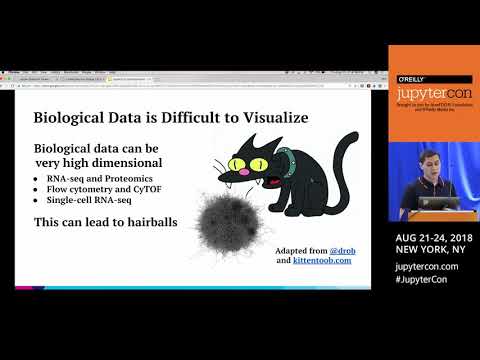
The Clustergrammer project was recently presented at JupyterCon 2018 (see slides).
Installation
A typical installation requires the following commands to be run:
pip install clustergrammer2
jupyter nbextension enable --py --sys-prefix clustergrammer2
Optionally: --sys-prefix|--user|--system
Or, if you use jupyterlab:
pip install clustergrammer2
jupyter labextension install @jupyter-widgets/jupyterlab-manager
Embedding the widget into static HTML Notebooks
jupyter nbconvert --to html notebook.ipynbDevelopment and Releasing new Versions
During development run npm run watch for real time updates.
Updating versions
Update the versions in the following files
JavaScript
- package.json
- widget.ts
Python
- _version.py
- example.py
- requirements.txt
- _frontend.py
Webpack
Run the following commands to build the JavaScript bundle:
npm run build
npm run build:nbextension
npm run build:labextension
Publish to npm using
npm publishThese instructions are based on the release instructions from the jupyter-widgets/widget-ts-cookiecutterREADME.
Bundling the Python Package
Next, bundle the python package using
python setup.py sdist bdist_wheelThen, upload the PYPI:
twine upload dist/*