
Package Exports
- cquant
This package does not declare an exports field, so the exports above have been automatically detected and optimized by JSPM instead. If any package subpath is missing, it is recommended to post an issue to the original package (cquant) to support the "exports" field. If that is not possible, create a JSPM override to customize the exports field for this package.
Readme
CQuant

View Latest Doc on Github
Preview
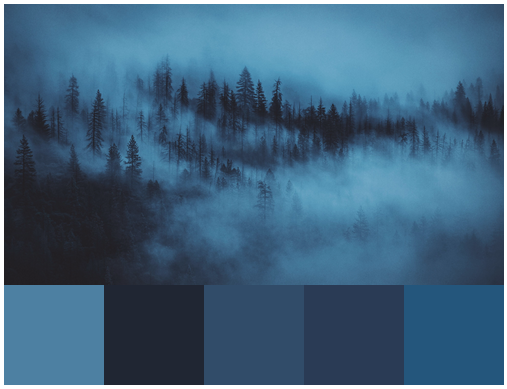
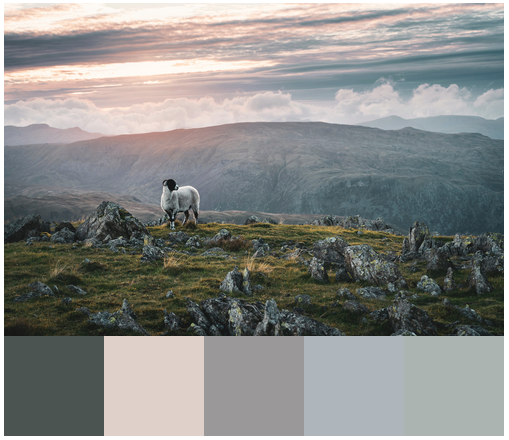
Usage
Current Supported Prebuild binary version: Node 6 | 8 | 10 | 11
For Electron user: Prebuild Supported Version v3 and v4.0.4
Install
npm i cquant
Electron User
After running the install command make sure to use electron-rebuild to rebuild it for electron, usually it will just download the prebuild.
Async!
This package is real async. You can run multiple task without blocking the main loop
Basic
const cquant = require('cquant')
// work best with sharp for converting image to RAW buffer
const sharp = require('sharp')
sharp('path/to/image')
  .raw() // convert raw buffer like RGB RGB RGB RGB
  .toBuffer((err, buffer, info) => {
    if (!err) {
      // you need to set the buffer and
      // the depth(only 3 (for RGB) and 4 (for RGBA) are accepted )
      // you can use callback, or leave it empty for promise
      let iWantForColor = 4
      cquant.paletteAsync(buffer, info.channels, iWantForColor).then(res => {
        console.log(res)
      }).catch(err => {
        console.log(err)
      })
    }
  })
With async.queue
If you have lots of image to process, the best way to do it is using async.queue for parallel, and control-able
// test/example.js
const myQueue = async.queue(async (filePath) => {
  // note : i am using the `async` function, so the callback is not needed
  const img = await sharp(filePath)
    .raw() // to raw
    .toBuffer({ resolveWithObject: true })
  const palette = await cquant.paletteAsync(img.data, img.info.channels, 5)
  console.log(palette)
}, os.cpus().length - 1)
Perf
test result will be diff based on your local machine
JPG 5572 x 3715
| Program | Time(ms) |
|---|---|
| cquant | 14-15 ms |
| image-palette | N/A |
N/A: crashed
JPG 1920 x 1280
| Program | Time(ms) |
|---|---|
| cquant | 3ms |
| image-palette | 950ms |
Build Your Self
CMake
You need to install CMake based on your System.
Build Tool
To be able to build from the source, you also need the standard build tool based on your OS.
For Windows User
- You can use this awesome app windows-build-tools to auto download all tools needed, if you don't have visual studio installed
- If you have already installed a visual studio like vs2017, basicly you just need to enable c++ developement(it's gonna be huge).
Build it
for more info you can view project cmake-js Basically you need run this command
cmake-js -r electron -v 4.0.4 rebuild # for electron
cmake-js -r node -v 10.0.0 rebuild # for node
And of course if you use electron-prebuild make sure you add the cache file mentioned before
TODO
- add para for subsampling
xVan Turing 2019