
Package Exports
- deepword
- deepword/legacy
This package does not declare an exports field, so the exports above have been automatically detected and optimized by JSPM instead. If any package subpath is missing, it is recommended to post an issue to the original package (deepword) to support the "exports" field. If that is not possible, create a JSPM override to customize the exports field for this package.
Readme
Deepword 




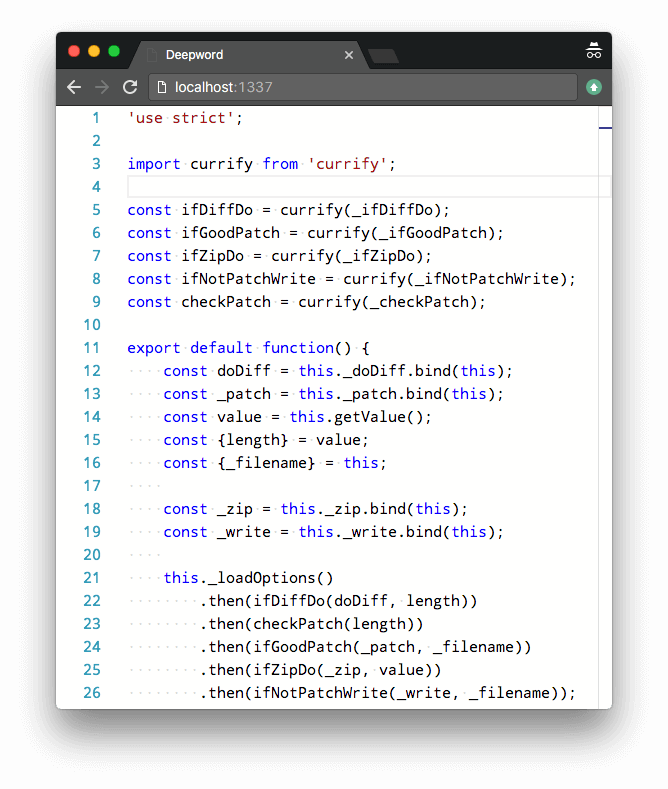
Web editor used in Cloud Commander based on Monaco.
Features
- Syntax highlighting based on extension of file for over 30 languages.
- Built-in beautifier (with options in json/beautify.json, could be overriden by
~/.beautify.json)
Install
npm i deepword -g
Command line parameters
Usage: deepword [filename]
| Parameter | Operation |
|---|---|
-h, --help |
display help and exit |
-v, --version |
output version information and exit |
Hot keys
| Key | Operation |
|---|---|
Ctrl + s |
save |
Ctrl + f |
find |
Ctrl + h |
replace |
Ctrl + g |
go to line |
Ctrl + b |
beautify js, css or html |
Ctrl + m |
minify js, css or html |
Ctrl + e |
evaluate (JavaScript only supported) |
For more details see Ace keyboard shortcuts.
API
Deepword could be used as middleware for express. For this purpuse API could be used.
Server
deepword(options)
Middleware of deepword. Options could be omitted.
const deepword = require('deepword');
const express = require('express');
const app = express();

app.use(deepword({
    diff: true,  /* default */
    zip : true,  /* default */
    authCheck: (socket, success) => { /* optional */
    }
}));

app.listen(31337);
deepword.listen(socket)
Could be used with socket.io to handle editor events with.
const io = require('socket.io'),
const socket = io.listen(server);

deepword.listen(socket);
Client
Deepword uses Monaco on client side, so API is similar.
All you need is put minimal html, css, and js into your page.
Minimal html:
<div class="edit" data-name="js-edit"></div>
<script src="/deepword/deepword.js"></script>
Minimal css:
html, body, .edit {
    height: 100%;
    width: 100%;
}

body {
    margin: 0;
}

.edit {
    overflow: hidden;
}
Minimal js:
deepword('[data-name="js-edit"]', (editor) => {
    editor.setValue('Hello deepword!');
});
For more information you could always look into html and bin directory.
Environments
In old node.js environments that supports es5 only, deepword could be used with:
var deepword = require('deepword/legacy');Related
- Edward - web editor based on Ace.
- Dword - web editor based on Codemirror.
License
MIT