
Package Exports
- devupai
- devupai/dist/index.js
This package does not declare an exports field, so the exports above have been automatically detected and optimized by JSPM instead. If any package subpath is missing, it is recommended to post an issue to the original package (devupai) to support the "exports" field. If that is not possible, create a JSPM override to customize the exports field for this package.
Readme

DEVUP AI — Official Node.js SDK
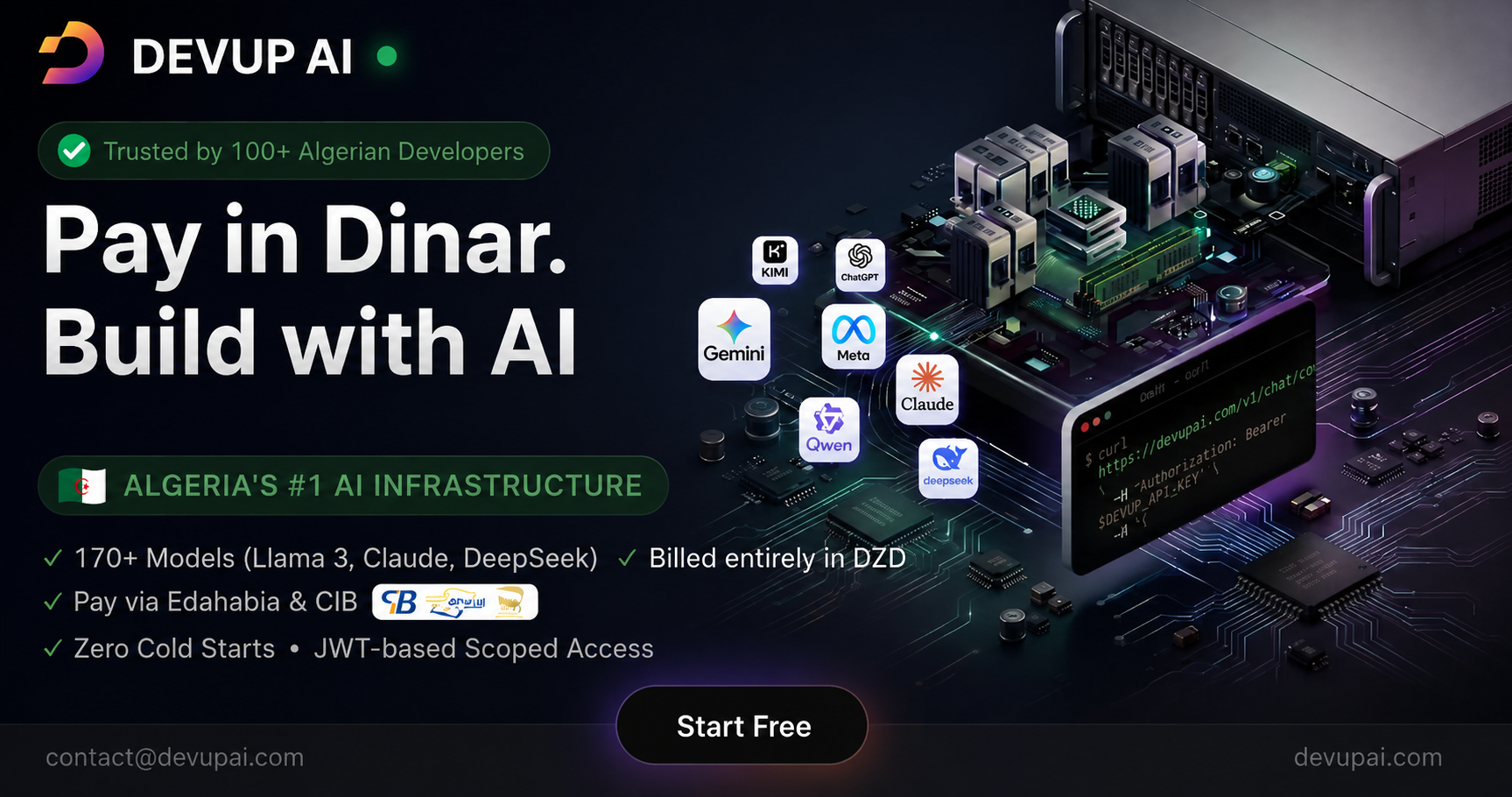
Official Node.js SDK for DEVUP AI — Algeria's AI inference gateway. OpenAI-compatible API with 170+ models, billed in DZD via Edahabia & CIB.


Why DEVUP AI?
| Feature | Details |
|---|---|
| 🇩🇿 Local Payments | Pay in DZD via Edahabia & CIB |
| 💳 No Visa Required | No international card needed |
| 🤖 170+ Models | Llama, Qwen, DeepSeek, FLUX, Whisper, and more |
| ⚡ OpenAI-Compatible | Drop-in replacement — just change the base URL |
| 🌍 Edge Ready | Works in Vercel Edge, Cloudflare Workers, Deno, Bun |
| 🔒 Zero Retention | Your data is never stored |
Installation
npm install devupaiQuick Start
import DevupAI from "devupai";

const client = new DevupAI({
  apiKey: process.env.DEVUP_API_KEY!,
});

const response = await client.chat.completions.create({
  model: "meta-llama/Llama-3.3-70B-Instruct-Turbo",
  messages: [{ role: "user", content: "Hello!" }],
});

console.log(response.choices[0].message.content);
Features
- ✅ Chat completions (streaming + non-streaming)
- ✅ Image generation (FLUX, SDXL, and more)
- ✅ Text embeddings (BGE-M3, multilingual)
- ✅ Text-to-speech & speech-to-text
- ✅ Video generation
- ✅ Reranking
- ✅ Model listing
- ✅ Vercel AI SDK compatible (via
devupai/ai) - ✅ Works in Node.js 18+, Browser, Edge Runtime, Deno, Bun
- ✅ Zero runtime dependencies
- ✅ Full TypeScript support
Available Models
170+ open-source models across all modalities:
| Category | Models |
|---|---|
| 💬 Chat & Reasoning | Llama 3.3, Qwen 3, DeepSeek V3, Mistral, GPT OSS |
| 🖼️ Image Generation | FLUX.1 (schnell/dev/pro), SDXL, Wan Image |
| 🎵 Audio | Kokoro TTS, Whisper ASR, Chatterbox |
| 🎬 Video | Wan 2.6/2.7, Seedance, Pixverse |
| 📊 Embeddings | BGE-M3, Qwen3 Embedding, Nemotron |
| 🔍 Reranking | Qwen3 Reranker, Nemotron Reranker |
Full list: devupai.com/models
Usage
Chat Completions
// Non-streaming
const response = await client.chat.completions.create({
  model: "meta-llama/Llama-3.3-70B-Instruct-Turbo",
  messages: [
    { role: "system", content: "You are a helpful assistant." },
    { role: "user", content: "What is Algeria's capital?" }
  ],
  temperature: 0.7,
  max_tokens: 1024,
});

// Streaming
const stream = await client.chat.completions.create({
  model: "meta-llama/Llama-3.3-70B-Instruct-Turbo",
  messages: [{ role: "user", content: "Tell me a story." }],
  stream: true,
});

for await (const chunk of stream) {
  process.stdout.write(chunk.choices[0]?.delta?.content ?? "");
}
Image Generation
const image = await client.images.generate({
  model: "black-forest-labs/FLUX.1-schnell",
  prompt: "A beautiful view of Algiers at sunset",
  size: "1024x1024",
});

console.log(image.data[0].url);
Embeddings
const result = await client.embeddings.create({
  model: "BAAI/bge-m3",
  input: ["Hello world", "مرحبا بالعالم", "Bonjour le monde"],
});

console.log(result.data[0].embedding); // number[]
Text-to-Speech
const audioBuffer = await client.audio.speech.create({
  model: "kokoro",
  input: "Welcome to DEVUP AI",
  voice: "af_sky",
});

// Save to file (Node.js)
import { writeFileSync } from "fs";
writeFileSync("output.mp3", Buffer.from(audioBuffer));
Speech-to-Text
const transcript = await client.audio.transcriptions.create({
  model: "openai/whisper-large-v3-turbo",
  file: audioFile, // File | Blob | Uint8Array
  language: "ar",
});

console.log(transcript.text);
Video Generation
const video = await client.video.generations.create({
  model: "Wan-AI/Wan2.1-T2V-14B",
  prompt: "A camel walking through the Sahara desert",
  width: 1280,
  height: 720,
});

console.log(video.data[0].url);
List Models
const models = await client.models.list();
console.log(models.data.map(m => m.id));
cURL
No SDK required — works with any HTTP client:
curl https://api.devupai.com/v1/chat/completions \
  -H "Authorization: Bearer $DEVUP_API_KEY" \
  -H "Content-Type: application/json" \
  -d '{
    "model": "meta-llama/Llama-3.3-70B-Instruct-Turbo",
    "messages": [{"role": "user", "content": "Hello!"}]
  }'
Vercel AI SDK
Install the optional peer dependencies:
npm install @ai-sdk/openai-compatible @ai-sdk/providerThen import from devupai/ai:
import { createDevupAI } from "devupai/ai";
import { streamText, generateText, embed } from "ai";

const devupai = createDevupAI({
  apiKey: process.env.DEVUP_API_KEY!,
});

// With streamText
const { textStream } = await streamText({
  model: devupai("meta-llama/Llama-3.3-70B-Instruct-Turbo"),
  prompt: "Write a poem about Algeria.",
});

for await (const text of textStream) {
  process.stdout.write(text);
}

// With generateText
const { text } = await generateText({
  model: devupai("meta-llama/Llama-3.3-70B-Instruct-Turbo"),
  prompt: "Hello!",
});

// With useChat (Next.js)
// In your API route:
import { createDevupAI } from "devupai/ai";
import { streamText } from "ai";

const devupai = createDevupAI({ apiKey: process.env.DEVUP_API_KEY! });

export async function POST(req: Request) {
  const { messages } = await req.json();
  const result = await streamText({
    model: devupai("meta-llama/Llama-3.3-70B-Instruct-Turbo"),
    messages,
  });
  return result.toDataStreamResponse();
}
Configuration
const client = new DevupAI({
  apiKey: "dvup_...",          // Required
  baseURL: "https://api.devupai.com/v1",  // Optional — default shown
});
TypeScript
All types are exported and ready to use:
import DevupAI, {
  type ChatCompletionMessageParam,
  type ChatCompletion,
  type DevupAPIError,
} from "devupai";

const messages: ChatCompletionMessageParam[] = [
  { role: "system", content: "You are a helpful assistant." },
  { role: "user", content: "Hello!" },
];
Error Handling
import DevupAI, { DevupAPIError } from "devupai";

try {
  await client.chat.completions.create({ ... });
} catch (err) {
  if (err instanceof DevupAPIError) {
    console.error(`API Error ${err.status}: ${err.message}`);
  }
}
Get API Key
- Sign up at devupai.com
- Top up your balance in DZD via Edahabia or CIB (no Visa required)
- Generate an API key at devupai.com/dashboard/api-keys
Links
- 🌐 Website: devupai.com
- 📊 Dashboard: devupai.com/dashboard
- 📚 Docs: devupai.com/docs
- 🤖 Models: devupai.com/models
License
MIT — see LICENSE for details.