
Package Exports
- event-pubsub
This package does not declare an exports field, so the exports above have been automatically detected and optimized by JSPM instead. If any package subpath is missing, it is recommended to post an issue to the original package (event-pubsub) to support the "exports" field. If that is not possible, create a JSPM override to customize the exports field for this package.
Readme
Event PubSub
npm install event-pubsub
npm info : See npm trends and stats for event-pubsub



GitHub info :


Build Info :
Travis CI (linux,windows & Mac) : 
Super light and fast Extensible ES6+ event system for Node and the browser the same files that work in node will work in the browser without any modifications. If you must support old browsers you can transpile the module.
EXAMPLE FILES
node ./example/node/basic.jsnode ./example/node/miltiple.jsnode ./example/node/extending.jsnode ./example/node/once.js
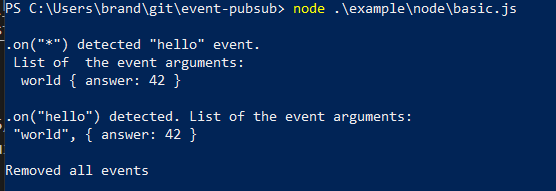
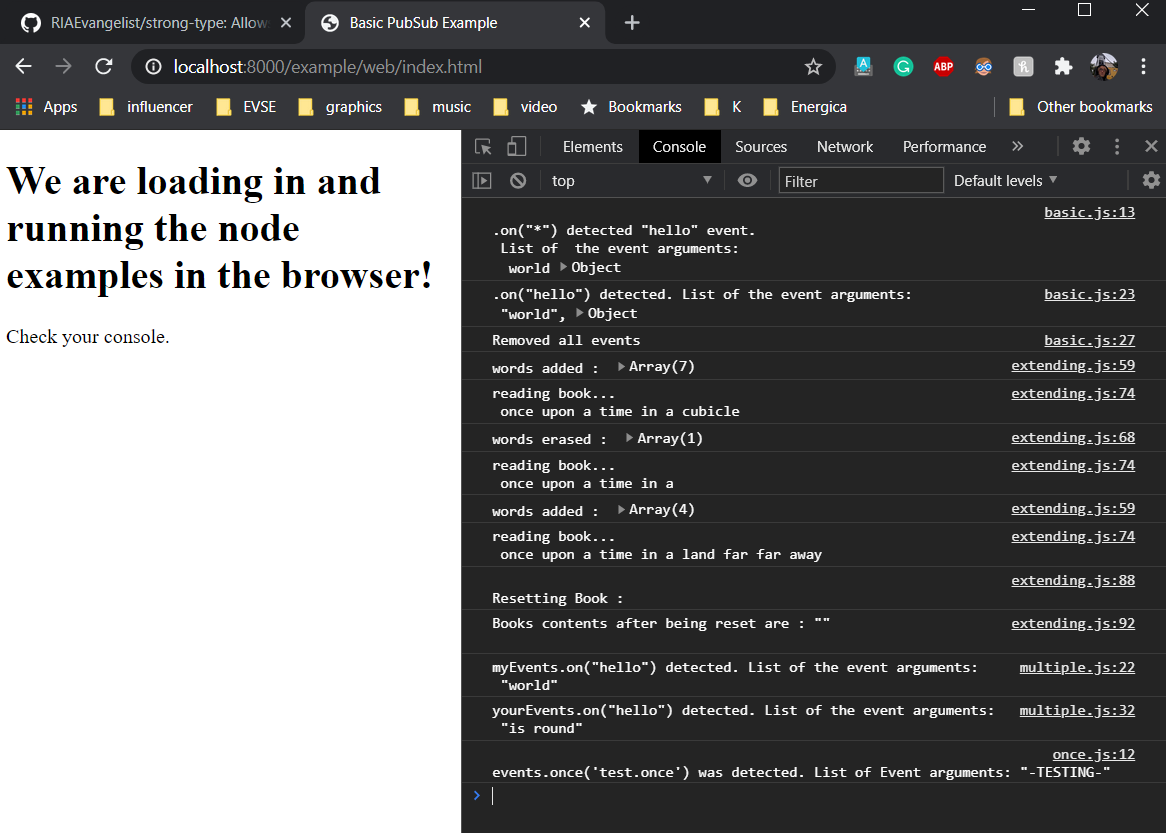
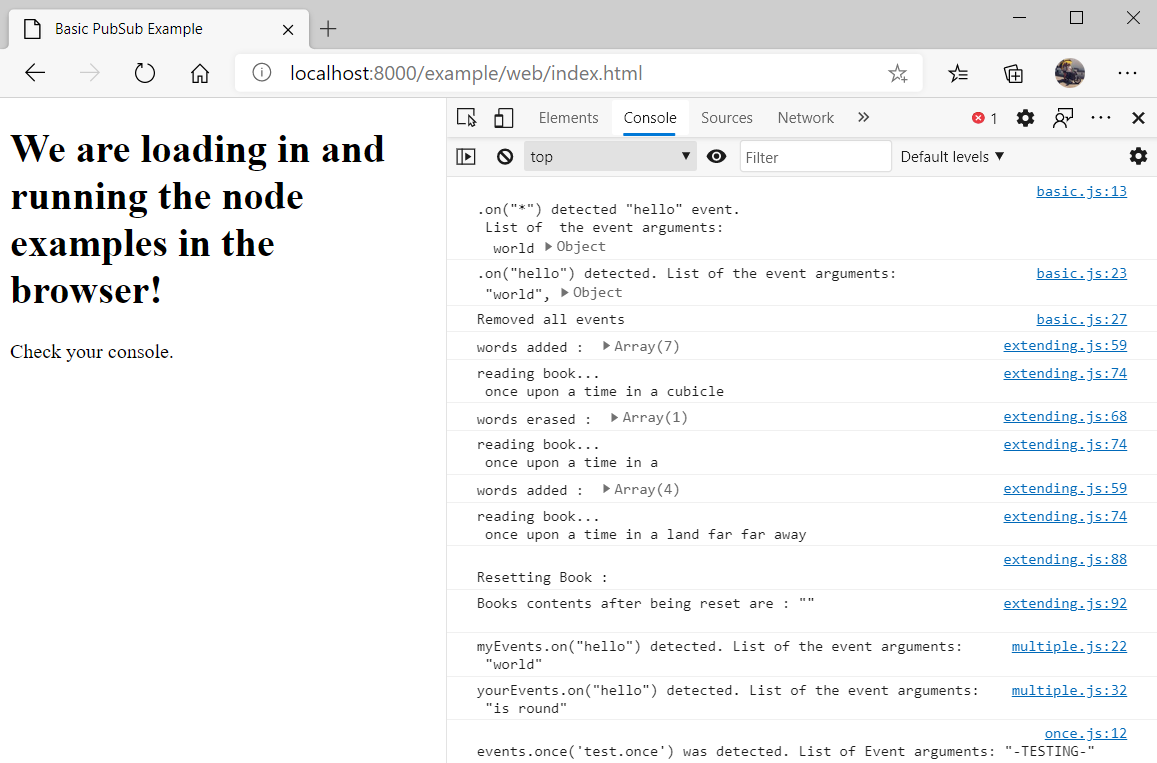
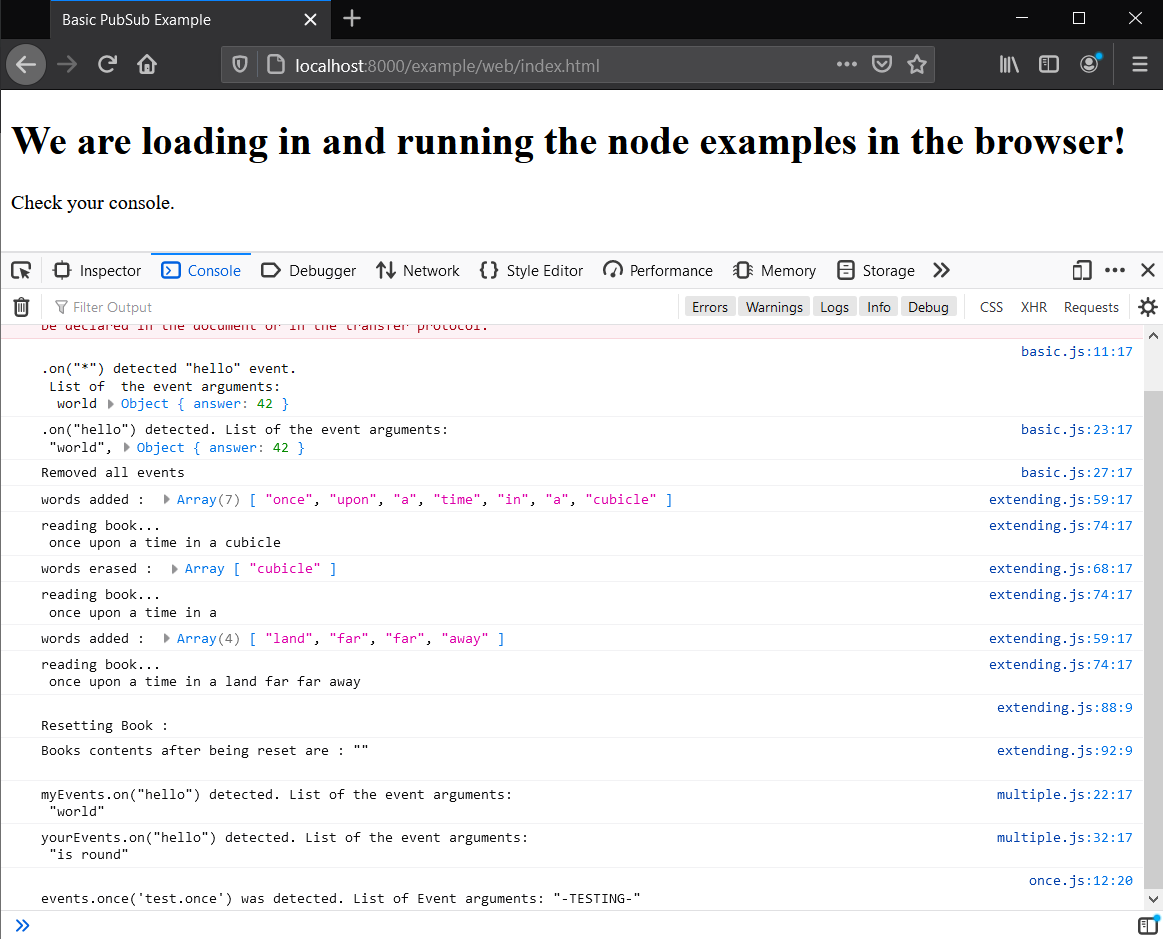
You will notice in the browser console that we are running the exact same files from node above, in the browser!
To run the browser tests, first start the example node-http-server by running npm start. Then go to the example page: http://localhost:8000/example/web/index.html and check out the console. Provided your router and firewall are not blocking your IP/ports, you can go to http://[your-ip-here]:8000/example/web/index.html on your mobile device to check the page out as well provided it is on the same network.
Chrome
Edge
FireFox Nightly
As of 11/21/2020 you need to set the javascript private fields and methods flags to true.
Browser Script
<script type="module" src='./node_modules/event-pubsub/index.js'></script>
Node & Browser import
Importing with relative paths will make sure your code will work both with node and the browser without transpiling where supported.
import EventPubSub from './node_modules/event-pubsub/index.js';

events=new EventPubSub
Methods
| Method | Arguments | Description |
|---|---|---|
| on | type:string, handler:function, once:boolean |
will bind the handler function to the the type event. Just like addEventListener in the browser. If once is set to true the hander will be removed after being called once. |
| once | type:string, handler:function |
will bind the handler function to the the type event and unbind it after one execution. Just like addEventListener in the browser withe the once option set |
| off | type/*:string, handler/*:function |
will unbind the handler function from the the type event. If the handler is *, all handlers for the event type will be removed. Just like removeEventListener in the browser, but also can remove all event handlers for the type. |
| emit | type:string, ...data arguments |
will call all handler functions bound to the * event and the type event. It will pass all ...data arguments to those handlers, for * events, the first arg will be the type you can filter the events |
| reset | Removes all events of any and all types including * |
Members
| Member | Type | Description |
|---|---|---|
| .list | Object | List representation of all the bound events, primarily used for visibility. |
The * event type
The * event type will be triggered by any emit. These also run first. The handlers for * should expect the first arg to be the type and all args after that to be data arguments.
Basic Examples
//relative paths will let your code work in both node and the browser!
import EventPubSub from './node_modules/event-pubsub/index.js';

events=new EventPubSub

events.on(
    'hello',
    (data)=>{
        console.log('hello event recieved ', data);
    }
);

events.emit(
    'hello',
    'world'
);
Basic Chaining
events.on(
    'hello',
    someFunction
).on(
    'goodbye',
    anotherFunction
).emit(
    'hello',
    'world'
);

events.emit(
    'goodbye',
    'humans'
).off(
    'hello',
    '*'
);
Basic Event Emitter and/or Extending Event PubSub
//relative paths will let your code work in both node and the browser!
import EventPubSub from './node_modules/event-pubsub/index.js';


class Book extends EventPubSub{
    constructor(){
        super();
        //now Book has .on, .off, and .emit

        this.words=[];
    }

    add(...words){
        this.words.push(...words);
        this.emit(
            'added',
            ...words
        );
    }

    read(){
        this.emit(
            'reading'
        );
        console.log(this.words.join(' '));
    }
}

const book=new Book;

book.on(
    'added',
    function(...words){
        console.log('words added : ',words);
        this.read();
    }
);

book.add(
    'once','upon','a','time','in','a','cubicle'
);