
Package Exports
- extension-create
This package does not declare an exports field, so the exports above have been automatically detected and optimized by JSPM instead. If any package subpath is missing, it is recommended to post an issue to the original package (extension-create) to support the "exports" field. If that is not possible, create a JSPM override to customize the exports field for this package.
Readme
extension-create 



Create modern cross-browser extensions with no build configuration.
- Creating an extension — How to create a new extension.
- Getting started immediately — Get work done in no time.
extension-create helps you develop cross-browser extensions with built-in support for module imports/exports, auto-reload, and more. Interested to know how it's being developed? Every week I send emails about its progress. For goals, see the wiki.
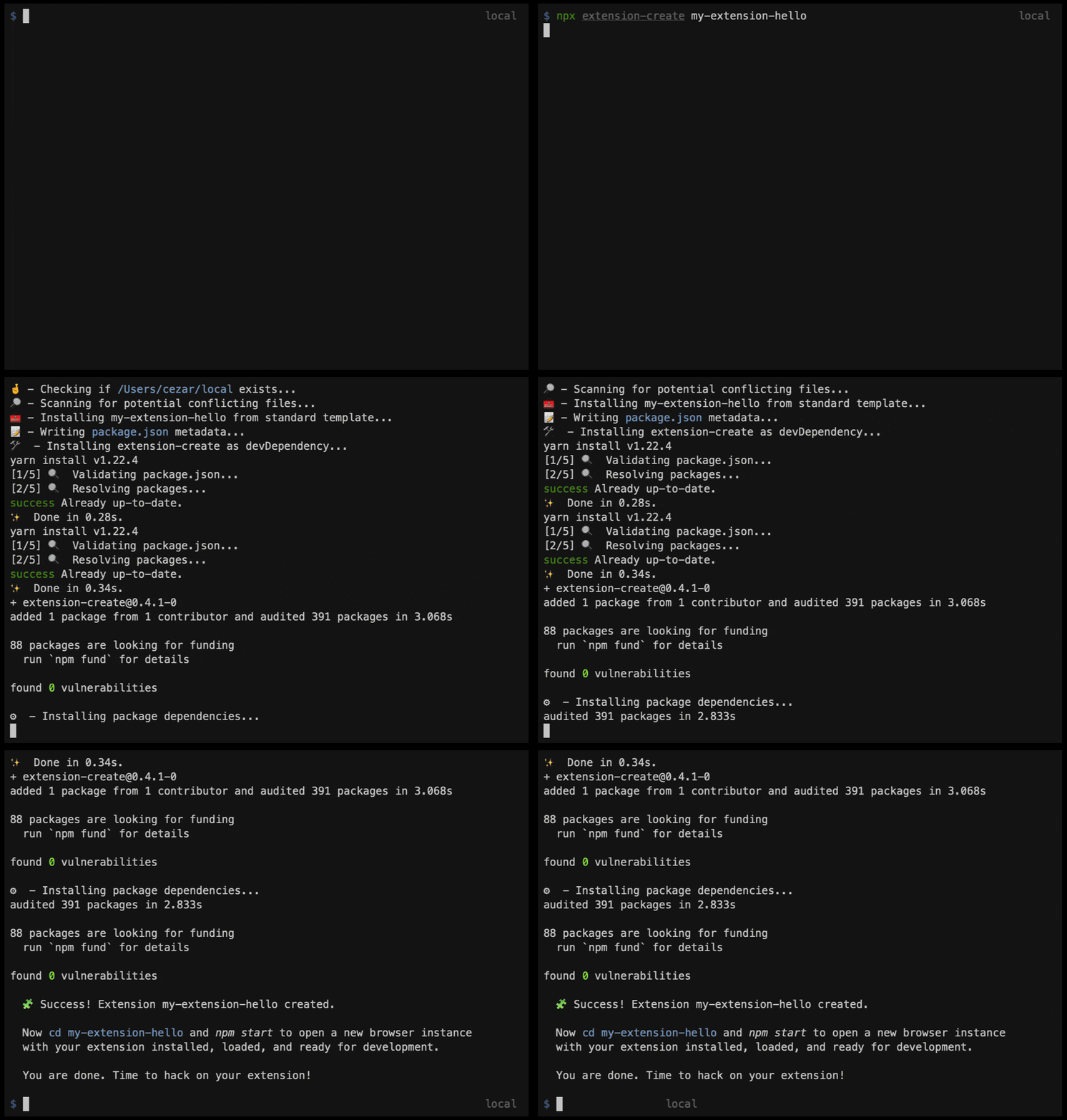
Creating an Extension
npx extension-create my-extension-hello
cd my-extension-hello
npm start
A new browser instance (for now, Chrome) will open up with your extension ready for development.
You are done. Time to hack on your extension!
Getting Started Immediately
Kickstart any sample from chrome-extesions-sample
The URL for the make_page_red sample is https://github.com/GoogleChrome/chrome-extensions-samples/tree/master/api/browserAction/make_page_red. We then copy the URL and paste it using the start command:
Optimized for git version 2.30.0. Older versions are supported but download can take much longer.
npx extension-create start https://github.com/GoogleChrome/chrome-extensions-samples/tree/master/api/browserAction/make_page_red
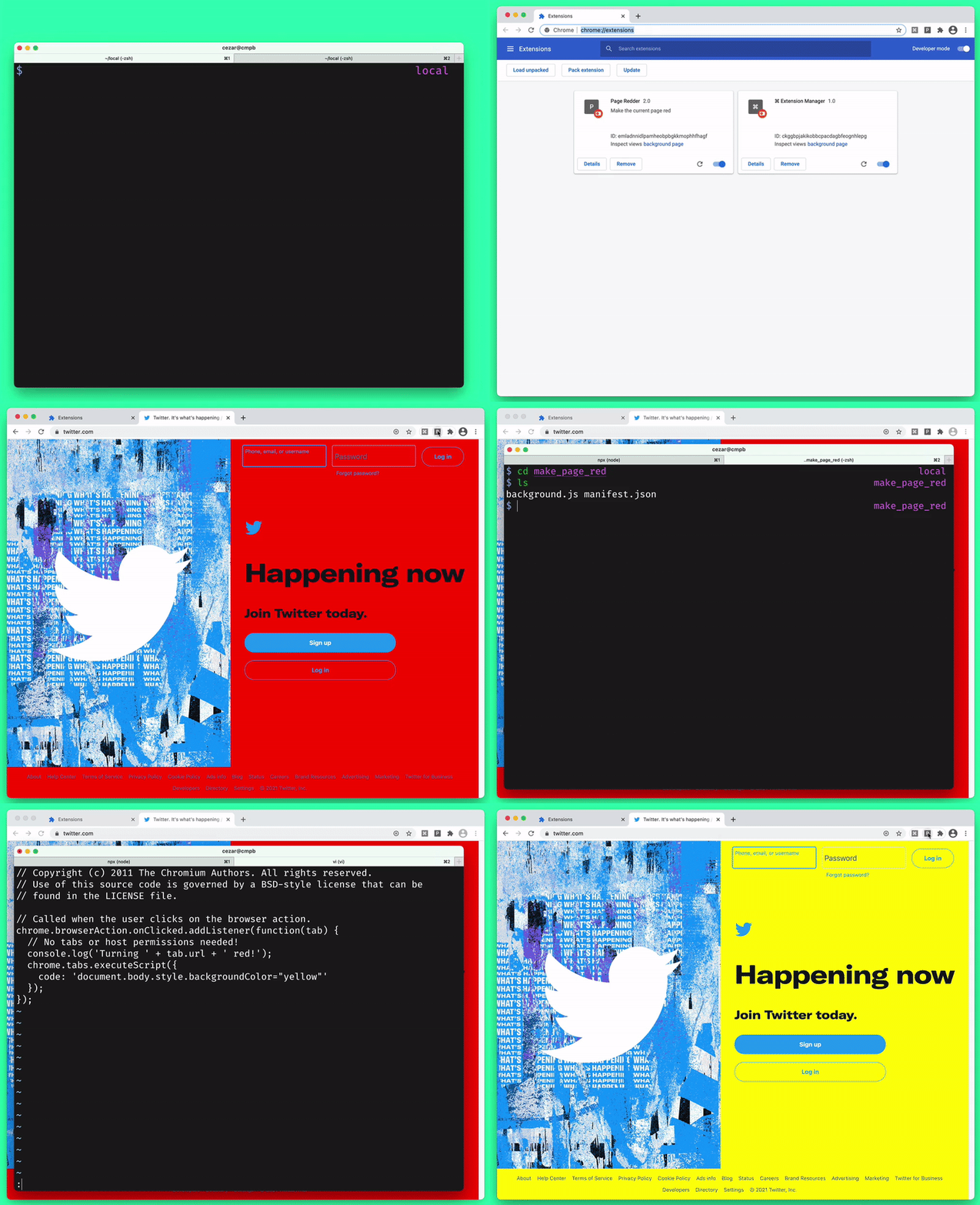
Will not only download the extension but also kickstart a Chrome instance in a fresh profile with your sample extension loaded and default auto-reload support. Try it yourself!
What's next?
See the Wiki for stable updates and future project roadmap. If you're interesteed in the latest news, I write weekly about this project development at https://cezaraugusto.substack.com.
License
MIT (c) Cezar Augusto.