
Package Exports
This package does not declare an exports field, so the exports above have been automatically detected and optimized by JSPM instead. If any package subpath is missing, it is recommended to post an issue to the original package (fpdf2pic) to support the "exports" field. If that is not possible, create a JSPM override to customize the exports field for this package.
Readme
fpdf2pic
A command line tool for converting PDF to images.




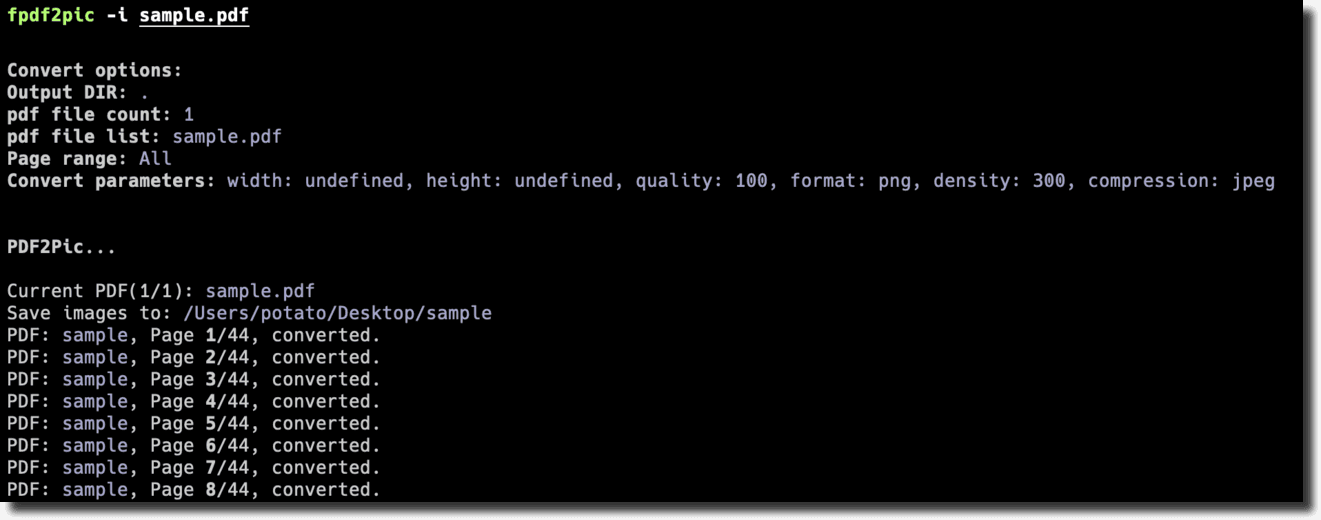
Prerequisite
Installation
npm i fpdf2pic -gUsage
# Show help
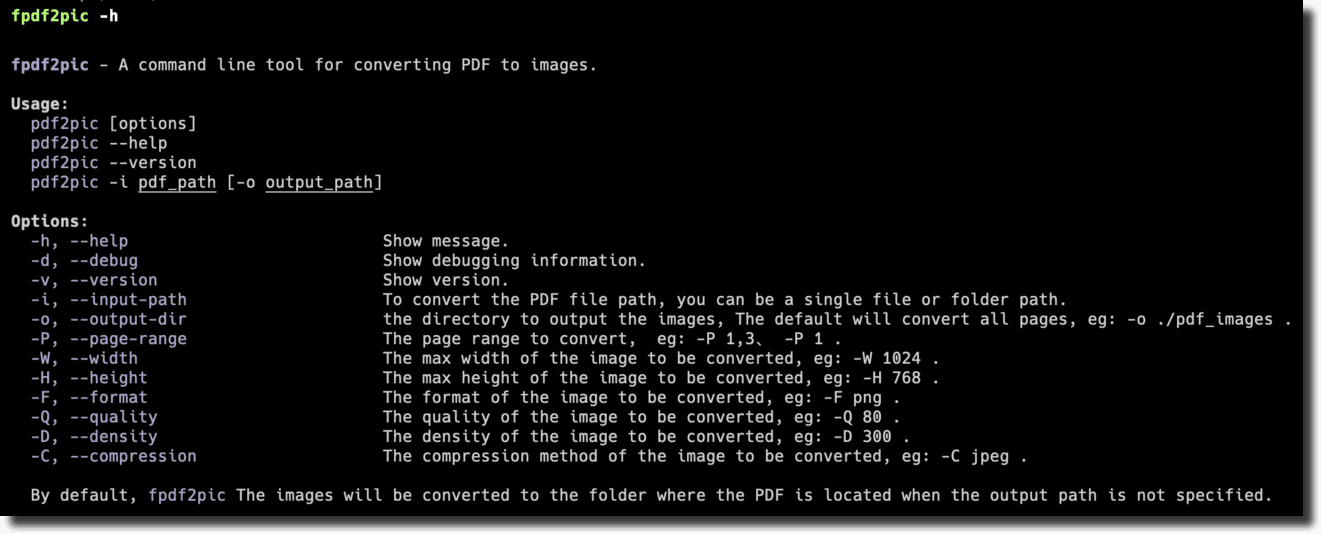
pdf2pic -h

# Convert a single PDF to the output directory
pdf2pic -i ./test.pdf -o ./tmp/output_dir

# All PDF files to the output directory in the conversion directory
pdf2pic -i ./pdf_file_dir -o ./tmp/output_dir
Help
Usage:
  pdf2pic [options]
  pdf2pic --help
  pdf2pic --version
  pdf2pic -i pdf_path [-o output_path]

Options:
  -h, --help                          Show message.
  -d, --debug                         Show debugging information.
  -v, --version                       Show version.
  -i, --input-path                    To convert the PDF file path, you can be a single file or folder path.
  -o, --output-dir                    the directory to output the images, The default will convert all pages, eg: -o ./pdf_images.
  -P, --page-range                    The page range to convert,  eg: -P 1,3、 -P 1.
  -W, --width                         The max width of the image to be converted, eg: -W 1024.
  -H, --height                        The max height of the image to be converted, eg: -H 768.
  -F, --format                        The format of the image to be converted, eg: -F png.
  -Q, --quality                       The quality of the image to be converted, eg: -Q 80.
  -D, --density                       The density of the image to be converted, eg: -D 300.
  -C, --compression                   The compression method of the image to be converted, eg: -C jpeg.

  By default, fpdf2pic The images will be converted to the folder where the PDF is located when the output path is not specified.
FAQ
install graphicsmagick
See installation.
In Mac OS X, you can simply use Homebrew and do: brew install graphicsmagick
Contribution
If you have any questions or suggestions, please feel free to open an issue or pull request.
License
MIT License © 2022 funnyzak