
Package Exports
- hyper-electron-highlighter
This package does not declare an exports field, so the exports above have been automatically detected and optimized by JSPM instead. If any package subpath is missing, it is recommended to post an issue to the original package (hyper-electron-highlighter) to support the "exports" field. If that is not possible, create a JSPM override to customize the exports field for this package.
Readme
Atom Electron Highlighter for Hyper
Hyper theme based on the Atom Electron Highlighter Syntax.
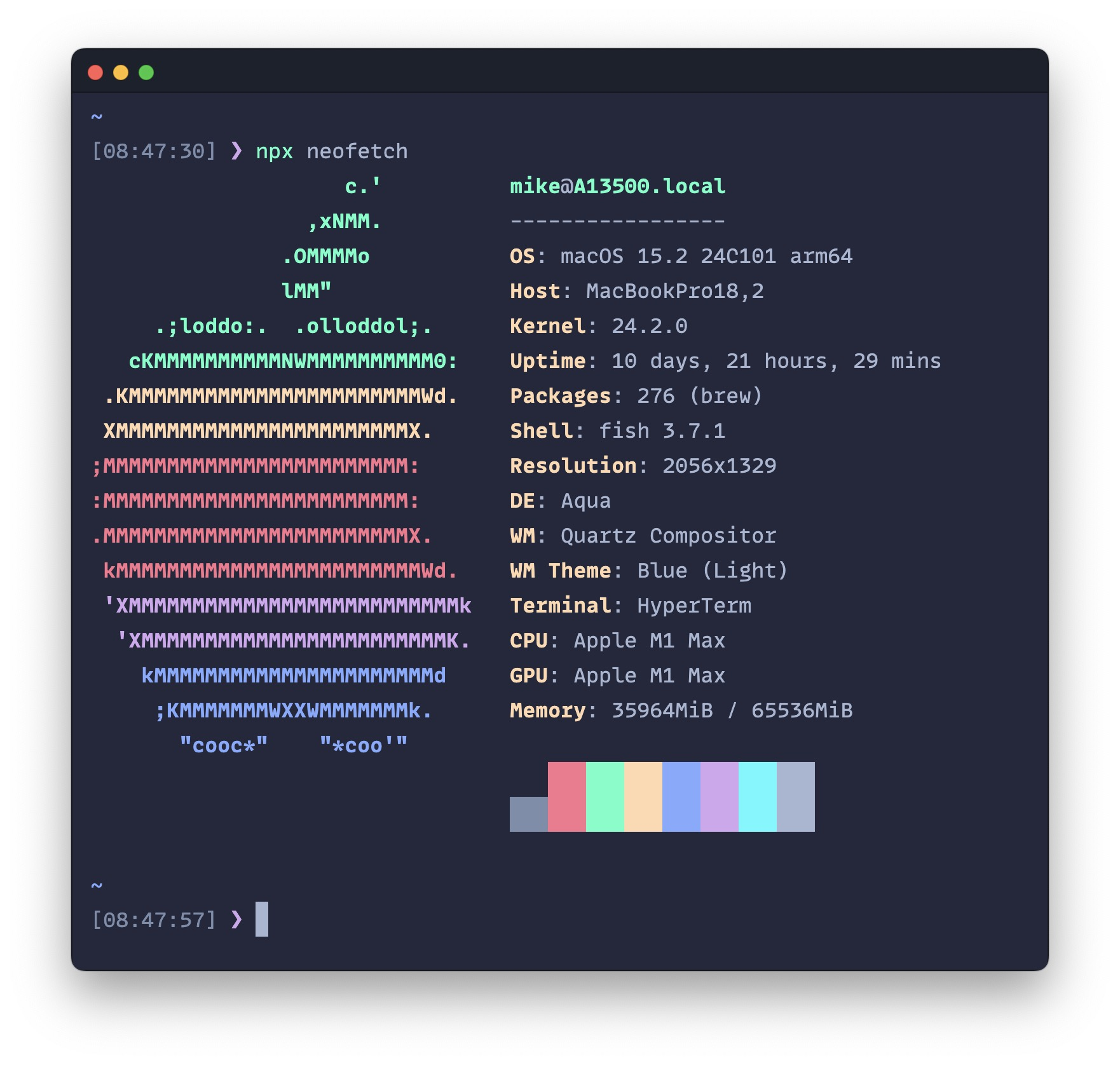
Install
- Open Hyper's preferences with
Cmd + ,(or manually at~/.hyper.js) with your editor. - Update your list of plugins to include
hyper-electron-highlighter, like so:
plugins: [
    'hyper-electron-highlighter'
],- Fully reload HyperTerm (
Cmd+Shift+R), and tada! 🎉
Transparency
So you want a transparent terminal huh? Can't say I blame you. This theme allows you to customize the background transparency by setting a value in your ~/.hyper.js config. Just create a property called transparentBgAlpha in the config object and give it a value. This value will be passed into the background color in the theme as the a portion of the rgba (if you don't add this property, it defaults to 1, which is no transparency). So for example, if you want your terminal to have 70% alpha, this is what you'd do:
// ~/.hyper.js

module.exports = {
  config = {
    // your normal settings and stuff
    ...

    // add this one!
    transparentBgAlpha: 0.7,

    // maybe more stuff here?
  },
  plugins: [
    'hyper-electron-highlighter'
  ],
  localPlugins: []
}
License
MIT