
Package Exports
- iview
- iview/dist/styles/iview.css
This package does not declare an exports field, so the exports above have been automatically detected and optimized by JSPM instead. If any package subpath is missing, it is recommended to post an issue to the original package (iview) to support the "exports" field. If that is not possible, create a JSPM override to customize the exports field for this package.
Readme

iView 
A high quality UI Components Library with Vue.js
Docs
中文文档
Overview
组件概览(Component Overview)
Features
- Using .vue file development mode
- Based on npm + webpack + babel, support ES2015
- High quality and rich functions
- Friendly APIs,free and flexible
Programming
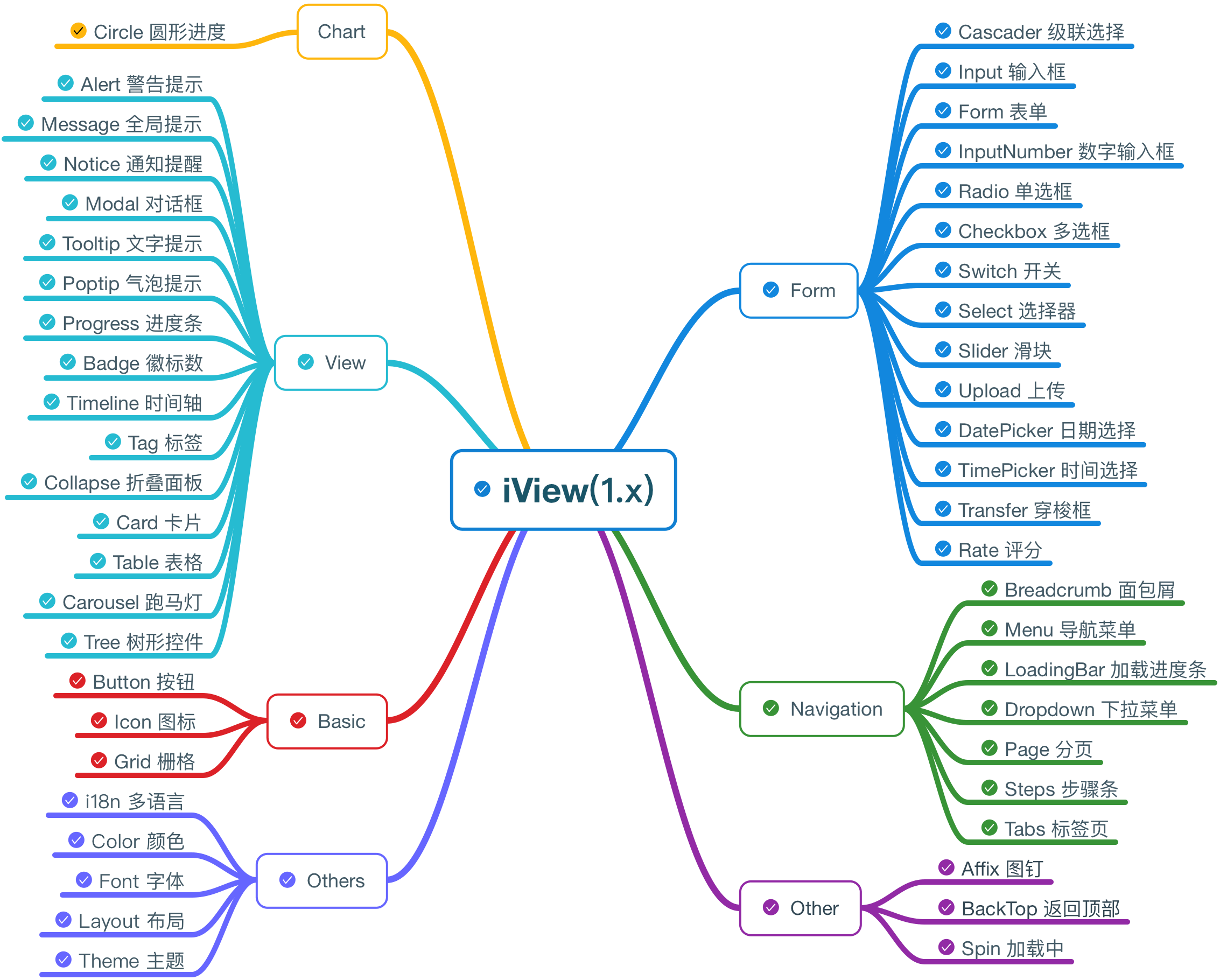
Install
Install vue-webpack project in the first place
Use vue-vueRouter-webpack(Recommended) Or vue-cli
Install iView
npm install iview --saveBabel support for iView in webpack
module: {
    loaders: [
        { test: /iview\/.*?js$/, loader: 'babel' },
        { test: /\.js$/, loader: 'babel', exclude: /node_modules/ }
    ]
}
Usage
Use component as required
<template>
    <Page :current="1" :total="100"></Page>
</template>
<script>
    import { Page } from 'iview';
    export default {
        components: { Page }
    }
</script>
Use css
import 'iview/dist/styles/iview.css';Browser Support
Normal browsers and Internet Explorer 9+.