
Package Exports
- messaging-api-viber
This package does not declare an exports field, so the exports above have been automatically detected and optimized by JSPM instead. If any package subpath is missing, it is recommended to post an issue to the original package (messaging-api-viber) to support the "exports" field. If that is not possible, create a JSPM override to customize the exports field for this package.
Readme
messaging-api-viber
Messaging API client for Viber

Table of Contents
Installation
npm i --save messaging-api-viberor
yarn add messaging-api-viberUsage
Initialize
const { ViberClient } = require('messaging-api-viber');

// get authToken from the "edit info" screen of your Public Account.
const client = ViberClient.connect(authToken);
API Reference
All methods return a Promise.
Webhook API
setWebhook(url [, eventTypes])
Example:
client.setWebhook('https://4a16faff.ngrok.io/');You can filter event types using optional parameter:
client.setWebhook('https://4a16faff.ngrok.io/', [
  'delivered',
  'seen',
  'conversation_started',
]);
removeWebhook
Example:
client.removeWebhook();Send API
sendMessage(receiver, message)
Example:
client.sendMessage(USER_ID, {
  type: 'text',
  text: 'Hello',
});
sendText(receiver, text [, options])

Example:
client.sendText(USER_ID, 'Hello');sendPicture(receiver, picture [, options])
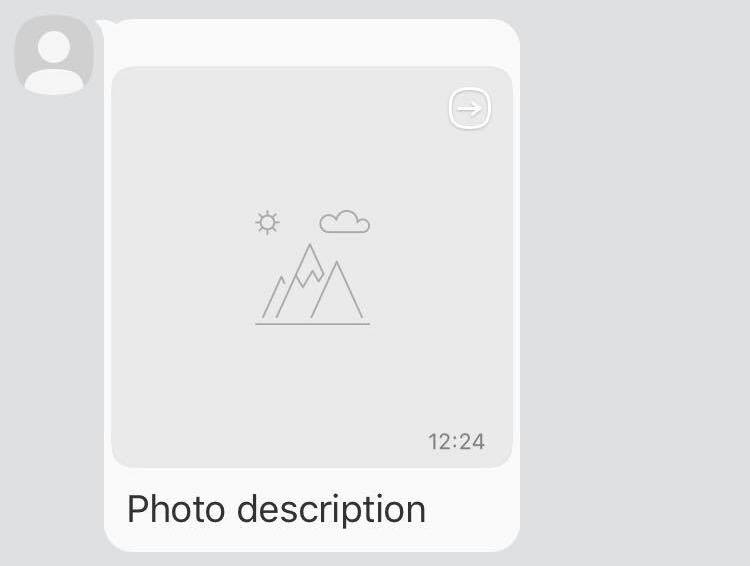
Example:
client.sendPicture(USER_ID, {
  text: 'Photo description',
  media: 'http://www.images.com/img.jpg',
  thumbnail: 'http://www.images.com/thumb.jpg',
});
sendVideo(receiver, video [, options])
Example:
client.sendVideo(USER_ID, {
  media: 'http://www.images.com/video.mp4',
  size: 10000,
  thumbnail: 'http://www.images.com/thumb.jpg',
  duration: 10,
});
sendFile(receiver, file [, options])

Example:
client.sendFile(USER_ID, {
  media: 'http://www.images.com/file.doc',
  size: 10000,
  file_name: 'name_of_file.doc',
});
sendContact(receiver, contact [, options])
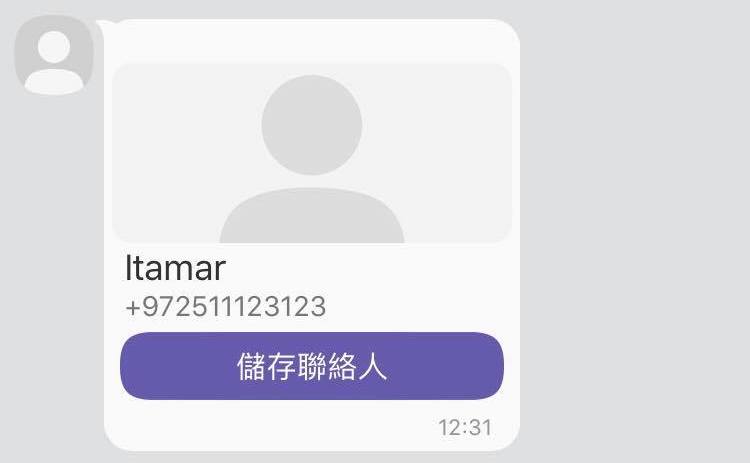
Example:
client.sendContact(USER_ID, {
  name: 'Itamar',
  phone_number: '+972511123123',
});
sendLocation(receiver, location [, options])
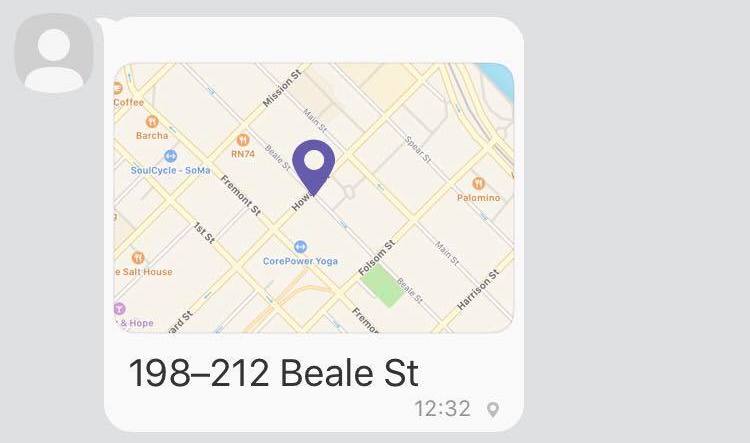
Example:
client.sendLocation(USER_ID, {
  lat: '37.7898',
  lon: '-122.3942',
});
sendURL(receiver, url [, options])
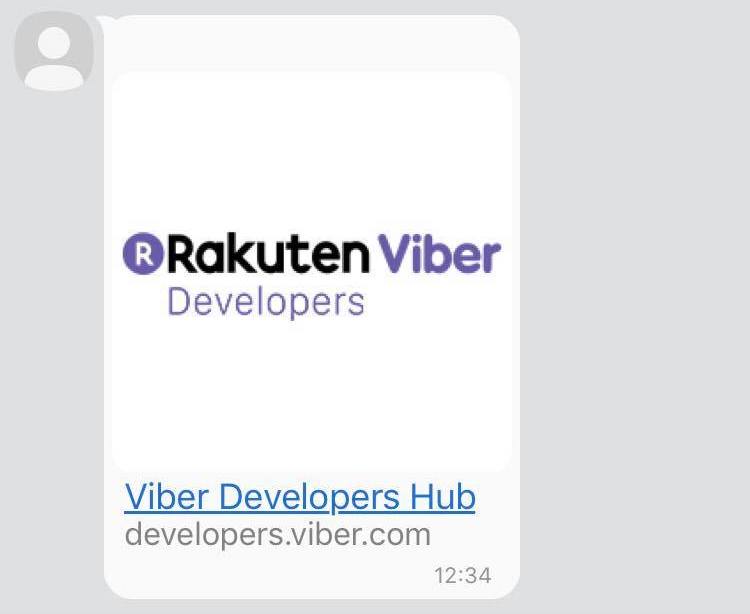
Example:
client.sendURL(USER_ID, 'http://developers.viber.com');sendSticker(receiver, stickerId [, options])
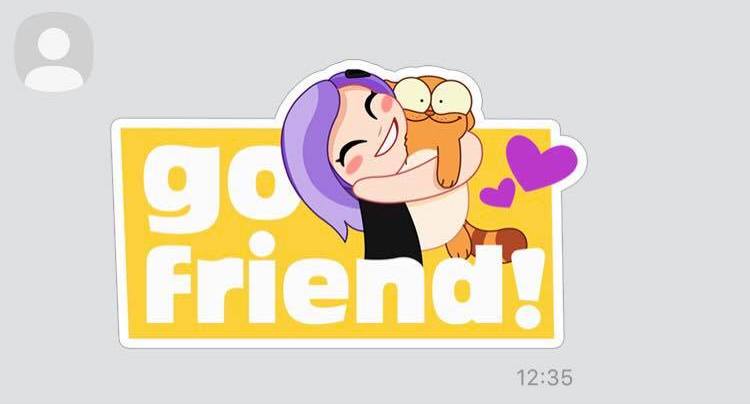
Example:
client.sendSticker(USER_ID, 46105);sendCarouselContent(receiver, richMedia [, options])
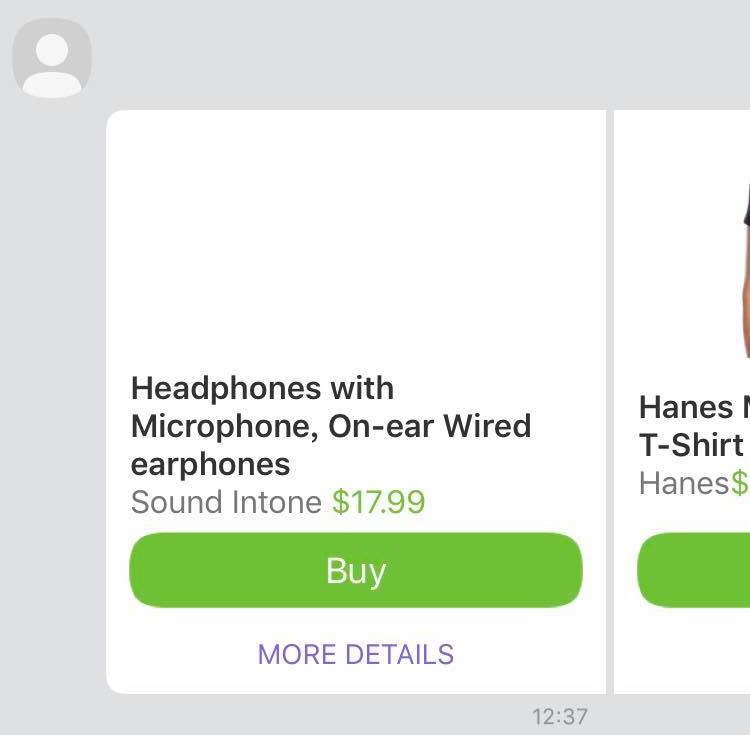
Example:
client.sendCarouselContent(USER_ID, {
  Type: 'rich_media',
  ButtonsGroupColumns: 6,
  ButtonsGroupRows: 7,
  BgColor: '#FFFFFF',
  Buttons: [
    {
      Columns: 6,
      Rows: 3,
      ActionType: 'open-url',
      ActionBody: 'https://www.google.com',
      Image: 'http://html-test:8080/myweb/guy/assets/imageRMsmall2.png',
    },
    {
      Columns: 6,
      Rows: 2,
      Text:
        '<font color=#323232><b>Headphones with Microphone, On-ear Wired earphones</b></font><font color=#777777><br>Sound Intone </font><font color=#6fc133>$17.99</font>',
      ActionType: 'open-url',
      ActionBody: 'https://www.google.com',
      TextSize: 'medium',
      TextVAlign: 'middle',
      TextHAlign: 'left',
    },
    {
      Columns: 6,
      Rows: 1,
      ActionType: 'reply',
      ActionBody: 'https://www.google.com',
      Text: '<font color=#ffffff>Buy</font>',
      TextSize: 'large',
      TextVAlign: 'middle',
      TextHAlign: 'middle',
      Image: 'https://s14.postimg.org/4mmt4rw1t/Button.png',
    },
    {
      Columns: 6,
      Rows: 1,
      ActionType: 'reply',
      ActionBody: 'https://www.google.com',
      Text: '<font color=#8367db>MORE DETAILS</font>',
      TextSize: 'small',
      TextVAlign: 'middle',
      TextHAlign: 'middle',
    },
    {
      Columns: 6,
      Rows: 3,
      ActionType: 'open-url',
      ActionBody: 'https://www.google.com',
      Image: 'https://s16.postimg.org/wi8jx20wl/image_RMsmall2.png',
    },
    {
      Columns: 6,
      Rows: 2,
      Text:
        "<font color=#323232><b>Hanes Men's Humor Graphic T-Shirt</b></font><font color=#777777><br>Hanes</font><font color=#6fc133>$10.99</font>",
      ActionType: 'open-url',
      ActionBody: 'https://www.google.com',
      TextSize: 'medium',
      TextVAlign: 'middle',
      TextHAlign: 'left',
    },
    {
      Columns: 6,
      Rows: 1,
      ActionType: 'reply',
      ActionBody: 'https://www.google.com',
      Text: '<font color=#ffffff>Buy</font>',
      TextSize: 'large',
      TextVAlign: 'middle',
      TextHAlign: 'middle',
      Image: 'https://s14.postimg.org/4mmt4rw1t/Button.png',
    },
    {
      Columns: 6,
      Rows: 1,
      ActionType: 'reply',
      ActionBody: 'https://www.google.com',
      Text: '<font color=#8367db>MORE DETAILS</font>',
      TextSize: 'small',
      TextVAlign: 'middle',
      TextHAlign: 'middle',
    },
  ],
});
Keyboards
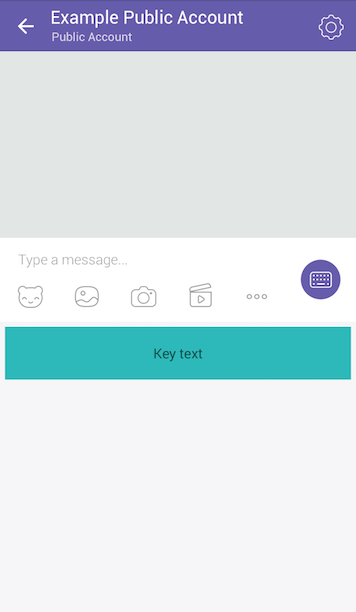
The Viber API allows sending a custom keyboard using the send_message API, to supply the user with a set of predefined replies or actions. Keyboards can be attached to any message type and be sent and displayed together. To attach a keyboard to a message simply add the keyboard’s parameters to the options:
client.sendText(USER_ID, 'Hello', {
  keyboard: {
    DefaultHeight: true,
    BgColor: '#FFFFFF',
    Buttons: [
      {
        Columns: 6,
        Rows: 1,
        BgColor: '#2db9b9',
        BgMediaType: 'gif',
        BgMedia: 'http://www.url.by/test.gif',
        BgLoop: true,
        ActionType: 'open-url',
        ActionBody: 'www.tut.by',
        Image: 'www.tut.by/img.jpg',
        Text: 'Key text',
        TextVAlign: 'middle',
        TextHAlign: 'center',
        TextOpacity: 60,
        TextSize: 'regular',
      },
    ],
  },
});
Which in turn will look like this:
Get Account Info
getAccountInfo()
Example:
client.getAccountInfo().then(info => {
  console.log(info);
  // {
  //   status: 0,
  //   status_message: 'ok',
  //   id: 'pa:75346594275468546724',
  //   name: 'account name',
  //   uri: 'accountUri',
  //   icon: 'http://example.com',
  //   background: 'http://example.com',
  //   category: 'category',
  //   subcategory: 'sub category',
  //   location: {
  //     lon: 0.1,
  //     lat: 0.2,
  //   },
  //   country: 'UK',
  //   webhook: 'https://my.site.com',
  //   event_types: ['delivered', 'seen'],
  //   subscribers_count: 35,
  //   members: [
  //     {
  //       id: '01234567890A=',
  //       name: 'my name',
  //       avatar: 'http://example.com',
  //       role: 'admin',
  //     },
  //   ],
  // }
});
Get User Details
getUserDetails(id)
Example:
client.getUserDetails('01234567890A=').then(user => {
  console.log(user);
  // {
  //   id: '01234567890A=',
  //   name: 'John McClane',
  //   avatar: 'http://avatar.example.com',
  //   country: 'UK',
  //   language: 'en',
  //   primary_device_os: 'android 7.1',
  //   api_version: 1,
  //   viber_version: '6.5.0',
  //   mcc: 1,
  //   mnc: 1,
  //   device_type: 'iPhone9,4',
  // };
});
Get Online
getOnlineStatus(ids)
Example:
client
  .getOnlineStatus(['01234567890=', '01234567891=', '01234567893='])
  .then(status => {
    console.log(status);
    // [
    //   {
    //     id: '01234567890=',
    //     online_status: 0,
    //     online_status_message: 'online',
    //   },
    //   {
    //     id: '01234567891=',
    //     online_status: 1,
    //     online_status_message: 'offline',
    //     last_online: 1457764197627,
    //   },
    //   {
    //     id: '01234567893=',
    //     online_status: 3,
    //     online_status_message: 'tryLater',
    //   },
    // ];
  });