
Package Exports
- microstate
This package does not declare an exports field, so the exports above have been automatically detected and optimized by JSPM instead. If any package subpath is missing, it is recommended to post an issue to the original package (microstate) to support the "exports" field. If that is not possible, create a JSPM override to customize the exports field for this package.
Readme
microstate
Co-located and composable state management for React.
microstate is a tiny abstraction on top of React's built-in setState, where each microstate you create has access to the state properties of every other microstate within the same parent scope. This allows you to retain the simplicity of stateful components with the added benefit of being able to communicate between them, without having to reach for something like Redux or MobX.

Usage
The microstate API is very simple and looks similar to Redux.
Wrap the part of your app you want to be stateful with a Provider.
This could be at a top level, or for just a small part of the application. There's no need to define reducers or actions. All the provider does here is create a higher order component that receives application state and triggers updates further down the tree. Since we're just using setState whether or not to re-render a component is left up to React.
// App.js
import { Provider } from 'microstate'

export default props => (
  <div>
    <Provider>
      <h1>My App</h1>
    </Provider>
  </div>
)

// index.js
render(<App/>, root)
Creating and connecting to state
State is defined at a component level using a method called connect. connect accepts three parameters: connect(initialState, mapStateToProps, mapDispatchToProps), and returns a function that accepts a component.
// Component.js
import { connect } from 'microstate'

const initialState = {
  message: 'Hello!'
}

const mapStateToProps = state => {
  return {
    output: state.message
  }
}

const mapDispatchToProps = dispatch => {
  return {
    greet: name => dispatch({
      message: `Hello ${name}!`
    })
  }
}

const Component = props => (
  <div>
    <button onClick={e => props.greet('Eric')}>Greet</button>
    <span>{props.output}</span>
  </div>
)

export default connect(
  initialState,
  mapStateToProps,
  mapDispatchToProps
)(Component)

// App.js
import { Provider } from 'microstate'
import Component from './Component.js'

export default props => (
  <div>
    <Provider>
      <Component/>
    </Provider>
  </div>
)

// index.js
render(<App/>, root)
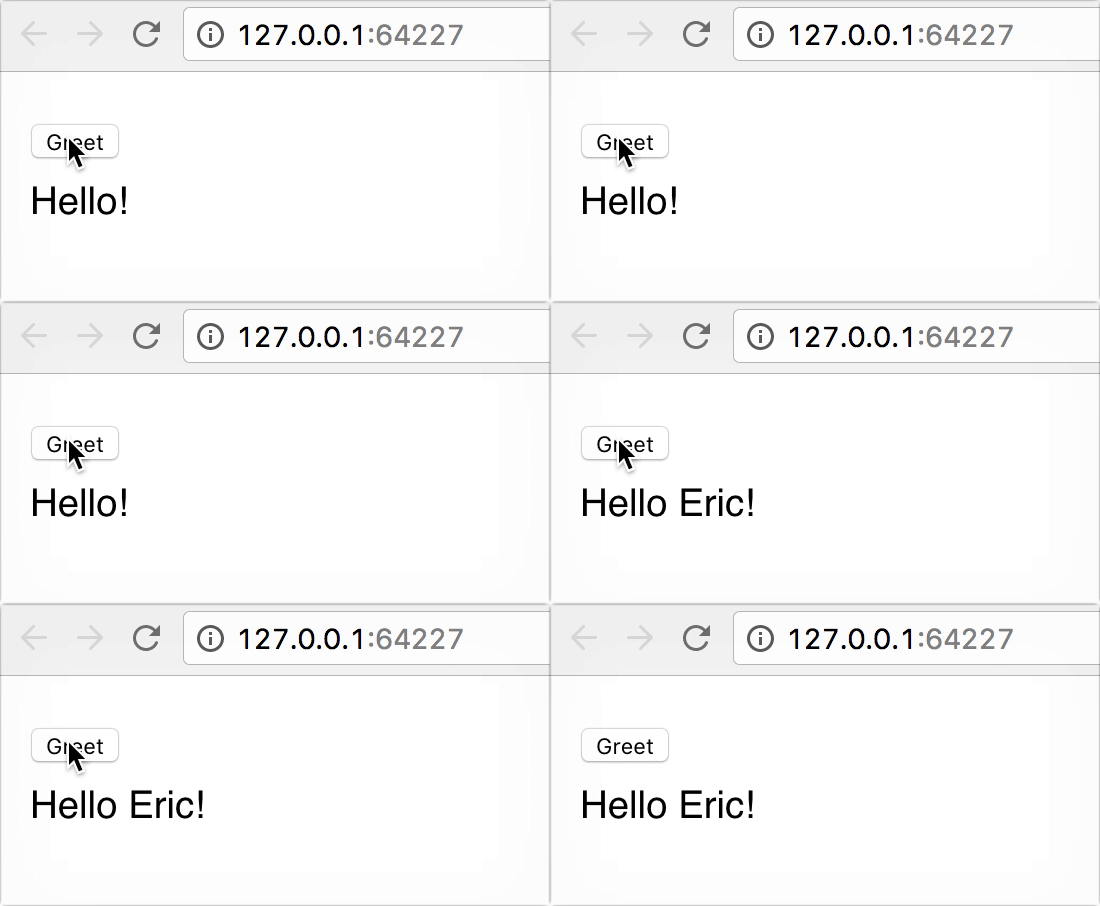
The state defined as initialState is provided immediately to the rendered component, as well as hoisted to higher order component provided by Provider.
What we have so far looks like this:
Communicating between components
Let's imagine we define a separate Output component to display our greeting and replace the unstyled <span> from the previous example. This component doesn't need its own state, it just needs to read new values from the message property on state.
// Output.js
export default connect(
  {},
  state => ({
    output: state.message
  }
)(props => (
  <div {...styles}>{props.output}</div>
))
Then add it to the rendered App from above.
// App.js
import { Provider } from 'microstate'
import Component from './Component.js'
import Output from './Output.js'

export default props => (
  <div>
    <Provider>
      <Component/>
      <Output/>
    </Provider>
  </div>
)

// index.js
render(<App/>, root)
The <Output> component will update just as you would expect.
Example
To run the example, clone this repo, then:
# move into example dir
cd srraf/example
# install deps
npm i
# compile JS
npm run js:build # or js:watch
# serve index.html and update with changes
live-server
MIT License