Package Exports
- mjml-react
This package does not declare an exports field, so the exports above have been automatically detected and optimized by JSPM instead. If any package subpath is missing, it is recommended to post an issue to the original package (mjml-react) to support the "exports" field. If that is not possible, create a JSPM override to customize the exports field for this package.
Readme
React wrappers for MJML
There is an awesome library mjml with github repo here https://github.com/mjmlio/mjml.
MJML is a markup language created by Mailjet.
So in order to create emails on the fly we created a library with React components.
How it works
Install the required dependencies first:
npm install react react-dom mjml mjml-reactAnd afterwars write a code like a pro:
import {
  render,
  Mjml,
  MjmlHead,
  MjmlTitle,
  MjmlBreakpoint,
  MjmlPreview,
  MjmlBody,
  MjmlRaw,
  MjmlSection,
  MjmlColumn,
  MjmlButton,
  MjmlImage
} from 'mjml-react';

const {html, errors} = render((
  <Mjml>
    <MjmlHead>
      <MjmlTitle>Last Minute Offer</MjmlTitle>
      <MjmlPreview>Last Minute Offer...</MjmlPreview>
    </MjmlHead>
    <MjmlBody width={500}>
      <MjmlSection fullWidth backgroundColor="#efefef">
        <MjmlColumn>
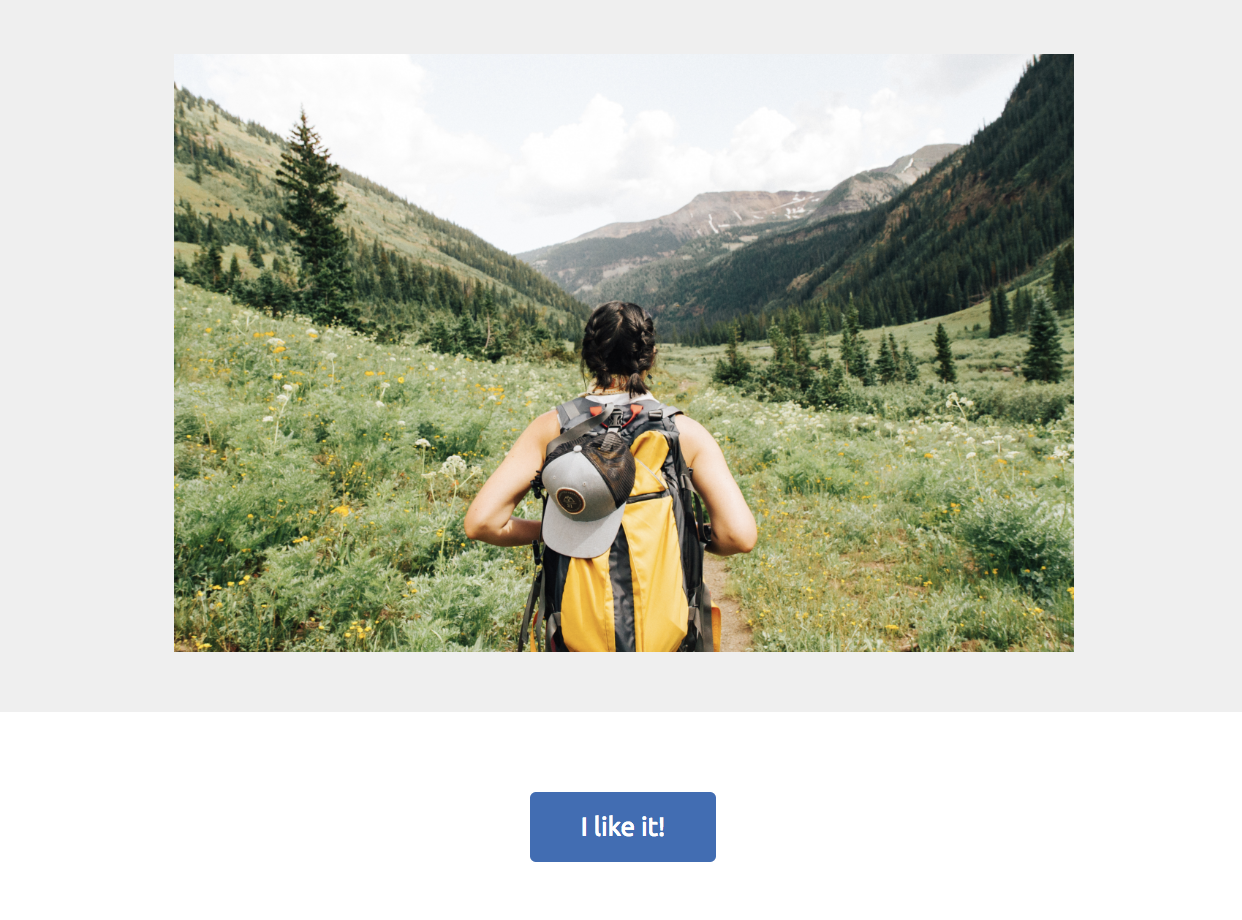
          <MjmlImage src="https://static.wixstatic.com/media/5cb24728abef45dabebe7edc1d97ddd2.jpg"/>
        </MjmlColumn>
      </MjmlSection>
      <MjmlSection>
        <MjmlColumn>
          <MjmlButton padding="20px" backgroundColor="#346DB7" href="https://www.wix.com/">I like it!</MjmlButton>
        </MjmlColumn>
      </MjmlSection>
    </MjmlBody>
  </tags.Mjml>
), {validationLevel: 'soft'});
And as the result you will get a nice looking email HTML (works in mobile too!)