
Package Exports
This package does not declare an exports field, so the exports above have been automatically detected and optimized by JSPM instead. If any package subpath is missing, it is recommended to post an issue to the original package (myclaude-code) to support the "exports" field. If that is not possible, create a JSPM override to customize the exports field for this package.
Readme
myclaude v8.8.20
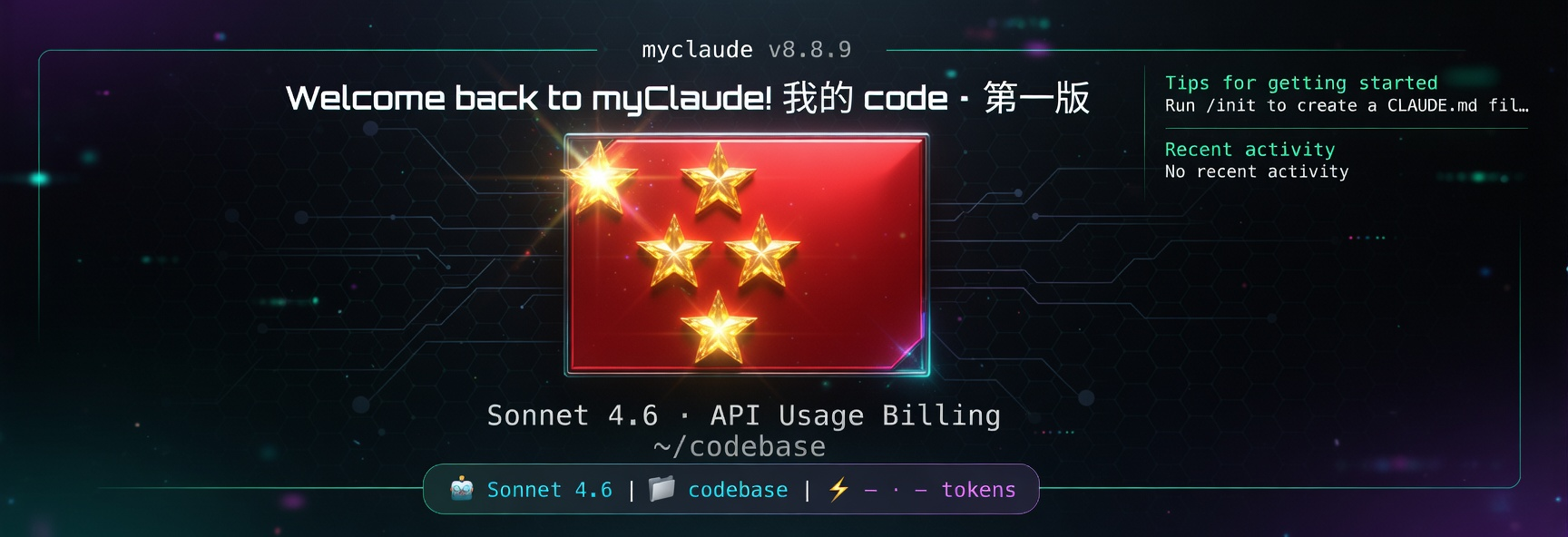
myclaude is a provider-first AI coding CLI. Its core job is simple: start fast, connect to an Anthropic-compatible API directly, and keep model routing, provider credentials, and session startup under your control without depending on the default Claude Code login path.
Core
- Provider-first startup instead of account-first startup
- Saved provider profiles with API URL, credential, and routing in one place
- Anthropic-compatible gateway support for direct API usage
- Native commands
myclaude,mycode, and optional installedclaude - Release flow built around tracked
dist/artifacts and npm distribution
What This Release Achieves
- Startup now consistently treats configured provider profiles as the source of truth
/provideronboarding, chooser copy, and routing help are aligned around direct provider configuration- The interactive footer no longer falls back to misleading Claude login/setup prompts when a valid provider profile exists
- Model routing setup now uses primary, Haiku, Sonnet, and Opus slots instead of raw internal role names
- Existing
ccjkandzcfAPI configs can be imported and kept in sync with myclaude profiles - Startup checks for newer npm releases before entering chat and edit failures explain what to fix
- GitHub release and npm publish are aligned with a trusted-publishing release path
Install
Requirements:
- Node.js 18 or newer
- macOS or Linux shell environment
Install globally from npm:
npm install -g myclaude-codeRun it once with npx if you do not want a global install:
npx myclaude-codeThis installs the non-conflicting npm commands:
myclaude
mycode
Then run the built-in installer once to configure the native launcher, including the claude command:
myclaude install --forceAfter that, you can launch with:
myclaude
mycode
claude
One-line install:
curl -fsSL https://unpkg.com/myclaude-code@8.8.20/install.sh | bashInstall a specific version:
curl -fsSL https://unpkg.com/myclaude-code@8.8.20/install.sh | bash -s -- 8.8.20Quick Start
- Run
myclaude - Open the provider configuration flow
- Create or select a saved provider profile
- Enter the API URL plus API key or token
- Choose the primary, Haiku, Sonnet, and Opus model slots
- Start the session immediately with the active profile
This package is intended for users who want a simpler setup path and faster access to compatible third-party providers.
On macOS, myclaude now avoids Keychain by default and stores local credentials in ~/.claude/.credentials.json so startup does not trigger system Keychain prompts. If you explicitly want the old Keychain behavior back, launch with MYCLAUDE_USE_KEYCHAIN=1 myclaude.
Commands
Version check:
myclaude --version
mycode --version
# available after running: myclaude install --force
claude --version
Provider/config entry point:
myclaude providerAnthropic account login/token commands:
myclaude auth login
myclaude setup-token
Inside the interactive CLI, use /provider to switch a saved provider profile in one step. Each profile carries its API base URL, API key or token, and the effective primary/Haiku/Sonnet/Opus slot routing together. myclaude auth login and myclaude setup-token are only for Anthropic account auth flows; they are not the provider-profile entrypoint.
/provider
/provider list
/provider current
/provider validate
/provider repair
/provider use gpt54-main
/provider use kimi-main
/provider clear
Use /mao for first-party Codex execution through the active myclaude provider profile. This path reuses your current API URL and credential directly and does not require a separate codex login, a separate global Codex install, or a parallel Codex config flow. /codex remains as a compatibility alias, but /mao is the preferred command surface.
/mao setup
/mao review --background
/mao adversarial-review --base main auth and retry handling
/mao rescue --write fix the provider override bug and verify it
/mao status
/mao result
Use /team to inspect real local agent-team state from ~/.claude/teams instead of getting a generic explanation.
/team
/team list
/team current
/team status myteam
/team show myteam
Typing agent teams at the start of a prompt now opens the same native /team flow instead of sending that phrase to the model as plain text.
Companion commands:
/girl
/boy
/bigdaddy
/girl provider
/girl provider list
/girl provider inherit
/girl provider use <profile>
Each companion can either follow the current app provider or bind to a saved /provider profile independently.
Recommended saved profile patterns:
gpt54-main:gpt-5.4as the primary model, with Sonnet/Haiku/Opus inheriting from that same stable routegpt53-all:gpt-5.3-codexfor the main thread, subagents, and helper requestskimi-mainorglm-main: provider-native routing with that provider's API URL and token
Compatibility:
- If
~/.ccjk/config.tomlor~/.ufomiao/zcf/config.tomlexists, myclaude can import those profiles and follow the external active-profile switch - Changing the active myclaude provider profile also writes the current selection back to those compatible config files
- For proxy GPT routes, myclaude now stays on Anthropic-compatible
/v1/messagesby default. Only setMYCLAUDE_API_DIALECT=openai_responseswhen you explicitly want the Responses adapter for that gateway.
Current gateway note:
- On the verified
ttqq.inping.comroute,gpt-5.4is stable for the main thread gpt-5.1is the current stable fallback for subagent and fast-helper slotsgpt-5.3-codexmay work intermittently, but this gateway sometimes returns upstream unauthorized errors for it
Release Model
- Source repo:
https://github.com/mycode699/myclaude-code - Public package:
https://www.npmjs.com/package/myclaude-code - Public install entrypoint:
npx myclaude-code - GitHub Releases publish installable archives plus
install.sh - npm distributes the same tracked runtime bundle that powers
dist/cli.js - Trusted publishing is the intended npm release path so new tags do not require repeated local OTP prompts
Goals
- Remove startup dependence on Claude Code account login for normal provider-based use
- Make provider configuration feel native, direct, and routing-aware
- Keep installation simple through npm,
npx, and the native installer - Ship a reproducible release surface with verification around the checked-in runtime bundle
- Support real third-party gateways without hiding routing or credential state behind opaque defaults
Developer Verification
npm run validate:repo
npm run verify:dist
npm test
npm run check
npm run build
npm run package:release
npm run validate:repo: checks package metadata, required tracked files, workflow presence, and tag/version consistencynpm run verify:dist: smoke-testsdist/cli.jsanddist/provider-setup.jsnpm test: runs packaging and release regression tests with Node's built-in test runnernpm run check: full local verification gate used by CInpm run build: runscheckand previews the publishable npm tarball withnpm pack --dry-runnpm run package:release: runscheckand produces archives inrelease-artifacts/
For source reconstruction experiments there is still npm run rebuild:experimental, but it now writes to experimental-dist/ and is intentionally not part of CI or release gating.
Package Focus
This repository is the release home for myclaude: install it quickly, configure a provider profile once, route the right models to the right roles, and start coding without the normal account-login friction.