
Package Exports
- node-red-contrib-alexa-local
This package does not declare an exports field, so the exports above have been automatically detected and optimized by JSPM instead. If any package subpath is missing, it is recommended to post an issue to the original package (node-red-contrib-alexa-local) to support the "exports" field. If that is not possible, create a JSPM override to customize the exports field for this package.
Readme
node-red-contrib-alexa-local
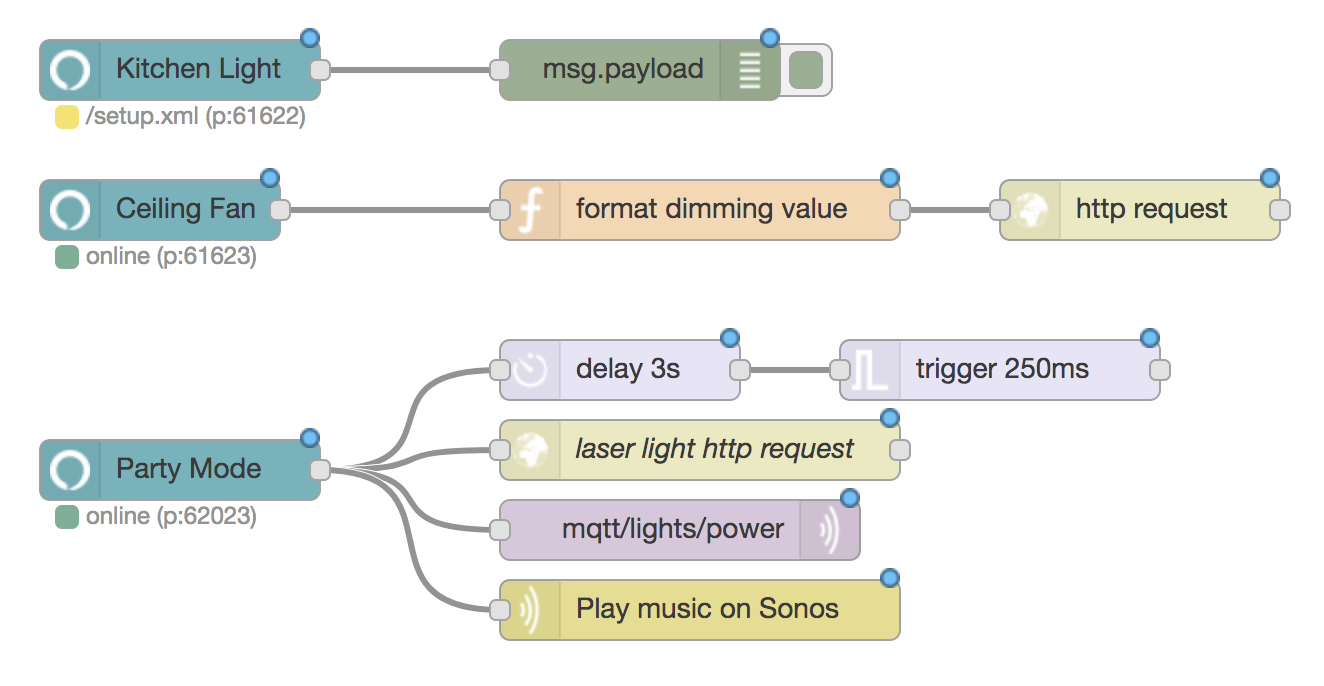
This is a dead-simple node for adding Alexa capability to your NodeRED flow.
NO Alexa Skills required.
NO account linking required.
NO complicated parameters, it just works.
Developed by the super cool forks at Originally US - a mobile app development company from Singapore
Installation
Install directly from your NodeRED's Setting Pallete
or
Change your working directory to your node red installation. Usually it's in ~/.node-red.
$ npm install node-red-contrib-alexa-localHow to use
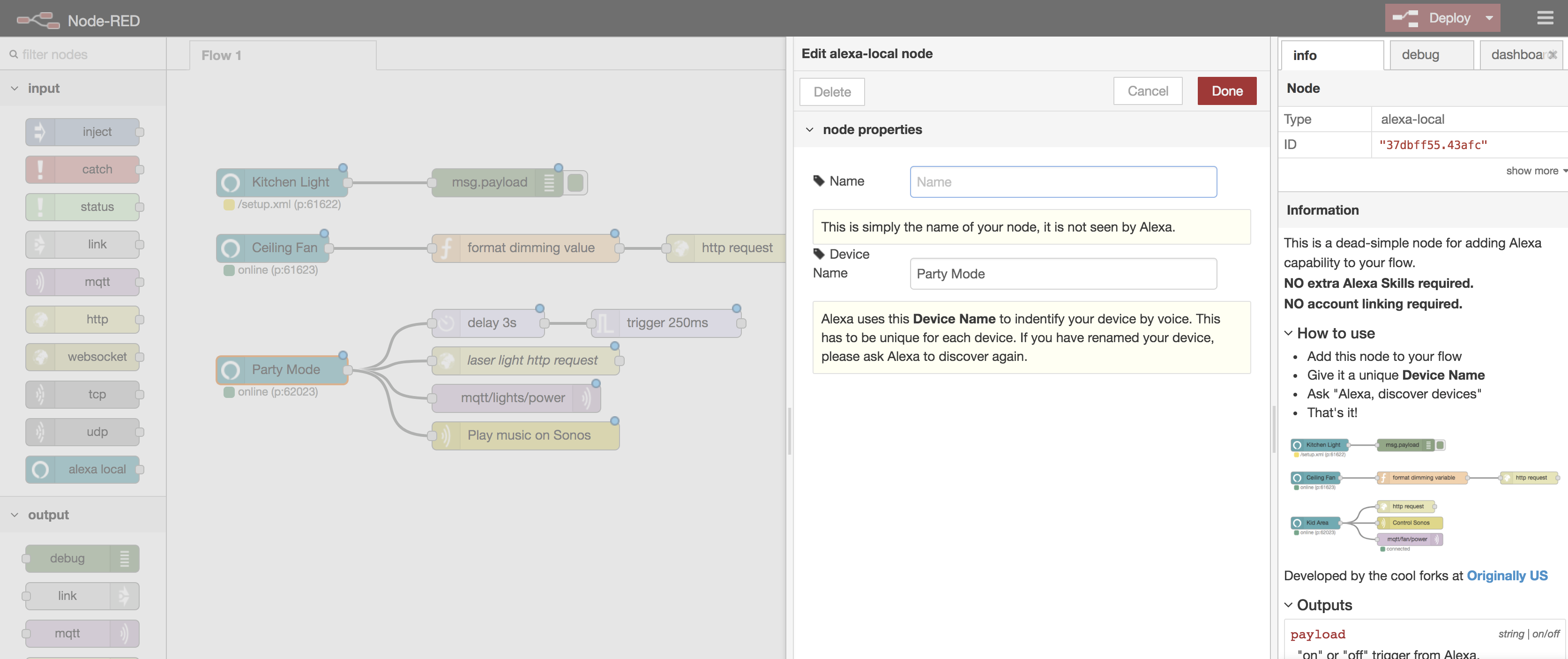
- Add this node to your flow
- Give it a unique Device Name
- Ask "Alexa, discover devices"
- That's it!
FAQ
Does is support German or other languages?
Yes!
Does is support door lock/curtain/AV/TV or other types of devices?
Unfortunately no. In order to keep this node so simple to use, it was designed to emulate a Philips Hue bridge & device within local network. Amazon Echo is hardcoded to support only on/off/dimming command via this route. Any other type of support has to go through the Alexa Skills route (cloud-based). There is another node does just that node-red-contrib-alexa-home-skill
Do I need to enable any Alexa Skils?
No. Nah. Non. Nein. Never.
Is this free forever?
Yes. We won't charge you anything. If you wants to help us out, buy us some coffee or RedBull.
I have some suggestions, how do I get in touch?
Please create an issue in our Github
How do I control my (non-smart) devices at home with NodeRED?
Check out RMPlugin app developed by us. Here's an intro video for the hardware.
TODO
- Emulate using 1 bridge per 25 devices instead of 1 bridge per device
- Alexa isolation
- More convenient output variables (?)
- Make use of huejay library