

Package Exports
- react-dynamic-font
This package does not declare an exports field, so the exports above have been automatically detected and optimized by JSPM instead. If any package subpath is missing, it is recommended to post an issue to the original package (react-dynamic-font) to support the "exports" field. If that is not possible, create a JSPM override to customize the exports field for this package.
Readme
react-dynamic-font
This is a react component which made your text does not wrap and dynamically adjust the font size
Sometimes we want some text to have a fixed width, and it will automatically reducing the font size when the number of characters is too large, so that the text is always in one line without wrapping. This is why I created this component.
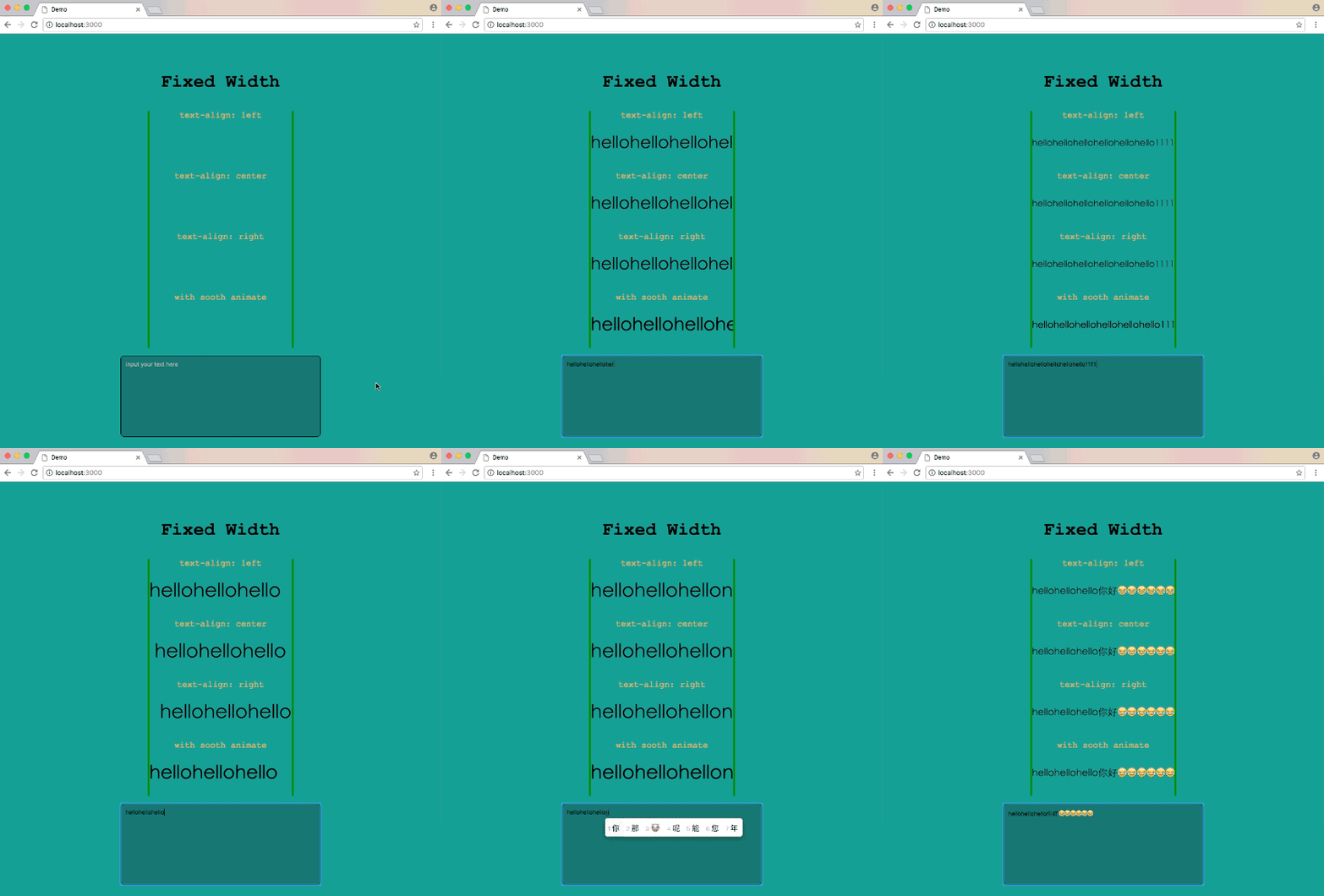
A simple live demo
Installation
npm install react-dynamic-font --saveor
yarn add react-dynamic-fontFor React v0.14 and below, try yarn add react-dynamic-font@^0.0.6
Usage
ReactDynamicFont use the width of its parent element as the fixed width, and remember to add the css style overflow: hidden to its parent element.
import React, { Component } from 'react';
import DynamicFont from 'react-dynamic-font';

class Demo extends Component {
  render() {
    const style = {
      width: 400,
      fontSize: 30,
      lineHeight: 30,
      overflow: 'hidden',
    };
    return (
      <div style={{style}}>
        <DynamicFont content={/* Your text here */} />
      </div>
    );
  }
}
If you want to add smooth animate while font-size changing, add the smooth props.
<DynamicFont smooth content={/* Your text here */} />