
Package Exports
- react-flip-move
This package does not declare an exports field, so the exports above have been automatically detected and optimized by JSPM instead. If any package subpath is missing, it is recommended to post an issue to the original package (react-flip-move) to support the "exports" field. If that is not possible, create a JSPM override to customize the exports field for this package.
Readme
React Flip Move


This module was built to tackle the common but arduous problem of animating a list of items when the list's order changes.
DOM nodes can't actually reorder themselves; brand new nodes are created instead. Because of this, simple CSS transitions don't work.
Flip Move uses the FLIP technique to work out what such a transition would look like, and fakes it using 60+ FPS hardware-accelerated CSS transforms.
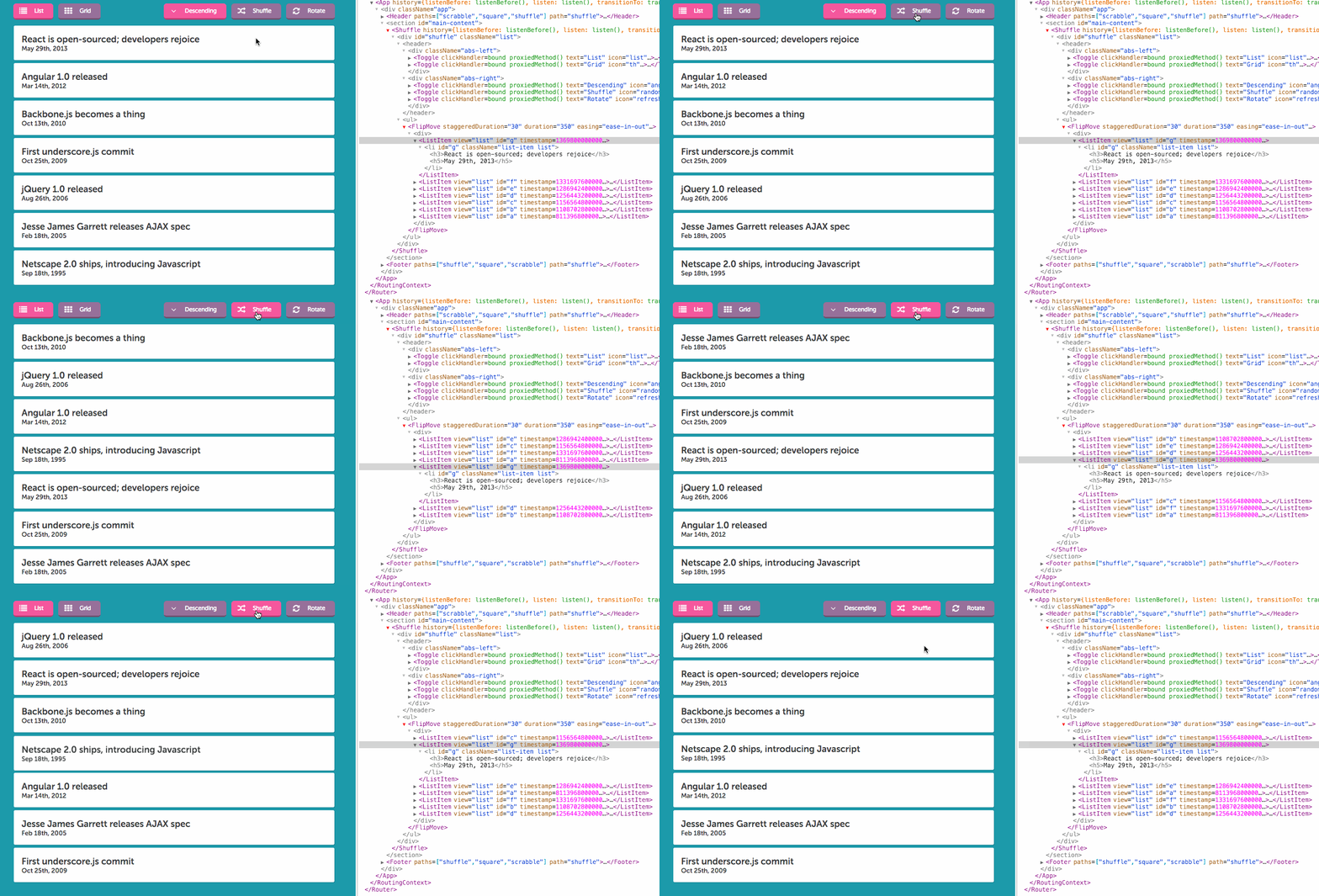
Demos
Installation
npm i -S react-flip-moveUMD builds are also available, in /dist.
Features
Flip Move was inspired by Ryan Florence's awesome Magic Move, and offers:
Full compatibility with React 0.14+. Will be maintained.
Exclusive use of hardware-accelerated CSS properties (
transform: translate) instead of positioning properties (top,left). Read why this matters.Ability to 'humanize' transitions by staggering the delay and/or duration of subsequent elements.
Ability to provide
onStart/onFinishcallbacks.Implementation based on the FLIP technique, a beautiful-in-its-simplicity method of tackling this problem. UMD build, when minified and gzipped, is only 2kb! ⚡
Quickstart
The implementation couldn't be simpler. Just wrap the items you'd like to move in a FlipMove, with any custom options:
import FlipMove from 'react-flip-move';

class TopArticles extends Component {
  renderTopArticles() {
    return this.props.articles.map( article => <Article {...article} key={article.id} /> );
  }

  render() {
    return (
      <div className="top-articles">
        <FlipMove easing="cubic-bezier(0, 0.7, 0.8, 0.1)">
          { this.renderTopArticles() }
        </FlipMove>
      </div>
    );
  }
}
Compatibility
| Chrome | Firefox | Safari | IE | Edge | iOS Safari/Chrome | Android Chrome | |
|---|---|---|---|---|---|---|---|
| Supported | ✔ 10+ | ✔ 4+ | ✔ 6.1+ | ✔ 10+ | ✔ | ✔ 6.1+ | ✔ |
How It Works
Curious how this works, under the hood? Read the Medium post.
Enter/Leave animations
When items are created or removed, the original items will animate as you'd expect; they'll move out of the way when a new element is added, and slide to fill in the space when one is removed.
I have some pretty neat ideas for custom enter/exit animations, but I have not yet found the time to test and implement them.
Options
| Option | Accepted Type(s) |
Default | Details |
|---|---|---|---|
children |
Array
Object
|
The children passed to FlipMove are the component(s) or DOM element(s) that will be moved about. Accepts either a single child (as long as it has a unique key property) or an array of children.
|
|
duration |
Integer
String
|
350 | The length, in milliseconds, that the transition ought to take. |
easing |
String |
"ease-in-out" | Any valid CSS3 timing function (eg. "linear", "ease-in", "cubic-bezier(1, 0, 0, 1)"). |
delay |
Integer
String
|
0 | The length, in milliseconds, to wait before the animation begins. |
staggerDurationBy |
Integer
String
|
0 |
The length, in milliseconds, to be added to the duration of each subsequent element.
For example, if you are animating 4 elements with a duration of 200 and a staggerDurationBy of 20:
|
staggerDelayBy |
Integer
String
|
0 |
The length, in milliseconds, to be added to the delay of each subsequent element.
For example, if you are animating 4 elements with a delay of 0 and a staggerDelayBy of 20:
|
onStart |
Function |
A callback to be invoked once per child element at the start of the animation.
The callback is invoked with two arguments: | |
onFinish |
Function |
A callback to be invoked once per child element at the end of the animation.
The callback is invoked with two arguments: |
Gotchas
Does not work with stateless functional component children. This is because Flip Move uses refs to identify and apply styles to children, and stateless functional components cannot be given refs.
All children need a unique
keyproperty. Even if Flip Move is only given a single child, it needs to have a uniquekeyprop for Flip Move to track it.Existing transition/transform properties will be overridden. I am hoping to change this in a future version, but at present, Flip Move does not take into account existing
transitionortransformCSS properties on its direct children.Elements whose positions have not changed between states will not be animated. This means that no
onStartoronFinishcallbacks will be executed for those elements.
Note on 3D transforms and will-change
Many articles I've seen claim that in order to force browsers to use hardware acceleration, you need to resort to hacky fixes like transformZ(0) or use the new will-change property.
In my personal experimentations on modern versions of Chrome, Safari, Firefox and IE, these properties offer little to no gain (in Chrome's timeline I saw a savings of ~0.5ms on a 24-item shuffle).
Applying will-change too willy-nilly can have an adverse effect on mobile browsers, so I have opted to not use it at all.
YMMV: Feel free to experiment with the property in your CSS. Flip Move will respect the wishes of your stylesheet :)
Further reading: CSS will-change Property
Contributions
Contributors welcome! Please discuss new features with me ahead of time, and submit PRs for bug fixes with tests (Testing stack is Mocha/Chai/Sinon, tested in-browser by Karma).