
Package Exports
- react-loading-skeleton
This package does not declare an exports field, so the exports above have been automatically detected and optimized by JSPM instead. If any package subpath is missing, it is recommended to post an issue to the original package (react-loading-skeleton) to support the "exports" field. If that is not possible, create a JSPM override to customize the exports field for this package.
Readme
react-loading-skeleton
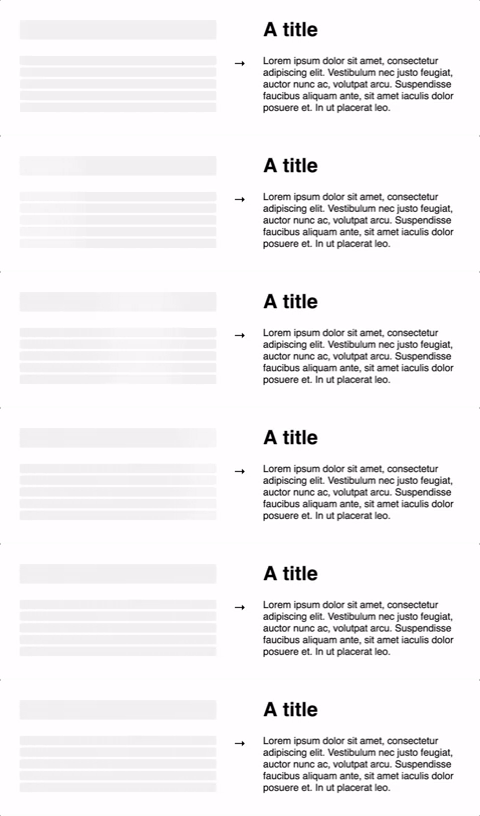
Make beautiful, animated loading skeletons that automatically adapt to your app.
Basic usage
Install by npm/yarn with react-loading-skeleton.
import Skeleton from 'react-loading-skeleton';

<Skeleton/> // Simple, single-line loading skeleton
<Skeleton count={5}/> // Five-line loading skeleton
Adapts to the styles you have defined
The <Skeleton> component is designed to be used directly in your components,
in place of content while it's still loading.
Rather than meticulously crafting a skeleton screen to match the particular
font-size, line-height or margins your content takes on,
use a <Skeleton> component in every piece of empty content to have it
automatically fill the correct dimensions.
For example:
class Blogpost extends Component {
    render() {
        return (
            <div style={{fontSize: 20, lineHeight: 2}}>
                <h1>{this.props.title || <Skeleton/>}</h1>
                {this.props.body || <Skeleton count={10}/>}
            </div>
        );
    }
}
...will produce the correctly-sized skeletons for the heading and body sections
without any further configuration of the <Skeleton> component.
This ensures the loading state remains up-to-date with any changes to your layout or typography.
Don't make dedicated skeleton screens
Instead, make components with built-in skeleton states.
In addition to keeping the styling in-sync, here are some other reasons to do this:
- Components represent all possible states it can be in - loading included.
- It allows for more flexible loading patterns - in the
Blogpostexample, it's possible to have thetitleload first, and then thebody, while having both pieces of content show loading skeletons at the right time.