Package Exports
- react-native-file-opener-ecm
This package does not declare an exports field, so the exports above have been automatically detected and optimized by JSPM instead. If any package subpath is missing, it is recommended to post an issue to the original package (react-native-file-opener-ecm) to support the "exports" field. If that is not possible, create a JSPM override to customize the exports field for this package.
Readme
react-native-file-opener-edoc2
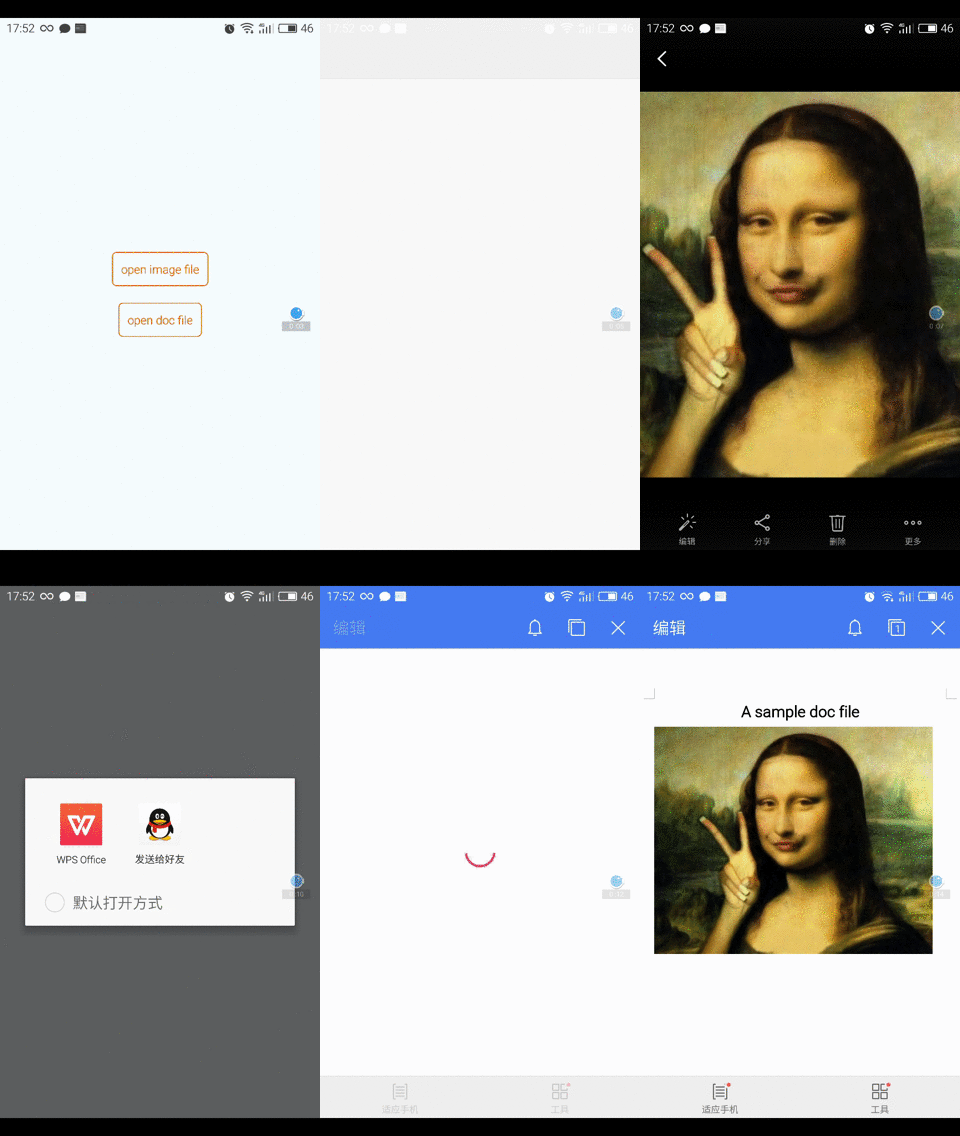
A React Native module that allows you to open a file (mp3, mp4, pdf, word, excel, dwg etc.) on your device with its default application
| iOS | Android |
|---|---|
 |
 |
Install
##iOS
npm install react-native-file-opener-edoc2 --save- in the XCode's "Project navigator", right click on your project's
Librariesfolder ➜Add Files to - Go to
node_modules➜react-native-file-opener-edoc2➜ios➜ selectRNFileOpener.xcodeproj - Add
libRNFileOpener.atoBuild Phases -> Link Binary With Libraries - Compile and have fun
##Android
npm install react-native-file-opener-edoc2 --save
// file: android/settings.gradle
...
include ':react-native-file-opener-edoc2'
project(':react-native-file-opener-edoc2').projectDir = new File(settingsDir, '../node_modules/react-native-file-opener-edoc2/android')
// file: android/app/build.gradle
...
dependencies {
...
compile project(':react-native-file-opener-edoc2')
}- register module
- For react-native below 0.19.0 (use cat ./node_modules/react-native/package.json | grep version)
// file: MainActivity.java
import com.fileopener.FileOpenerPackage;  // <- import

public class MainActivity extends Activity implements DefaultHardwareBackBtnHandler {

  ...

  @Override
  protected void onCreate(Bundle savedInstanceState) {
    super.onCreate(savedInstanceState);
    mReactRootView = new ReactRootView(this);

    mReactInstanceManager = ReactInstanceManager.builder()
      .setApplication(getApplication())
      .setBundleAssetName("index.android.bundle")
      .setJSMainModuleName("index.android")
      .addPackage(new MainReactPackage())
      .addPackage(new FileOpenerPackage())      // <- add package
      .setUseDeveloperSupport(BuildConfig.DEBUG)
      .setInitialLifecycleState(LifecycleState.RESUMED)
      .build();

    mReactRootView.startReactApplication(mReactInstanceManager, "ExampleRN", null);

    setContentView(mReactRootView);
  }

  ...

}- For react-native 0.19.0 and higher
// file: MainActivity.java
    ...
import com.fileopener.FileOpenerPackage;//<- import package

public class MainActivity extends ReactActivity {

   /**
   * A list of packages used by the app. If the app uses additional views
   * or modules besides the default ones, add more packages here.
   */
    @Override
    protected List<ReactPackage> getPackages() {
        return Arrays.<ReactPackage>asList(
            new MainReactPackage(), //<- Add comma
            new FileOpenerPackage() //<- Add package
        );
    }
...
}
##Usage
- In your React Native javascript code, bring in the native module
const FileOpener = require('react-native-file-opener');- Basic usage
const FilePath = ...; // path of the file
const FileMimeType = ...; // mime type of the file
FileOpener.open(
    FilePath,
    FileMimeType
).then((msg) => {
    console.log('success!!')
},() => {
    console.log('error!!')
});
##Usage with react-native-fs
- You can get filepath by using react-native-fs
const RNFS = require('react-native-fs');
const FileOpener = require('react-native-file-opener');

const SavePath = Platform.OS === 'ios' ? RNFS.DocumentDirectoryPath : RNFS.ExternalDirectoryPath;
const sampleDocFilePath = SavePath + '/sample.doc';

...

  function openSampleDoc() {
        FileOpener.open(
            sampleDocFilePath,
            'application/msword'
        ).then(() => {
            console.log('success!!');
        },(e) => {
            console.log('error!!');
        });

    }

...