
Package Exports
- react-native-keyboard-aware-scroll-view
This package does not declare an exports field, so the exports above have been automatically detected and optimized by JSPM instead. If any package subpath is missing, it is recommended to post an issue to the original package (react-native-keyboard-aware-scroll-view) to support the "exports" field. If that is not possible, create a JSPM override to customize the exports field for this package.
Readme
react-native-keyboard-aware-scroll-view

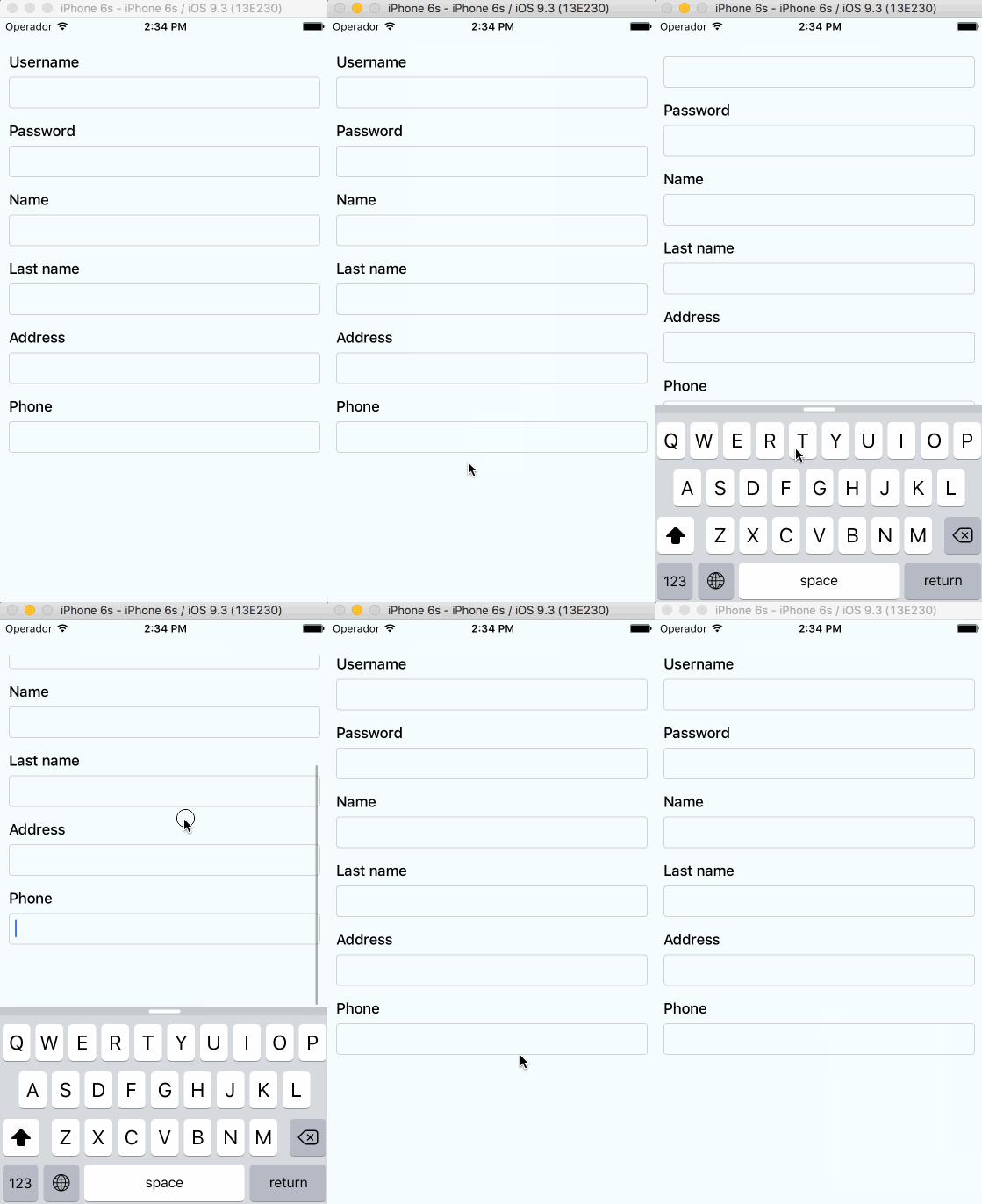
A ScrollView component that handles keyboard appearance and automatically scrolls to focused TextInput.
Supported versions
v0.2.0requiresRN>=0.32.0.v0.1.2requiresRN>=0.27.2but you should use0.2.0in order to make it work with multiple scroll views.v0.0.7requiresreact-native>=0.25.0.- Use
v0.0.6for older RN versions.
Installation
Installation can be done through npm:
npm i react-native-keyboard-aware-scroll-view --saveUsage
You can use the KeyboardAwareScrollView or the KeyboardAwareListView
components. Both accept ScrollView and ListView default props and
implements a custom KeyboardAwareMixin to handle keyboard appearance.
The mixin is also available if you want to use it in any other component.
Import react-native-keyboard-aware-scroll-view and wrap your content inside
it:
import { KeyboardAwareScrollView } from 'react-native-keyboard-aware-scroll-view'<KeyboardAwareScrollView>
<View>
<TextInput />
</View>
</KeyboardAwareScrollView>Auto-scroll in TextInput fields
As of v0.1.0, the component auto scrolls to the focused TextInput 😎. For versions v0.0.7 and older you can do the following.
Programatically scroll to any TextInput
In order to scroll to any TextInput field, you can use the built-in method scrollToFocusedInput. Example:
_scrollToInput (reactNode: any) {
  // Add a 'scroll' ref to your ScrollView
  this.refs.scroll.scrollToFocusedInput(reactNode)
}<KeyboardAwareScrollView ref='scroll'>
<View>
<TextInput onFocus={(event: Event) => {
// `bind` the function if you're using ES6 classes
this._scrollToInput(ReactNative.findNodeHandle(event.target))
}/>
</View>
</KeyboardAwareScrollView>Programatically scroll to any position
There's another built-in function that lets you programatically scroll to any position of the scroll view:
this.refs.scroll.scrollToPosition(0, 0, true)Register to keyboard events
You can register to ScrollViewResponder events onKeyboardWillShow and onKeyboardWillHide:
<KeyboardAwareScrollView
  onKeyboardWillShow={(frames: Object) => {
    console.log('Keyboard event', frames)
  }}>
  <View>
    <TextInput />
  </View>
</KeyboardAwareScrollView>
API
Props
All the ScrollView/ListView props will be passed.
| Prop | Type | Description |
|---|---|---|
viewIsInsideTabBar |
boolean |
Adds an extra offset that represents the TabBarIOS height. |
resetScrollToCoords |
Object: {x: number, y: number} |
Coordinates that will be used to reset the scroll when the keyboard hides. |
enableAutoAutomaticScroll |
boolean |
When focus in TextInput will scroll the position, default is enabled. |
extraHeight |
number |
Adds an extra offset when focusing the TextInputs. |
extraScrollHeight |
number |
Adds an extra offset to the keyboard. Useful if you want to stick elements above the keyboard. |
License
MIT.