Package Exports
- react-spreadsheet
This package does not declare an exports field, so the exports above have been automatically detected and optimized by JSPM instead. If any package subpath is missing, it is recommended to post an issue to the original package (react-spreadsheet) to support the "exports" field. If that is not possible, create a JSPM override to customize the exports field for this package.
Readme

React Spreadsheet
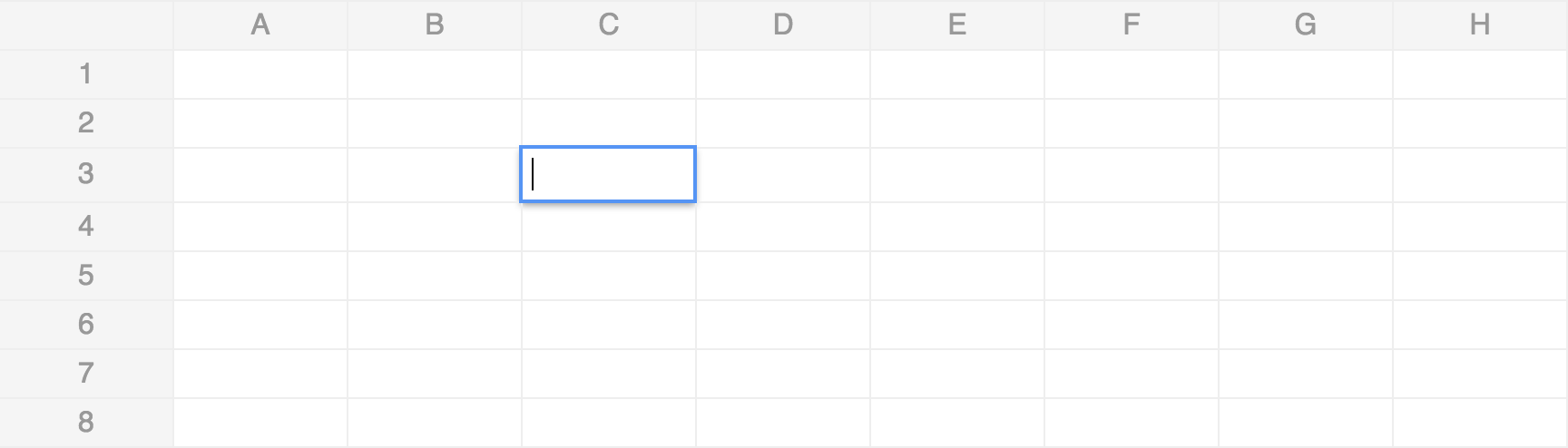
Simple, customizable yet performant spreadsheet for React.



npm install react-spreadsheetor
yarn add react-spreadsheetFeatures
- Simple straightforward API focusing on common use cases while keeping flexibility
- Performant (yet not virtualized)
- Implements Just Components™
Demo
Usage
Getting Started
import React from "react";
import Spreadsheet from "react-spreadsheet";

const data = [
  [{ value: "Vanilla" }, { value: "Chocolate" }],
  [{ value: "Strawberry" }, { value: "Cookies" }],
];

const MyComponent = () => <Spreadsheet data={data} />;
Custom Components
import React from "react";
import Spreadsheet from "react-spreadsheet";

const RangeView = ({ cell }) => (
  <input
    type="range"
    value={cell.value}
    disabled
    style={{ pointerEvents: "none" }}
  />
);

const RangeEdit = ({ cell, onChange }) => (
  <input
    type="range"
    onChange={(e) => {
      onChange({ ...cell, value: e.target.value });
    }}
    value={cell.value || 0}
    autoFocus
  />
);

const data = [
  [{ value: "Flavors" }],
  [({ value: "Vanilla" }, { value: "Chocolate" })],
  [{ value: "Strawberry" }, { value: "Cookies" }],
  [
    { value: "How much do you like ice cream?" },
    { value: 100, DataViewer: RangeView, DataEditor: RangeEdit },
  ],
];

const MyComponent = () => <Spreadsheet data={data} />;
Prior Art
- React Datasheet - Heavily inspired by, enhanced performance and API, no formulas
- React Spreadsheet Grid - Virtualized, lacks significant UI parts, no formulas
- Handsonetable - Virtualized, lacks dynamic customization. React Spreadsheet uses it's formulas parsing module
License