

Package Exports
- socket-be
- socket-be/src/index.js
This package does not declare an exports field, so the exports above have been automatically detected and optimized by JSPM instead. If any package subpath is missing, it is recommended to post an issue to the original package (socket-be) to support the "exports" field. If that is not possible, create a JSPM override to customize the exports field for this package.
Readme
SocketBE
This is a tool to connect with MinecraftBE via websocket easier.
日本語版はこちら: README_ja.md
Features
- Multiple client connection
- Command execution + Handling responses
- Simple event subscribing
- Player Join/Leave events
- Player score/tag management
Discord
Support server(Japanese community): https://discord.gg/XGR8FcCeFc
We are waiting for your contribution and bug reports!
Installation:
Requires more than NodeJS v16
Install with clone
After cloning this repository, runnpm i
and install the dependencies.
We can run sample script with:node test.jsInstall as npm package
Run this and install!npm i socket-be
Try connecting
If you use this inside same device, allow the loopback connection.CheckNetIsolation.exe LoopbackExempt -a -n="Microsoft.MinecraftUWP_8wekyb3d8bbwe"
Also turn off "Encrypted websocket connection" in Minecraft settings
We use /wsserver or /connect command to connect with mc
EX: /wsserver <IP Address>:<PORT>
Try checking firewall setting if fails to connect
Usage
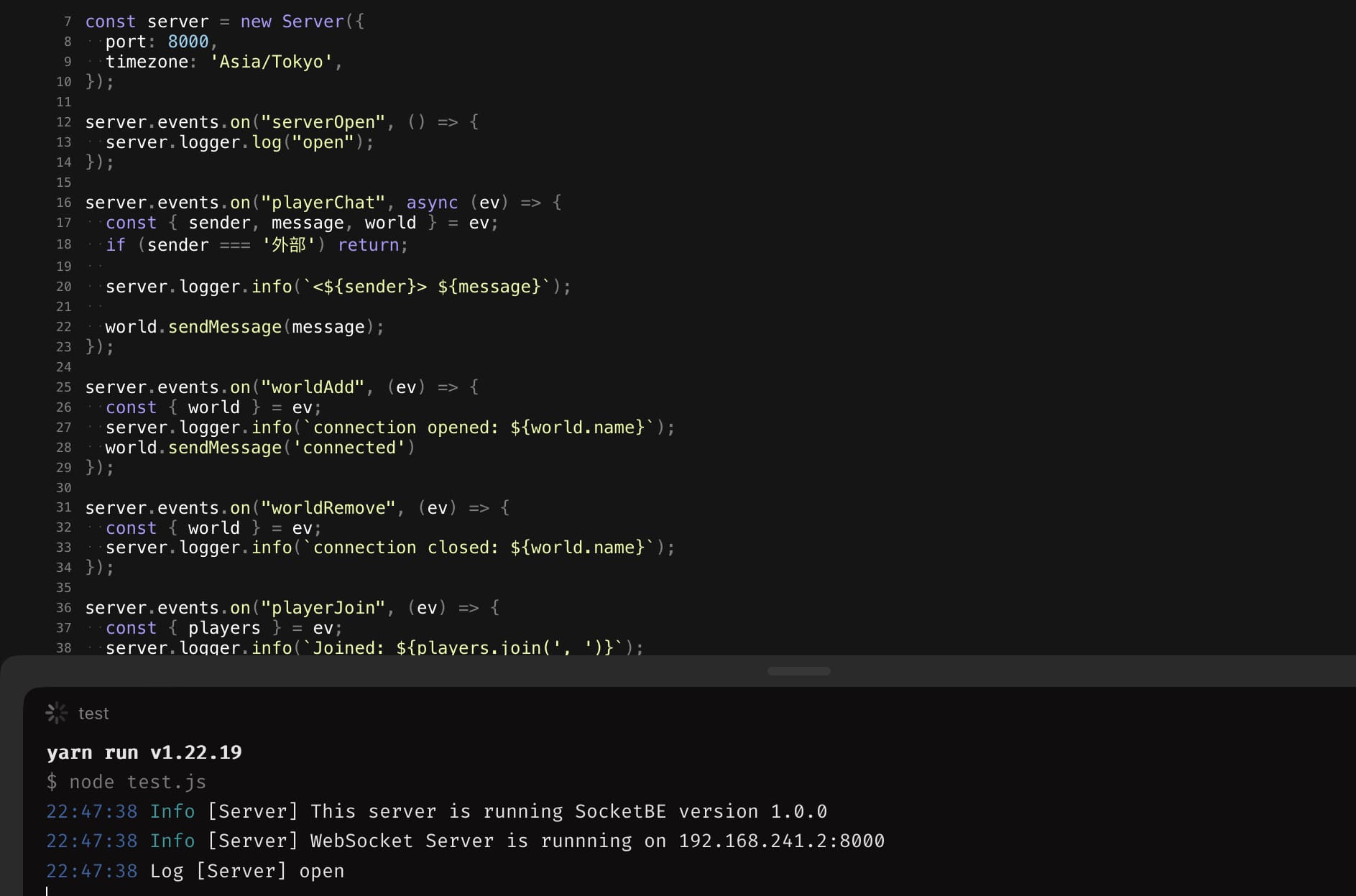
- Outputs received messages in console, and send back to mc
const { Server } = require('socket-be');
const server = new Server({
  port: 8000,
  timezone: 'Asia/Tokyo',
});

server.events.on('serverOpen', () => {
  console.log('open!');
});

server.events.on('playerChat', async (event) => {
  if (event.sender === 'External') return; // prevents spam loop

  server.logger.info(`<${event.sender}> ${event.message}`);

  if (event.message === 'ping') {
    await event.world.sendMessage('Pong!');
  }
});
SocketBE Wiki
https://github.com/tutinoko2048/SocketBE/wiki
License
MIT License!!