
Package Exports
- string.ify
This package does not declare an exports field, so the exports above have been automatically detected and optimized by JSPM instead. If any package subpath is missing, it is recommended to post an issue to the original package (string.ify) to support the "exports" field. If that is not possible, create a JSPM override to customize the exports field for this package.
Readme
String.ify
A small, simple cross-platform JavaScript object stringifier / pretty-printer.
Why
- Humanized output
- Highly configurable
- Pluggable rendering (via Symbols)
- Works in Node and browsers
Recent changes
- Chain-style configuration helpers:
stringify.pure.noPretty.maxDepth (10) (...) - Now understands typed arrays
Installing
npm install string.ifyIn your code:
stringify = require ('string.ify')How it works
stringify ({ obj: [{ someLongPropertyName: 1, propertyName: 2, anotherProp: 4, moreProps: 5 },
                   { propertyName: { foobarbaz: true, qux: 6, zap: "lol" } }] })
Will output:
{ obj: [ { someLongPropertyName: 1,
                   propertyName: 2,
                    anotherProp: 4,
                      moreProps: 5  },
         { propertyName: { foobarbaz:  true,
                                 qux:  6,
                                 zap: "lol"  } } ] }
As you can see, it does some fancy alignment to make complex nested objects look more readable:
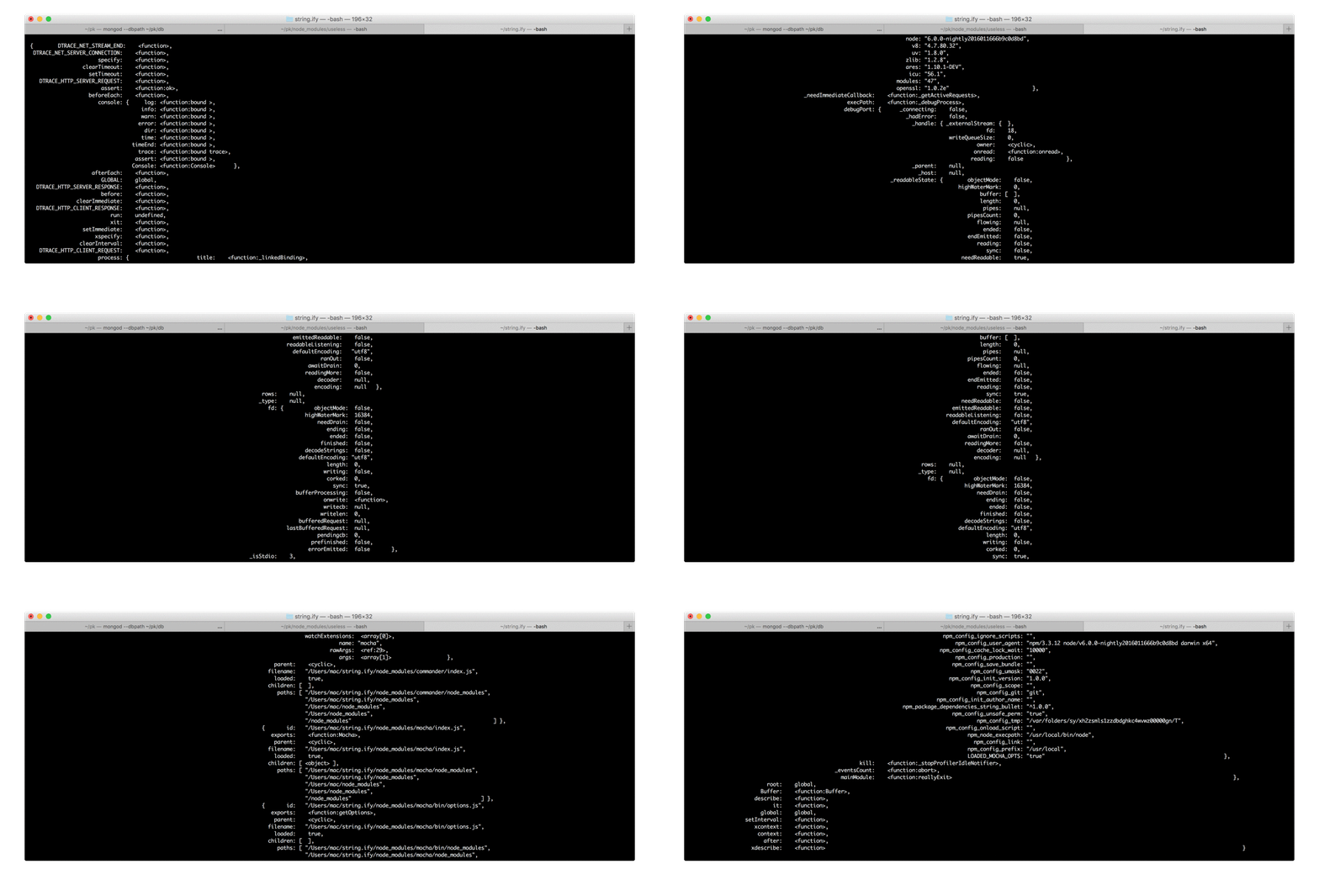
It automatically detects whether the pretty printing is nessesary: if total output is less than 80 symbols wide, it renders it as single line:
stringify ({ foo: 1, bar: 2 }) // { foo: 1, bar: 2 }It handles global and window references, so it wont mess up your output:
stringify ({ root: global }) // { root: global }Cyclic references:
var obj = {}
    obj.foo = { bar: [obj] }

stringify (obj) // { foo: { bar: [<cyclic>] } }
Collapsing multiple references to the same object:
var obj = {}

stringify ([obj, obj, obj]) // [{  }, <ref:1>, <ref:1>]
It even understands jQuery objects and DOM nodes:
$('<button id="send" class="red" /><button class="blue" />']).appendTo (document.body)

stringify ($('button'))                           // "[ <button#send.red>, <button.blue> ]"
stringify (document.createTextNode ('some text')) // "@some text"
Configuring output
Configuring goes like this:
stringify.configure ({ /* params */ }) (...)You can stack .configure calls, as it simply returns a new function instance with config params applied:
stringify = require ('string.ify').configure ({ ... }) // configure at import

...

stringify.configure ({ ... }) (obj) // ad-hoc configuration
Configuration parameters have chain-style setter methods:
stringify.pure.noPretty.maxDepth (10) (...)It's the same as calling configure with:
stringify.configure ({ pure: true, pretty: false, maxDepth: 10 }) (...)Forcing single-line rendering by setting { pretty: false } or with noPretty chain helper:
stringify.noPretty
    ({ nil: null, nope: undefined, fn: function ololo () {}, bar: [{ baz: "garply", qux: [1, 2, 3] }] })
//   { nil: null, nope: undefined, fn: <function:ololo>,     bar: [{ baz: "garply", qux: [1, 2, 3] }] }
JSON-compatible output:
stringify.json ({ foo: { bar: 'baz' } }) // { "foo": { "bar": "baz" } }JavaScript output:
stringify.pure ({ yo: function () { return 123 } }) // { yo: function () { return 123 } }Setting maxDepth (defaults to 5) and maxArrayLength (defaults to 60):
stringify.maxDepth (2).maxArrayLength (5) ({ a: { b: { c: 0 } }, qux: [1,2,3,4,5,6] }),
                                        // { a: { b: <object> }, qux: <array[6]> }
Setting maxStringLength (default is 60):
stringify.maxStringLength (4) ({ yo: 'blablablabla' }) // { yo: "bla…" }Empty argument means no limit:
stringify.maxDepth () (...) // will render arbitrarily deepSetting floating-point output precision:
stringify               ({ a: 123, b: 123.000001 }) // { a: 123, b: 123.000001 }
stringify.precision (2) ({ a: 123, b: 123.000001 }) // { a: 123, b: 123.00 }
Custom rendering
With ad-hoc formatter
booleansAsYesNo = stringify.formatter (x => (typeof x === 'boolean' ? (x ? 'yes' : 'no') : undefined))
booleansAsYesNo  ({ a: { b: true }, c: false }),
//                { a: { b: yes }, c: no }
Return undefined to fallback to the default formatter.
With Symbols
If you don't know what they are, read this article. Symbols are awesome! They allow to add hidden properties (i.e. metadata) to arbitrary objects. String.ify uses this mechanism to implement custom formatters on rendered objects:
Boolean.prototype[Symbol.for ('String.ify')] = function (stringify) {
                                                   return this ? 'yes' : 'no' }

stringify ({ a: { b: true }, c: false })
//        '{ a: { b: yes }, c: no }'
Note how a stringify is passed as an argument to a renderer function. Call it to render nested contents. Current config options are available as properties of that function. You can override them by calling the configure method. Here's an example of adding purple ANSI color to rendered arrays:
Array.prototype[Symbol.for ('String.ify')] = function (stringify) {

    return '\u001B[35m[' + this.map (stringify).join (', ') + ']\u001b[0m'
}

stringify ({ a:           [{ foo: 42, bar: 43 }, 44, 45, 46] })
//        '{ a: \u001B[35m[{ foo: 42, bar: 43 }, 44, 45, 46]\u001b[0m }')
Powered by
- string.bullet — a helper for the ASCII data layouting
Applications
- Ololog — a platform-agnostic logging powered with String.ify