
Package Exports
This package does not declare an exports field, so the exports above have been automatically detected and optimized by JSPM instead. If any package subpath is missing, it is recommended to post an issue to the original package (@amicaldo/strapi-google-maps) to support the "exports" field. If that is not possible, create a JSPM override to customize the exports field for this package.
Readme
Strapi Google Maps
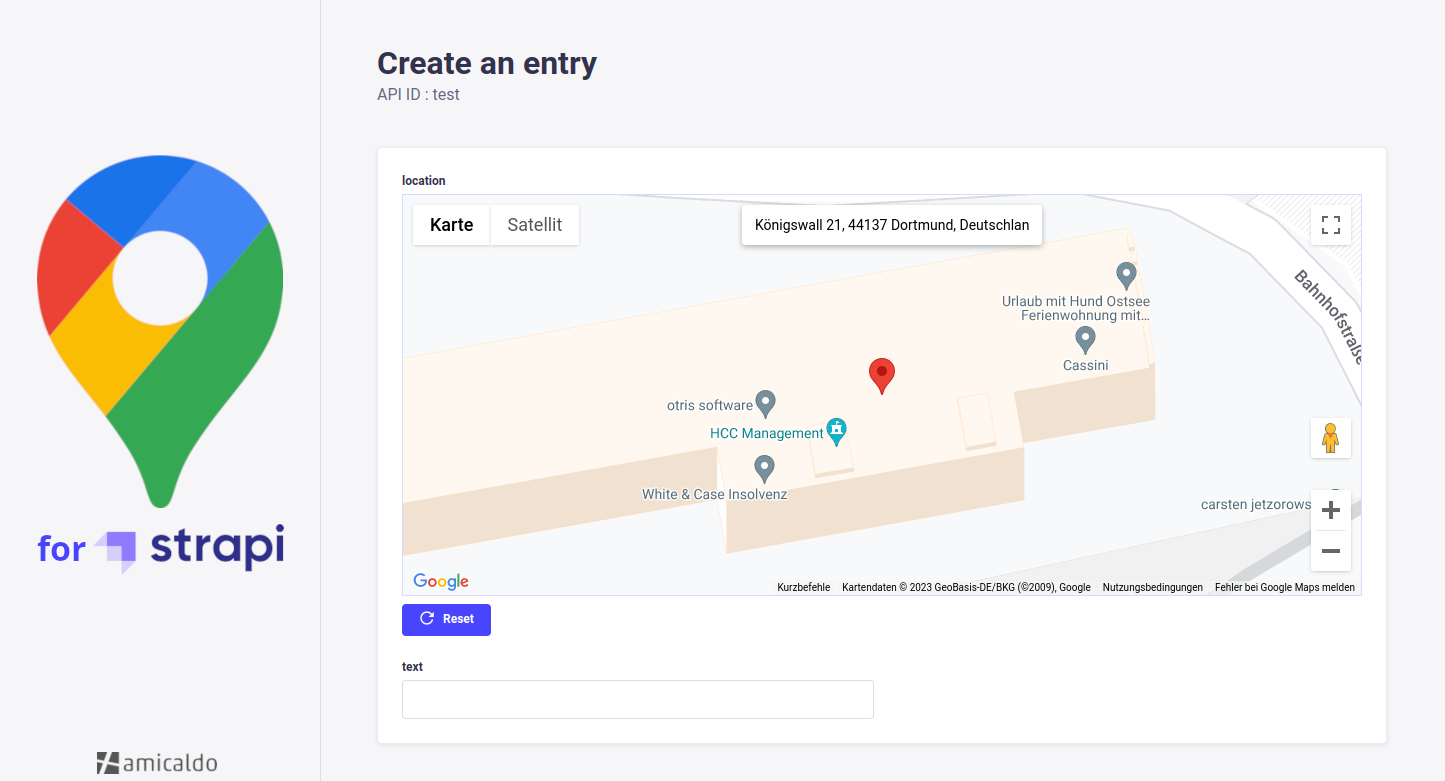
A Strapi plugin allowing you to implement a Google Maps custom field into your content-types, which can be used to pick and retrieve locations.
Usage
The API response of a Strapi content-type implementing this google-maps custom field could look as follows:
{
  "data": {
    "id": 16,
    "attributes": {
      "location": {
        "coordinates": {
          "lat": 51.5164315,
          "lng": 7.455616999999997
        },
        "geohash": "u1jm1dm0bqyu"
      }
    }
  },
  "meta": {}
}
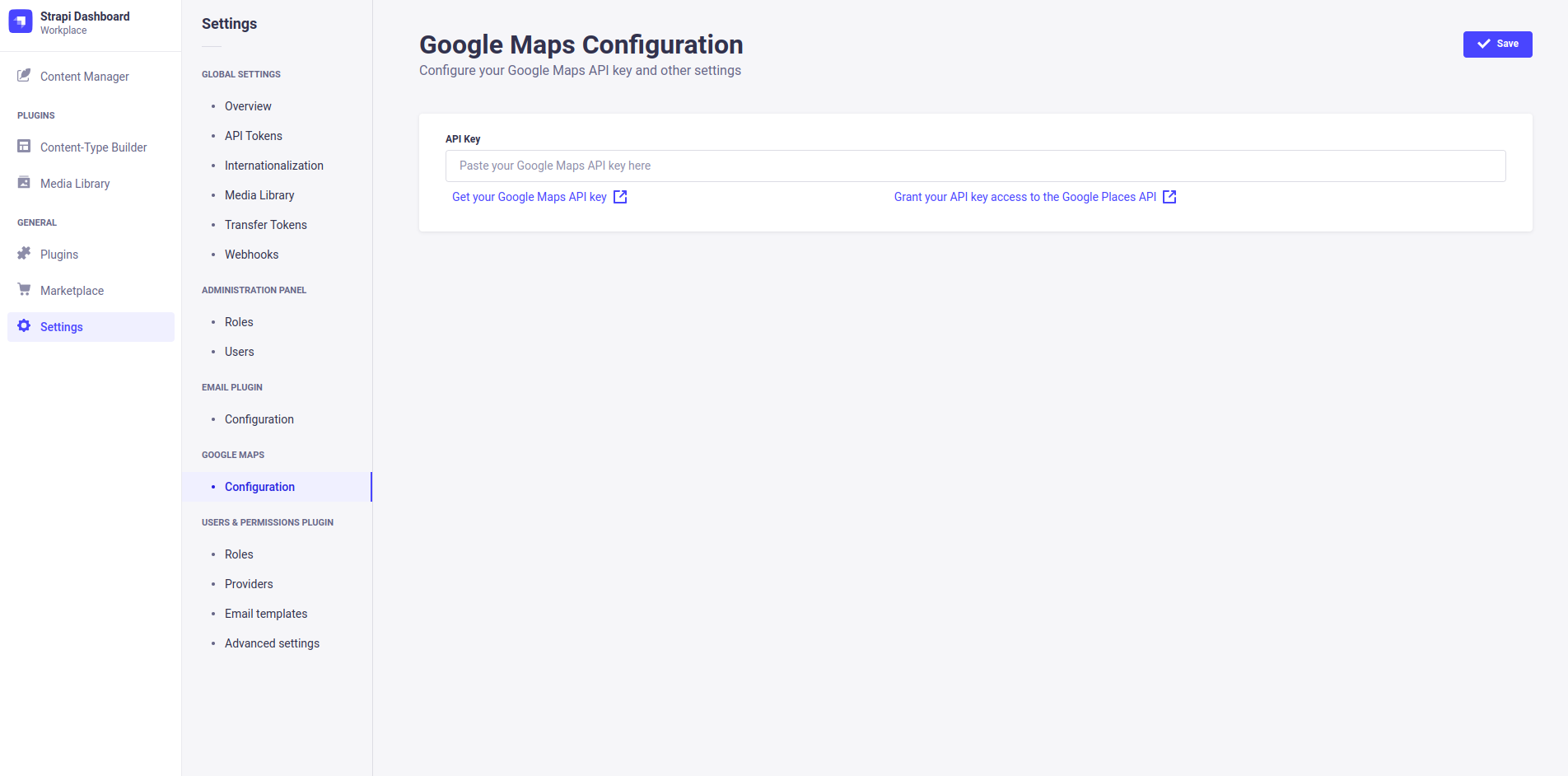
You can configure this plugin inside your Strapi dashboard's settings tab (e.g. to enter your API key).
Installation
NPM package is to be published...
Manual Installation (not recommended)
Navigate into your Strapi's plugins folder and clone this repository. Then navigate into this plugin's directory.
cd ./src/plugins
git clone https://github.com/amicaldo/strapi-google-maps.git
cd ./strapi-google-maps
Install the dependencies using npm and compile the server side part.
npm install
npm run build
From your project's root directory, enable the plugin inside ./config/plugins.js.
module.exports = {
  // ...
  'google-maps': {
    enabled: true,
    resolve: './src/plugins/strapi-google-maps',
  },
  // ...
};
Allow all Google Maps assets to be loaded correctly by customizing the strapi::security middleware inside ./config/middlewares.js.
Instead of:
export default [
  // ...
  'strapi::security',
  // ...
];
Write:
export default [
  // ...
  {
    name: 'strapi::security',
    config: {
      contentSecurityPolicy: {
        useDefaults: true,
        directives: {
          'connect-src': ["'self'", 'https:'],
          'script-src': ["'self'", 'https://maps.googleapis.com'],
          'media-src': [
            "'self'",
            'blob:',
            'data:',
            'https://maps.gstatic.com',
            'https://maps.googleapis.com',
          ],
          'img-src': [
            "'self'",
            'blob:',
            'data:',
            'https://maps.gstatic.com',
            'https://maps.googleapis.com',
            'khmdb0.google.com',
            'khmdb0.googleapis.com',
            'khmdb1.google.com',
            'khmdb1.googleapis.com',
            'khm.google.com',
            'khm.googleapis.com',
            'khm0.google.com',
            'khm0.googleapis.com',
            'khm1.google.com',
            'khm1.googleapis.com',
            'khms0.google.com',
            'khms0.googleapis.com',
            'khms1.google.com',
            'khms1.googleapis.com',
            'khms2.google.com',
            'khms2.googleapis.com',
            'khms3.google.com',
            'khms3.googleapis.com',
            'streetviewpixels-pa.googleapis.com',
            'market-assets.strapi.io'
          ],
        },
      },
    },
  },
  // ...
];
Lastly, recompile the admin panel of your Strapi project.
npm run buildAfter starting your Strapi project, you'll be able to use the Google Maps custom field.