
Package Exports
- @ion-cloud/core
This package does not declare an exports field, so the exports above have been automatically detected and optimized by JSPM instead. If any package subpath is missing, it is recommended to post an issue to the original package (@ion-cloud/core) to support the "exports" field. If that is not possible, create a JSPM override to customize the exports field for this package.
Readme
ion-cloud
JavaScript game engine by Nathaniel Inman.
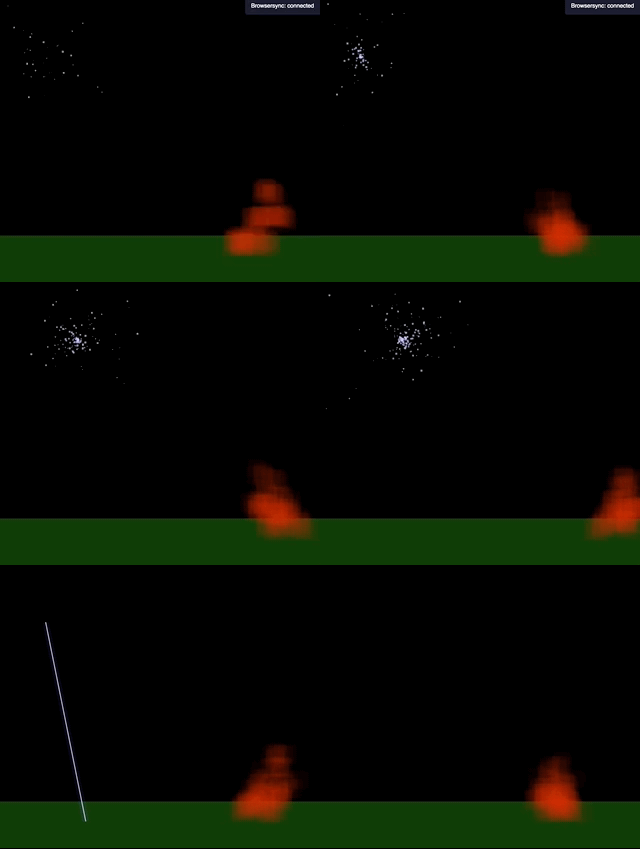
Description
Ion Cloud is a JavaScript game engine available on npm at @ion-cloud/core. Alternatively you can individually choose and load just the components you need:
- Easel : sets up a canvas that can fill a screen and automatically resize
- here is the documentation
@ion-cloud/easel
- here is the documentation
- Ion : tweaning and basic animation instance
- here is the documentation
@ion-cloud/ion
- here is the documentation
- Cloud : animation collections and scene management
- here is the documentation
@ion-cloud/cloud
- here is the documentation
- Ink : A tiny color manipulation and translation library with robust validation and error handling that shines in places where you can't trust the input color or random generation and games
- here is the documentation
@ion-cloud/ink - translate between color spaces: hex, cmyk, rgb, rgba, hsl, hsla, hsva, hsv, hsba or hsb
- apply weights to r(ed),g(green),b(lue),l(ightness) or s(aturation)
- apply a minimum or maximum lightness threshold on a color
- coerce a color to a certain lightness percent
- apply a minimum or maximum saturation threshold on a color
- coerce a color to a certain saturation percent
- apply an alpha value
- output to javascript object {r,g,b,a}
- here is the documentation
- Phaser : gradient animation and initialization helper
- here is the documentation
@ion-cloud/phaser
- here is the documentation
- Dice: take a complex dice string and compute results based on it.
- here is the documentation
@ion-cloud/dice 3d8+23-2d4would roll 3 8-sided dice, add 23 then subtract the results of 2 rolled 4-sided dice
- here is the documentation
- Compass: JavaScript mapping classes and random generation algorithms.
- here is the documentation
@ion-cloud/compass
- here is the documentation
If you need help setting up a project using @ion-cloud/core you can use a scaffolding engine like slush. For more information see this project.
Setup
You can install the entire JavaScript ion-cloud engine simply by
npm i @ion-cloud/coreand then importing only what you need into your project with
import {Easel,Ion} from '@ion-cloud/core';Alternatively you can install only the components you need such as
npm i -g @ion-cloud/diceAnd then using just those in your project
import {Dice} from '@ion-cloud/dice';