
Package Exports
This package does not declare an exports field, so the exports above have been automatically detected and optimized by JSPM instead. If any package subpath is missing, it is recommended to post an issue to the original package (chapa-cli) to support the "exports" field. If that is not possible, create a JSPM override to customize the exports field for this package.
Readme
chapa-cli


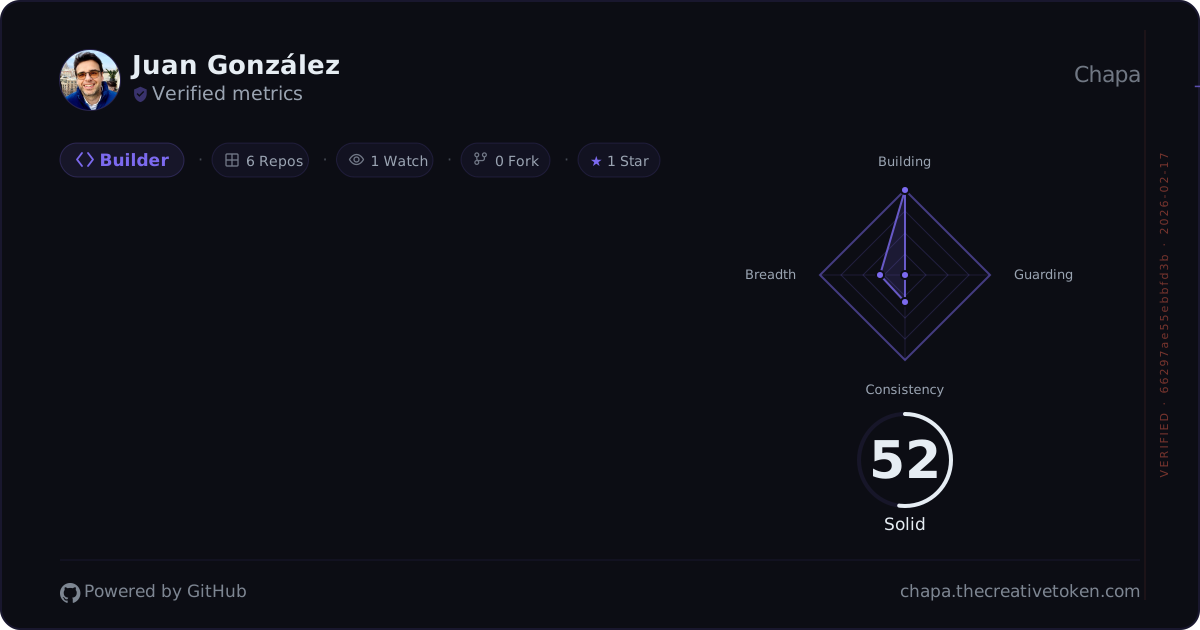
Merge GitHub Enterprise Managed User (EMU) contributions into your Chapa developer impact badge.
Why?
If you use a GitHub EMU account at work, your contributions live on a separate identity from your personal GitHub. Chapa badges only see your personal account. This CLI bridges the gap by fetching your EMU stats and merging them into your Chapa badge.
Install
npm install -g chapa-cliRequires Node.js 18+.
Quick start
# 1. Log in with your personal GitHub (opens browser)
chapa login

# 2. Merge your EMU contributions
chapa merge --emu-handle your-emu-handle --emu-token ghp_your_emu_token
Commands
chapa login
Authenticate with the Chapa server. Opens a browser window where you approve the CLI with your personal GitHub account.
chapa login
chapa login --server http://localhost:3001  # local dev
chapa login --insecure                       # corporate TLS interception
chapa login --verbose                        # debug polling
chapa logout
Clear stored credentials from ~/.chapa/credentials.json.
chapa logoutchapa merge
Fetch stats from your EMU account and upload them to Chapa.
chapa merge --emu-handle your-emu-handleThe EMU token can be provided via --emu-token flag or GITHUB_EMU_TOKEN environment variable. The token needs read:user scope.
Options
| Flag | Description |
|---|---|
--emu-handle <handle> |
Your EMU GitHub handle (required for merge) |
--emu-token <token> |
EMU GitHub token (or set GITHUB_EMU_TOKEN) |
--handle <handle> |
Override personal handle (auto-detected from login) |
--token <token> |
Override auth token (auto-detected from login) |
--server <url> |
Chapa server URL (default: production) |
--verbose |
Show detailed polling logs during login |
--insecure |
Skip TLS certificate verification |
--version, -v |
Show version number |
--help, -h |
Show help message |
Corporate networks
Many corporate networks use TLS interception (MITM proxies). If you see errors like:
UNABLE_TO_VERIFY_LEAF_SIGNATURESELF_SIGNED_CERT_IN_CHAINself-signed certificate in certificate chain
Use the --insecure flag:
chapa login --insecure
chapa merge --emu-handle your-emu --insecure
This disables TLS certificate verification for the CLI session only.
How it works
Login: The CLI generates a session ID, displays an authorization URL, and polls the Chapa server until you approve in the browser. Credentials are saved to
~/.chapa/credentials.json.Merge: The CLI fetches your EMU account's contribution data via GitHub's GraphQL API (using your EMU token), then uploads the aggregated stats to the Chapa server. Your badge will reflect the combined data on next refresh.
Metrics collected
The merge command fetches the following data from your EMU account via GitHub's GraphQL API, covering a rolling 365-day window.
Contribution metrics
| Metric | Description |
|---|---|
| Total commits | All contributions recorded in GitHub's contribution calendar |
| Active days | Number of days with at least one contribution |
| Merged PRs (count) | Pull requests that were merged |
| Merged PRs (weight) | Complexity-weighted score based on lines changed and files touched |
| Reviews submitted | Pull request reviews authored |
| Issues closed | Issues contributed to |
| Lines added | Sum of additions across merged PRs |
| Lines deleted | Sum of deletions across merged PRs |
Repository metrics
| Metric | Description |
|---|---|
| Repos contributed to | Repositories with at least one commit in the period (top 20 by last push) |
| Top repo share | Ratio of commits in your most-active repo vs. total — measures focus/spread |
| Total stars | Stargazers across your owned repositories |
| Total forks | Forks across your owned repositories |
| Total watchers | Watchers across your owned repositories |
Activity data
| Metric | Description |
|---|---|
| Heatmap | Daily contribution count for every day in the 365-day window |
All metrics are aggregated client-side and uploaded to the Chapa server in a single request. The EMU token is used only to query GitHub's API and is never stored or sent to Chapa.
Contributing
Contributions are welcome! See CONTRIBUTING.md for development setup and guidelines.
License
MIT